How to grant users permission to export data in Zendesk Sell
Here is how to grant users permission to export data in zendesk sell
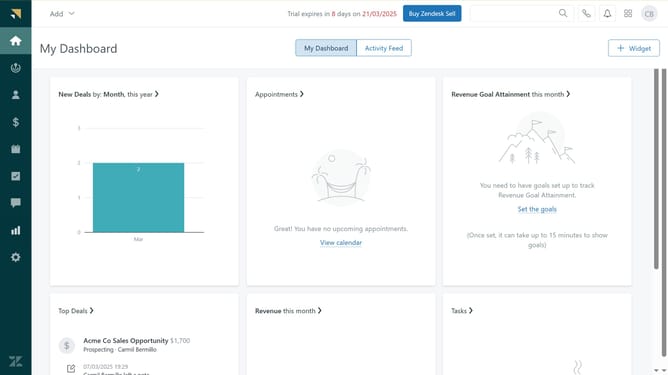
- First in Zendesk sell, click on the "Settings" icon in the left sidebar of the dashboard
- Then click on the "Export" option under the Data section
- Next click on the "Export Options" button in the top-right corner of the Exports page
- Then click on the dropdown menu to select export permissions, which currently shows "Admins Only"
- Then select "All users" from the dropdown menu
- Finally click on the "Save" button to apply the changes
Why should you grant users permission to export data in Zendesk Sell
Zendesk is a sophisticated platform designed to enhance customer relationships through efficient service and sales solutions.
One significant feature is the ability to grant users permission to export data in Zendesk Sell, empowering teams with crucial insights.
Allowing data export access ensures smooth collaboration, informed decision-making, and a streamlined workflow, ultimately boosting productivity while maintaining data integrity and security.
Last update