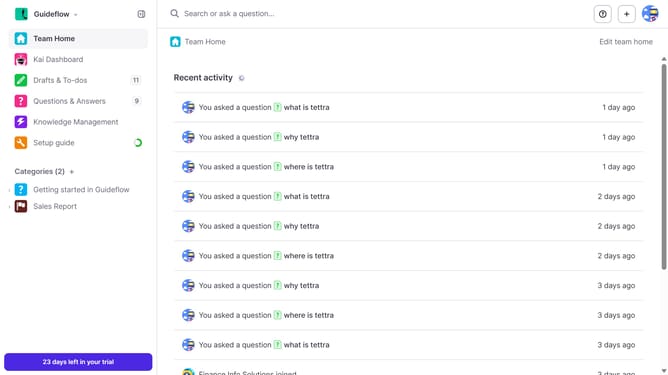
How to edit team home in Tettra
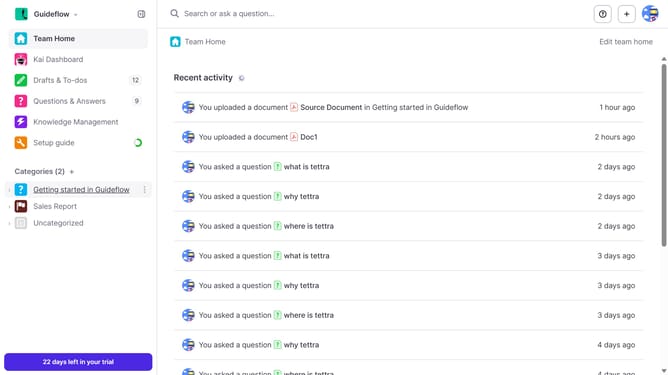
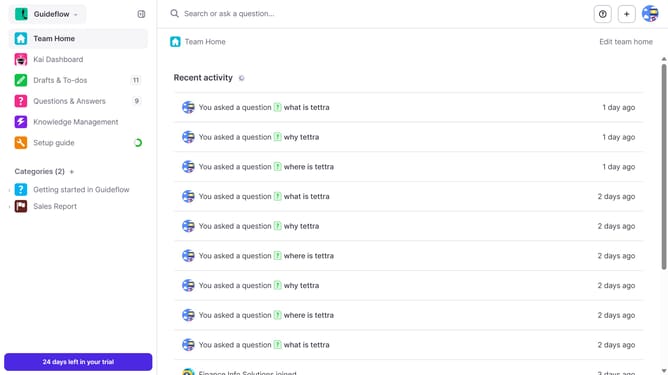
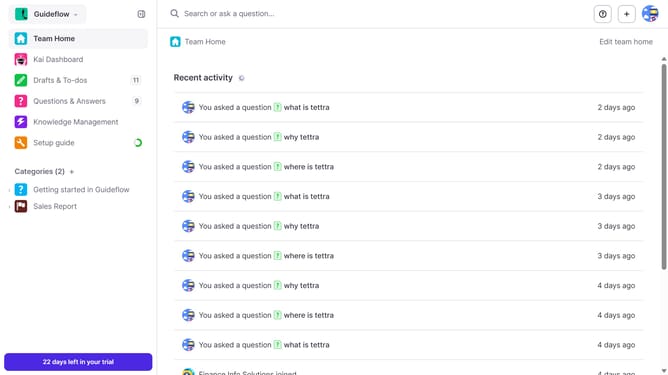
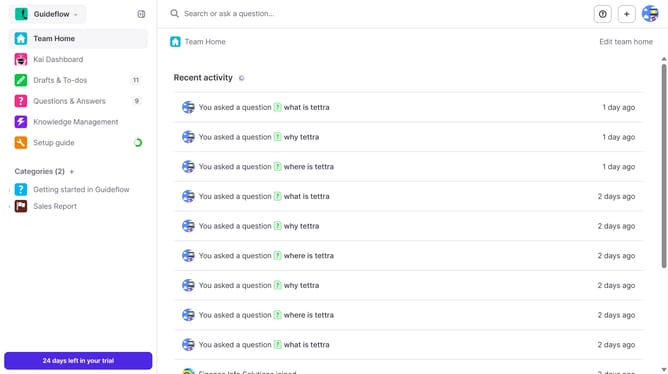
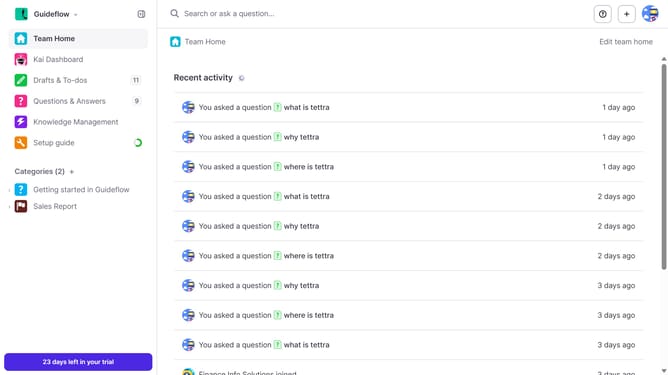
Here is how to edit team home in tettra
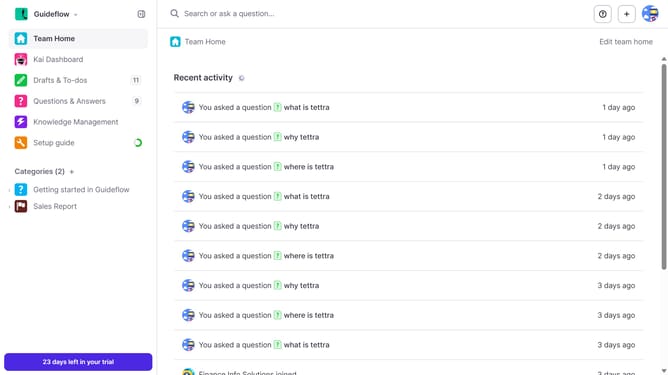
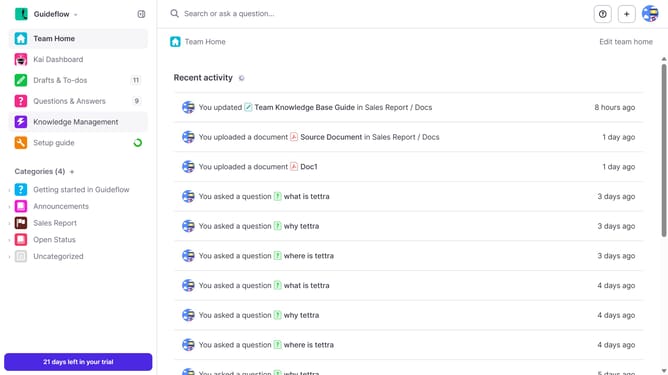
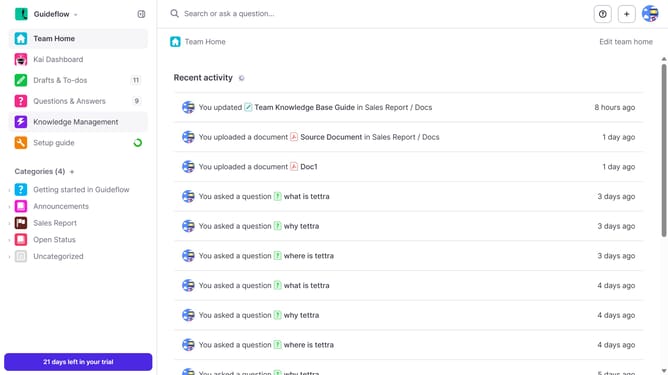
- First click on the "Team Home" item in the sidebar
- Then click on the "Edit team home" button
- Then click on the text input field and type your text
- Finally click on the "Save changes" button
Why should you How to edit team home in Tettra
Tettra is a streamlined knowledge management tool designed to help teams collaborate and share information effortlessly.
One of the standout features of Tettra is the ability to edit the team home, a collaborative space that serves as the hub of team activity. This feature empowers team leaders to curate content, ensuring that the most relevant and crucial information is front and center for all members.
By customizing the team home, your team can benefit from increased alignment and clarity. It creates a personalized experience that enhances communication, making it easier for everyone to stay on the same page.
Last update