How to delete a ticket trigger in Zendesk
Here is how to delete a ticket trigger in zendesk
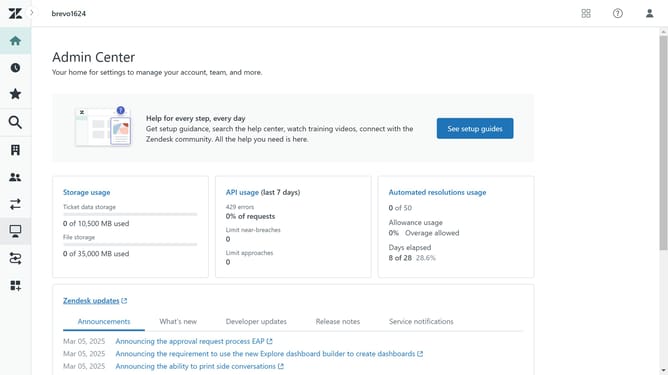
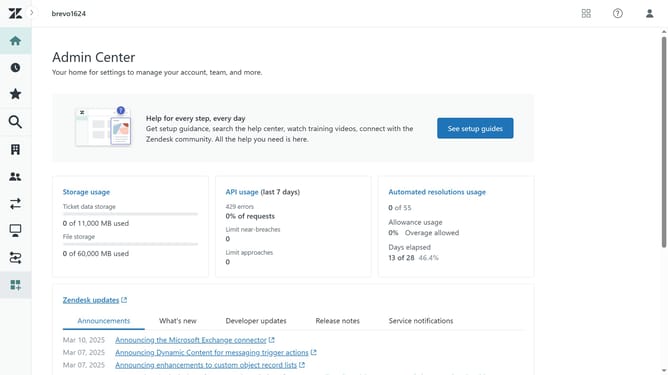
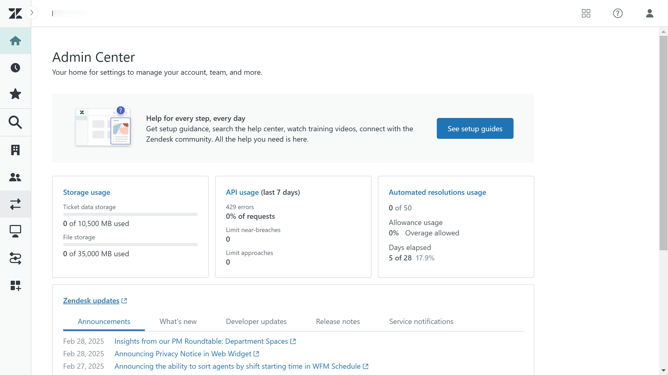
- First in Admin Center, click on "Objects and rules" in the left sidebar
- Then click on "Triggers" under Business rules
- Next click on the "Ticket" tab in the triggers section
- Then locate and click on the trigger you want to delete in the triggers list
- Click on the "Actions" dropdown button in the top right corner
- Click on "Deactivate" option in the Actions dropdown menu to deactivate the trigger
- Click on "Deactivate" button in the warning popup dialog to confirm
- The trigger is now inactive, click on the "Actions" dropdown button again
- Then click on "Delete" option in the Actions dropdown menu
- Finally click on "Delete" button in the delete confirmation dialog to confirm the deletion
Why should you delete a ticket trigger in Zendesk
Zendesk is a versatile platform designed to enhance customer service through efficient ticket management.
Deleting ticket triggers in Zendesk can streamline support processes by removing outdated or unnecessary actions, ensuring that workflows remain relevant and efficient.
This feature helps maintain a clean operational environment, preventing clutter from redundant triggers.
By customizing triggers, you can optimize team performance, focusing on more effective customer interactions and improving overall service quality.
Last update