How to delete a board in Trello
Here is how to delete a board in trello
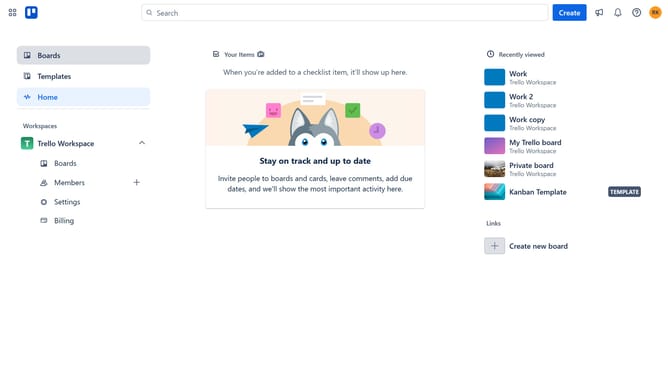
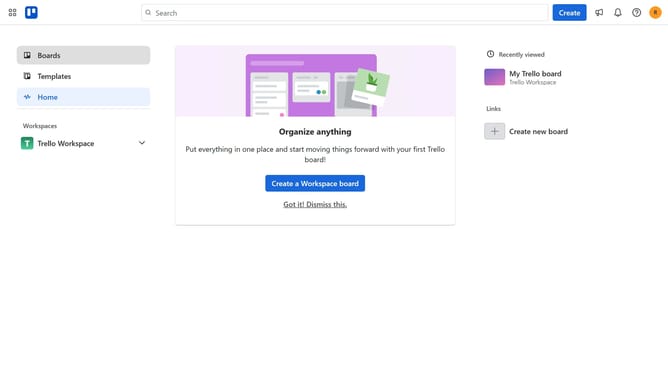
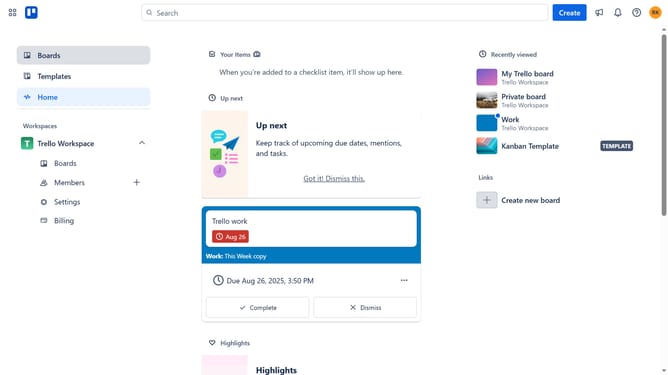
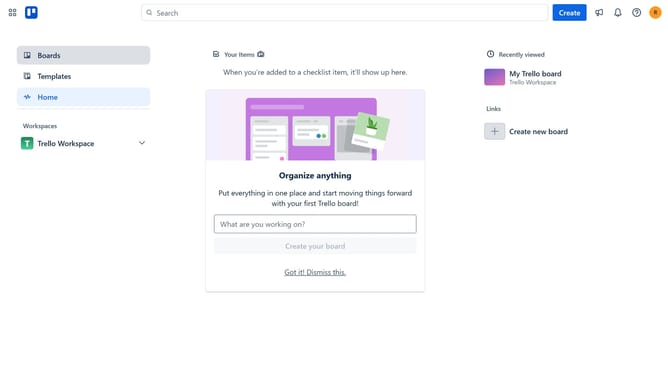
- First click on the "Boards" option in the left sidebar menu
- Then click on the board you want to delete in the workspace area
- In the board view, click on the "More" menu (three dots) button in the top-right corner
- Scroll down in the menu option
- From the dropdown menu, click on the "Close board" option
- In the confirmation dialog, click the "Close" button
- Click the Trello logo on the top-left corner
- Click on the "View all closed boards" link at the bottom of the workspace
- Click on the "Delete" button next to the board you want to delete
- Finally click the "Delete" button to permanently remove the board
Why should you delete a board in Trello
Trello is a versatile project management tool that boosts team productivity through visual organization.
Knowing how to delete a board in Trello offers an efficient way to manage workspace clutter, ensuring focus on active projects.
This feature allows users to streamline their interface, reducing distractions and enhancing workflow efficiency.
By removing obsolete or completed boards, teams create a tidy digital environment, paving the way for improved collaboration and innovation.
Last update