How to deactivate template in Brevo
Here is how to deactivate template in brevo
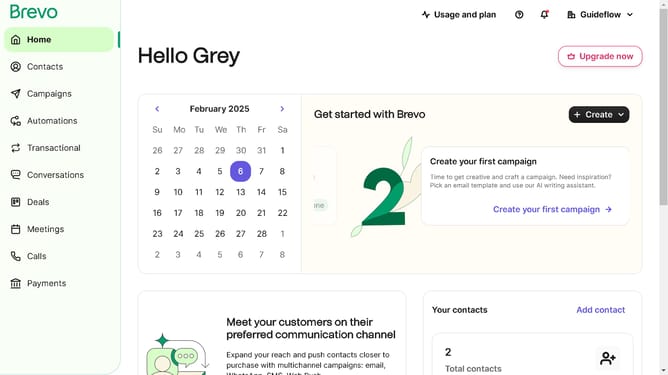
- First click on the "Campaigns" link in the left sidebar
- Then click on "Templates" in the campaigns submenu
- Next click on the "Options" menu (three dots icon) in the template card
- Then select "Deactivate" option from the dropdown menu
- Finally click on "Deactivate template" button in the confirmation dialog
Why should you deactivate template in Brevo
Brevo is an intuitive platform designed to streamline your email marketing efforts.
The option to deactivate a template in Brevo provides flexibility in managing your email campaigns effectively.
Using this feature allows for an organized template library, ensuring only the most current and relevant templates are readily available.
This function enhances productivity and focus by reducing clutter, making your marketing operations more efficient than ever.
Last update