How to deactivate legacy CSAT in Zendesk
Here is how to deactivate legacy csat in zendesk
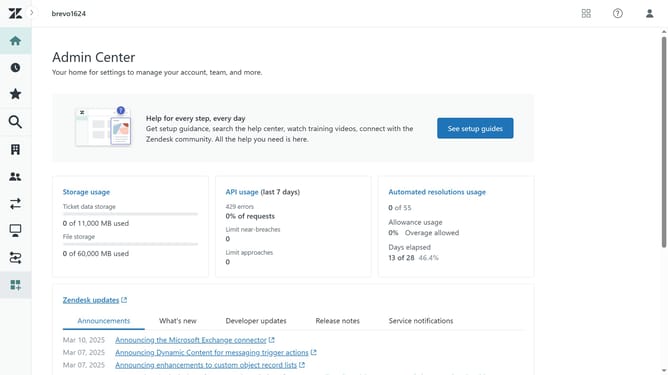
- First in the Admin Center, click on the "People" icon in the left sidebar menu
- Then click on "End users" option under Configuration section
- Next click on the "Satisfaction" tab in the end users settings
- Uncheck the box for "Allow customers to rate tickets" option
- Finally, click on the "Save tab" button at the bottom of the page to apply the changes
- Legacy CSAT is now deactivated, and customer satisfaction surveys will no longer be sent
Why should you deactivate legacy CSAT in Zendesk
Zendesk is a comprehensive customer service platform designed to enhance customer experiences through seamless interactions.
Deactivating legacy CSAT in Zendesk allows organizations to streamline their customer feedback processes.
This feature is essential for maintaining up-to-date feedback mechanisms, paving the way for more modern and integrated solutions.
By doing so, companies ensure they are using the latest tools to more accurately assess customer satisfaction, leading to improved service and customer retention.
Last update