How to create end-user deletion schedules in Zendesk
Here is how to create end-user deletion schedules in zendesk
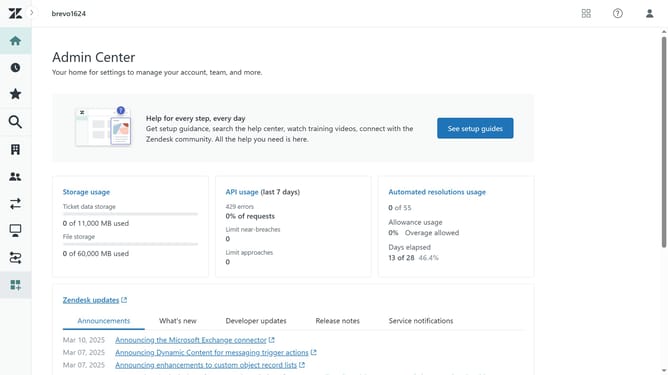
- First in the Admin Center, click on the "Account" icon in the left sidebar
- Then select "Deletion schedules" under the Security section
- Next click on "Create deletion schedule" dropdown button
- Select "End users" option from the dropdown menu
- Enter the Schedule name in the Schedule name field
- Provide a brief explanation or purpose of your deletion schedule in the "Description" field
- For "Last active," specify the criteria for deleting end users based on their most recent activity in Zendesk
- Add a value and select the appropriate unit (days, weeks, months, or years) from the dropdown
- Next click on "Add condition" button to add more conditions if needed
- Finally, click the "Create" button to create the deletion schedule
Why should you create end-user deletion schedules in Zendesk
Zendesk is a versatile customer service platform designed to improve customer interactions and streamline support.
Creating end-user deletion schedules in Zendesk empowers organizations to manage user data efficiently and securely.
This feature helps maintain compliance with data protection regulations by automating the process of deleting end-user information as scheduled.
By utilizing this feature, companies can ensure up-to-date data management, reducing storage needs and safeguarding user privacy effortlessly.
Last update