How to create a template in Canva
Here is how to create a template in canva
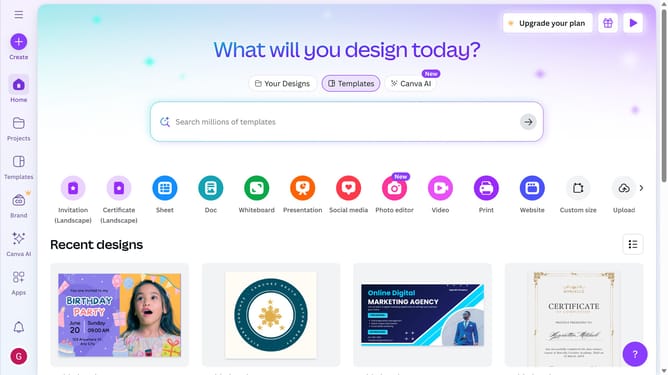
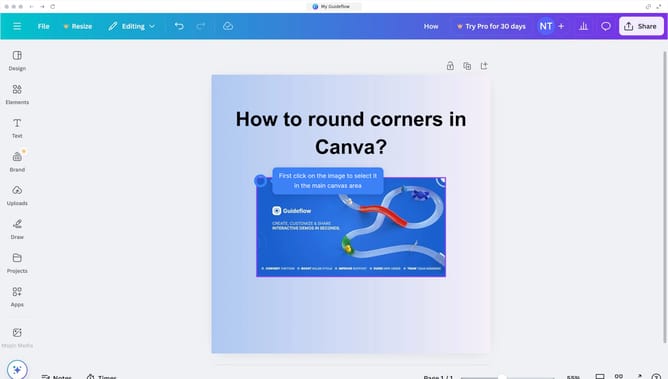
- First click on the "Design" option in the left sidebar menu
- Then click on the "Templates" tab in the design panel
- Finally click the desired template from the available options
Why should you create a template in Canva
Canva is a user-friendly design platform that empowers anyone to create stunning visual content effortlessly.
Creating a template in Canva is a powerful feature that allows users to streamline their design process. With this feature, you can craft personalized templates that maintain brand consistency and save time on future projects.
By utilizing templates, individuals and businesses can ensure that their visual content remains cohesive across all platforms, making it easier to enhance branding visibility and impact.
This feature not only boosts efficiency but also fuels creativity, allowing users to focus on producing compelling designs without starting from scratch each time.
Last update