How to create a task in Salesforce
Here is how to create a task in salesforce
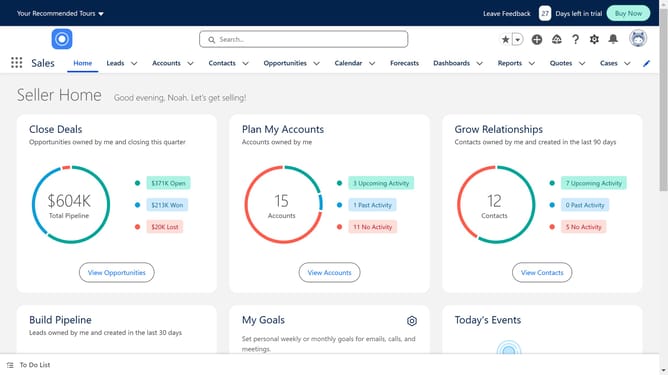
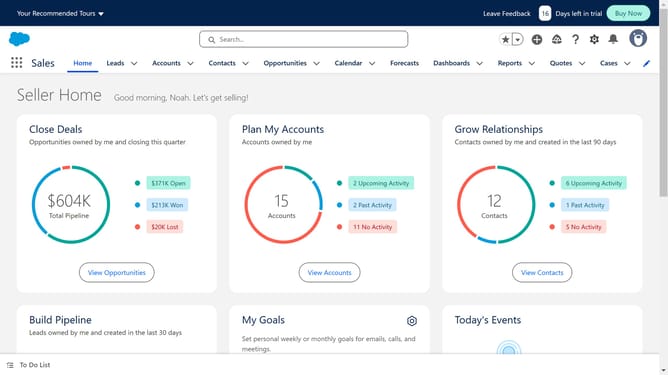
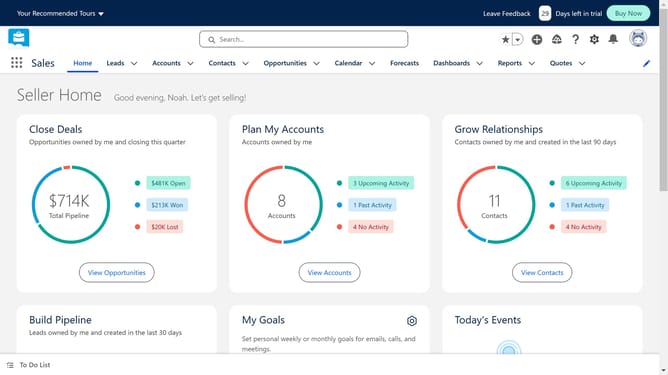
- First click on the "Accounts" button in the top navigation menu
- Then click on "All Accounts" in the accounts dropdown menu
- Select the account to which you want to add the tasks
- Then click on the tasks button in the right sidebar of the account details page
- Fill in the necessary details for your task
- Finally click the "Save" button at the bottom of the new task dialog
Why should you create a task in Salesforce
Salesforce is a leading CRM platform designed to streamline customer interactions and foster business growth.
Creating a task in Salesforce is an intuitive feature that enhances your organizational workflow by ensuring nothing important falls through the cracks.
This feature allows users to assign specific tasks, set deadlines, and keep track of progress, thereby increasing productivity and efficiency.
By leveraging task creation in Salesforce, you can maintain a clear overview of responsibilities, promoting accountability and achieving better results.
Last update