Zoom
Zoom is a unified communications platform for video, phone, chat, and webinars. It helps teams connect, collaborate, and boost productivity with powerful, intuitive tools.
Website
Industry
Collaboration
Share this article:

How to create a new document in Zoom Docs

Here is how to create a new document in zoom docs

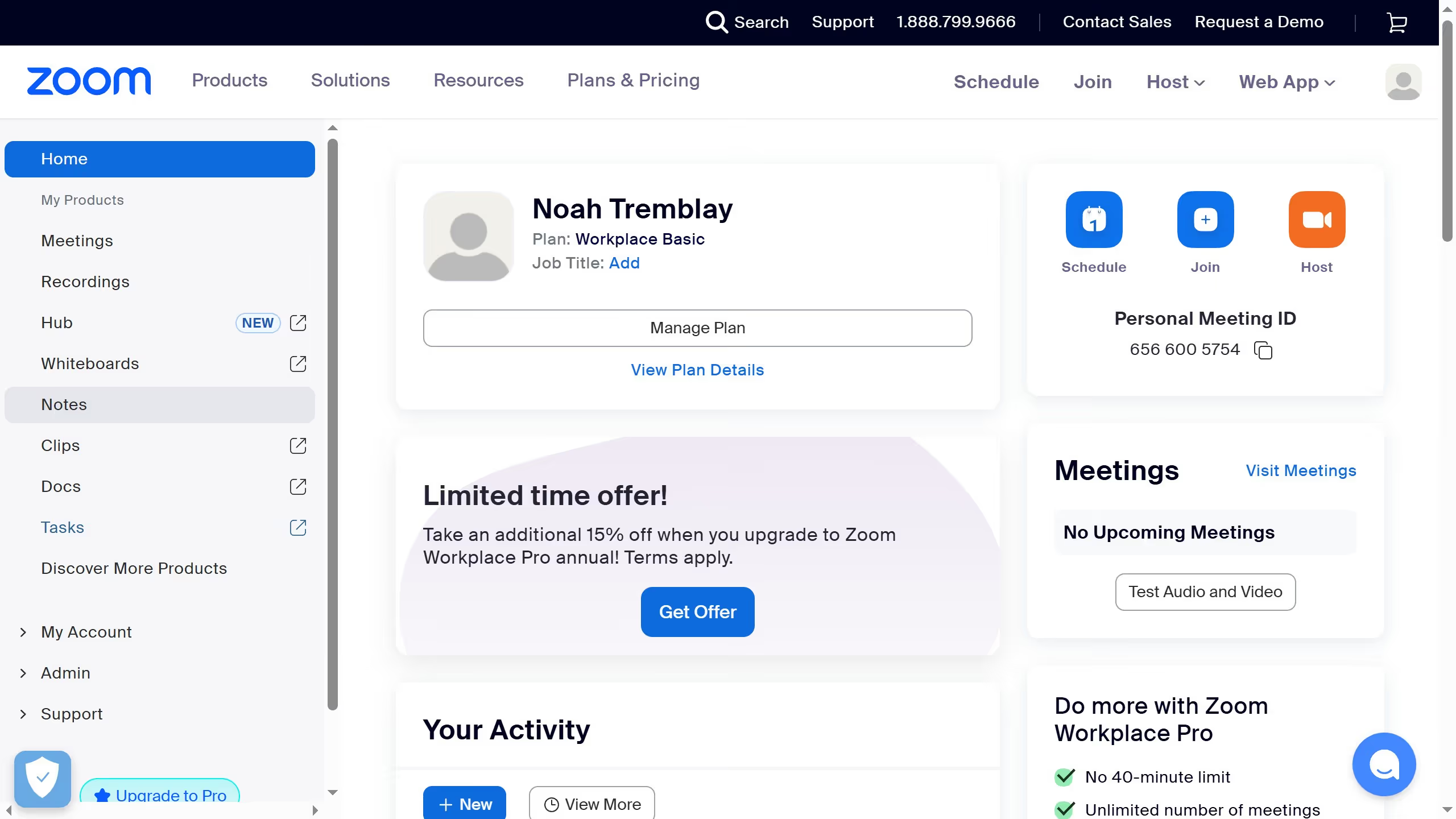
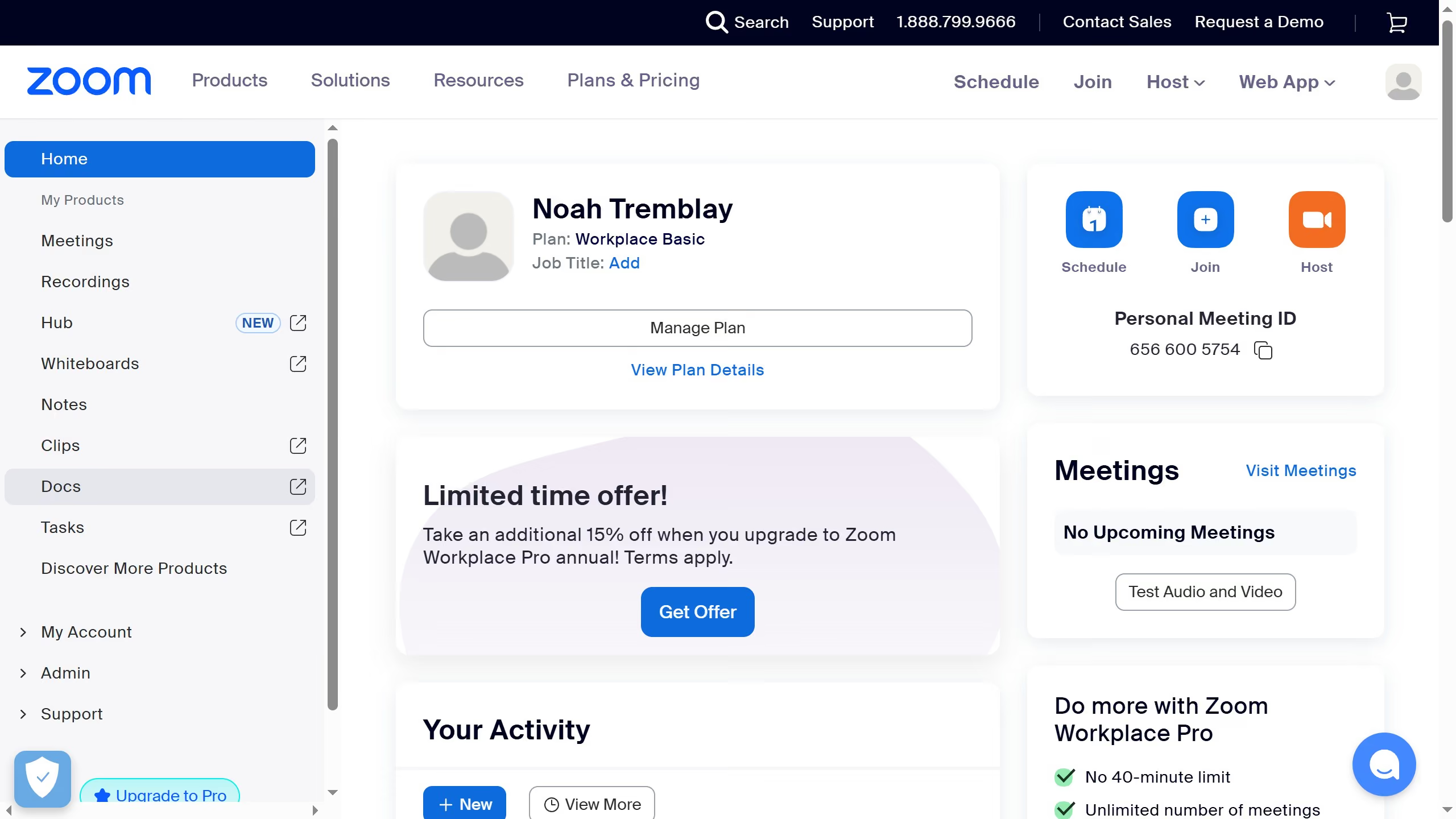
  1. First click on "Docs" in the left sidebar menu
  2. Then click on "New document" button in the Recent documents section
  3. Finally click on the "Untitled" document title at the top of the page to rename your document

Create your own interactive guide with Guideflow

Why should you create a new document in Zoom Docs

Zoom is a versatile platform designed to facilitate seamless communication and collaboration worldwide.

With Zoom Docs, creating a new document is intuitive and straightforward, making collaboration more efficient than ever.

This feature allows users to quickly start a document within the familiar Zoom ecosystem, fostering a collaborative environment where ideas can flow freely during meetings or team projects.

Utilizing Zoom Docs enhances productivity, allowing teams to work cohesively and keep everything in one convenient location.


Last update
February 3, 2026
Cursor MariaA cursor points to a button labeled "James."

Create your first demo in less than 30 seconds.