How to convert a Figma frame to HTML?
Here is how to convert a figma frame to html
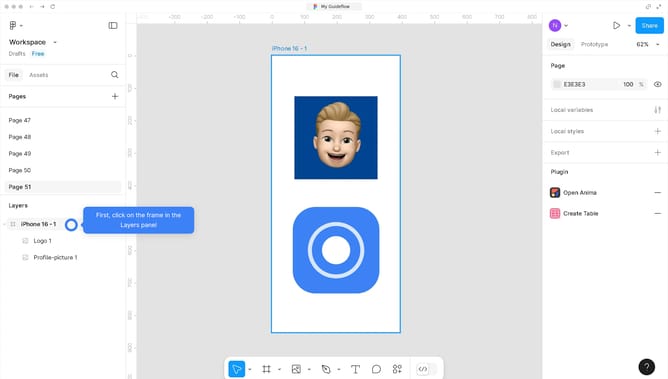
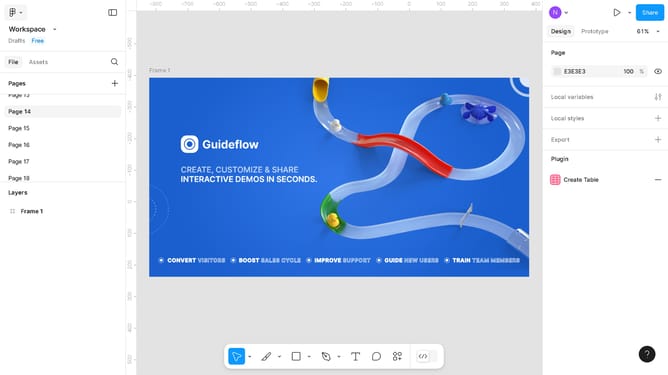
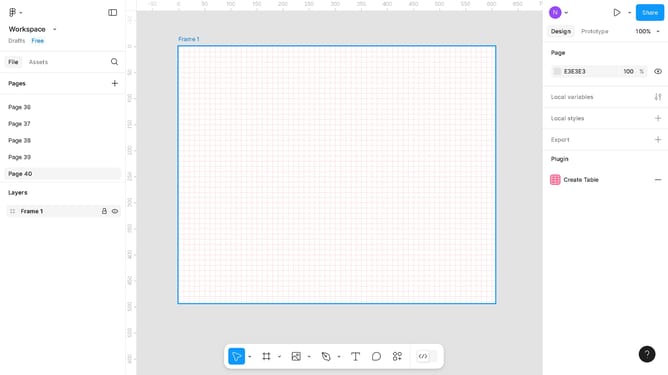
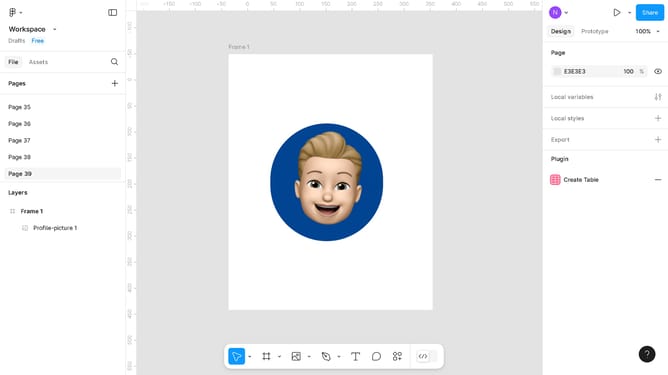
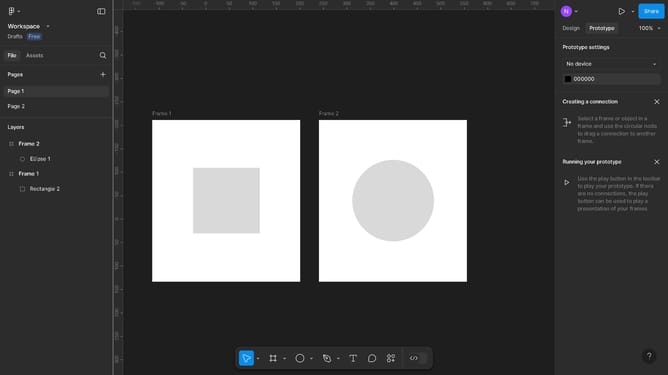
- First click on the "Frame 1" element in the main canvas
- Next click on the "Plugins" icon in the bottom toolbar
- Then select the "Figma to HTML and CSS" option from the plugins menu
- Click on the "Code" tab in the plugin's top navigation bar
- Finally, click on the "Copy" icon to copy the generated CSS code
Why should you convert a Figma frame to HTML?
Figma is a collaborative design tool that empowers teams to create, prototype, and share interfaces seamlessly.
Converting a Figma frame to HTML allows designers to effortlessly transition from design to development, ensuring that visual concepts are accurately translated into functional web elements.
This feature eliminates redundancies and streamlines workflow by auto-generating clean code, maintaining design integrity while saving time and enhancing productivity.
Last update