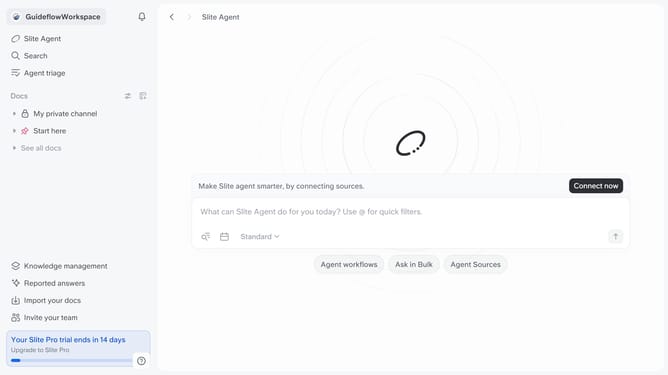
How to connect Trello to Slite
Here is how to connect trello to slite
- First click on your workspace name in the upper left sidebar
- Then click on the "Settings" option in the left sidebar
- Then click on "Integrations" in the sidebar
- After that, click on the "Browse integrations" button
- Then click on the "Install" button
- Finally click on the "Log in" button
Why should you How to connect Trello to Slite
Slite is a collaborative knowledge hub, designed to streamline teamwork by organizing your team's documentation effortlessly.
Connecting Trello to Slite enhances productivity by integrating project management with knowledge sharing.
This synergy allows you to seamlessly sync tasks from Trello into Slite's structured notes. By doing so, your team can access project details and collaborate in real-time, without toggling between platforms.
Ultimately, this integration fosters a more efficient workflow, ensuring that vital project information is always at your team's fingertips.
Last update