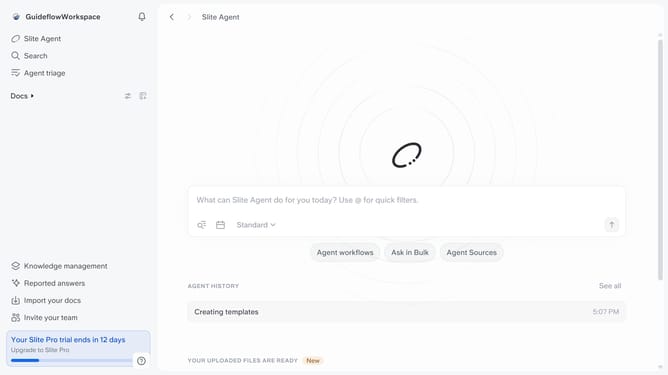
How to disable automatic workspace backups in Slite
Here is how to disable automatic workspace backups in slite
- First click on your workspace name in the upper left sidebar
- Then click on the "Settings" option in the left sidebar
- Next click on the "General settings" option in the left sidebar
- Finally, toggle OFF the switch on the "Enable automatic workspace backups" setting
Why should you How to disable automatic workspace backups in Slite
Slite is a collaborative workspace tool designed to streamline team communication and documentation effortlessly.
Disabling automatic workspace backups in Slite offers users more control over data management. This feature is beneficial for teams that prefer manual backup processes or need to comply with specific data storage policies.
By choosing when to back up information, teams can ensure critical data is saved during key project milestones, while also optimizing storage and enhancing data security management.
Last update