How to replace an image in Slite
Here is how to replace an image in slite
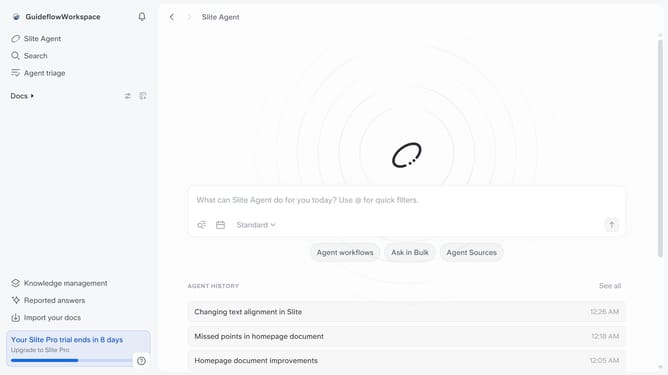
- First click on "Docs" item in the left sidebar
- Then click on the Slite doc you want to open
- After that click on the image to open its options
- Finally click on the "Replace" button and select your new preferred image
Why should you How to replace an image in Slite
Slite is a collaborative workspace designed to seamlessly organize team knowledge and boost productivity.
The feature of replacing an image in Slite offers a streamlined way to keep your documentation up-to-date with the latest visuals.
This function simplifies maintaining visual consistency across projects and prevents outdated content from cluttering your workspace.
Using this feature enhances team collaboration, ensuring everyone is aligned with the most current information and visuals, ultimately optimizing efficiency and clarity in communication.
Last update