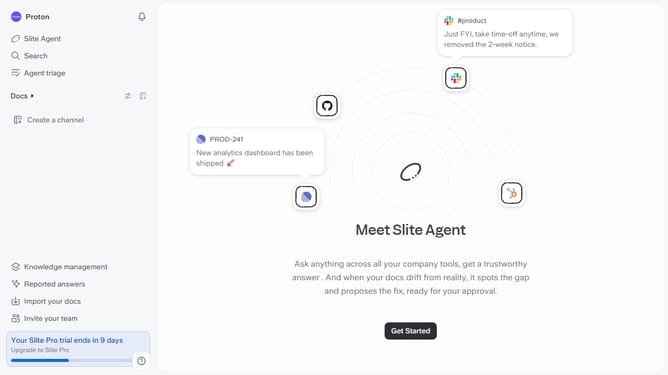
How to create a new channel in Slite
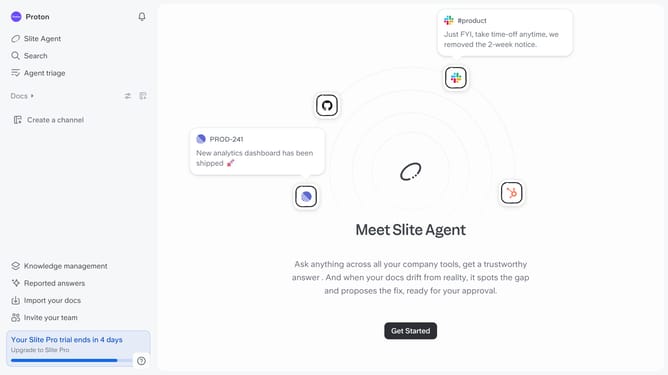
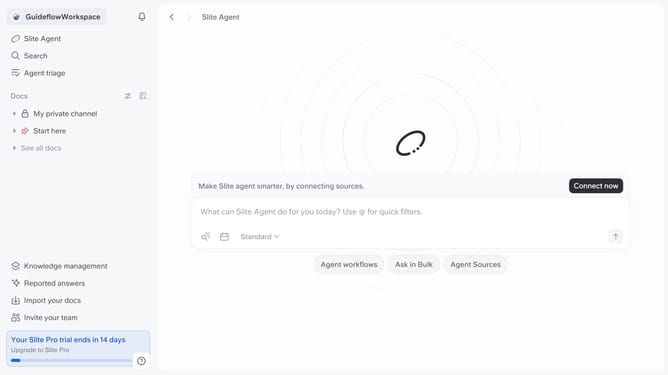
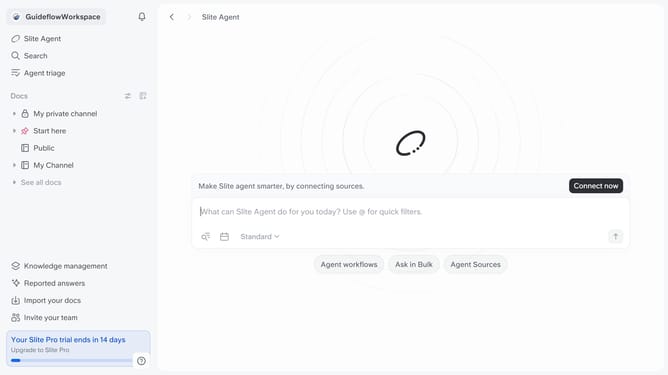
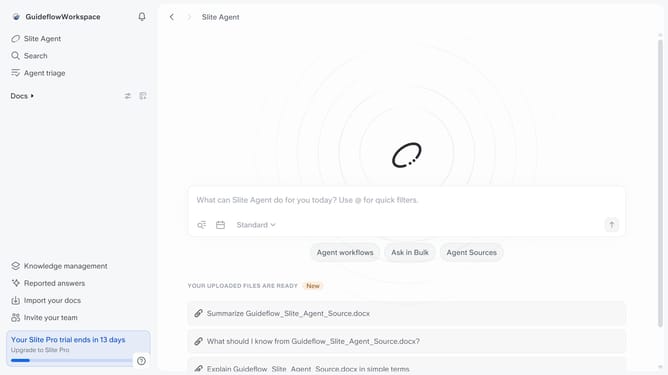
Here is how to create a new channel in slite
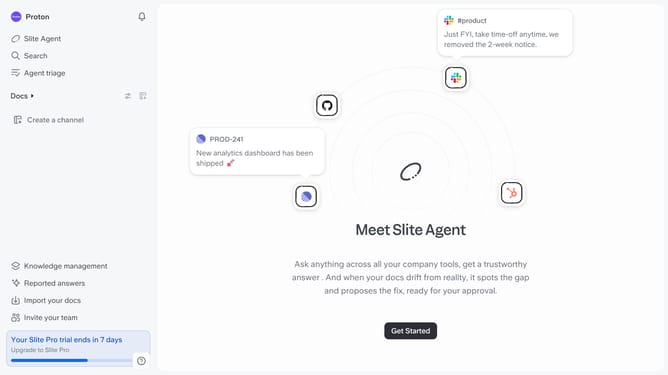
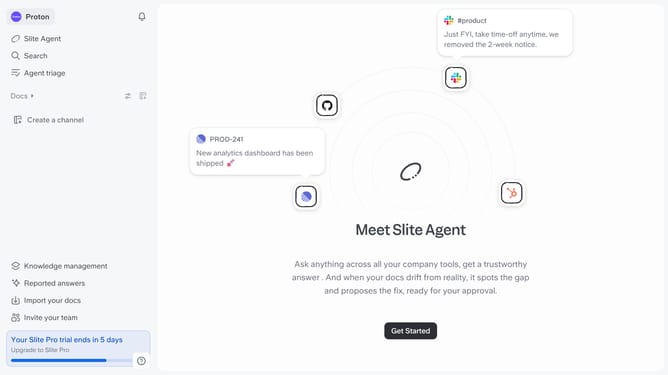
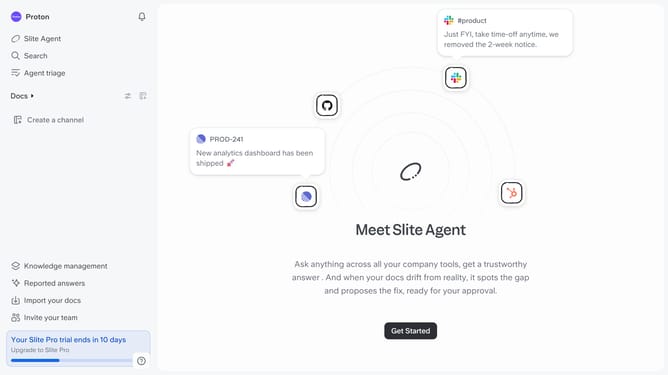
- First click on the "Create a channel" button
- Then enter your channel name in the name input field
- Then click on the "Create channel" button
- Finally click on the "Done" button
Why should you How to create a new channel in Slite
Slite is a collaborative workspace designed to streamline team communication and knowledge sharing.
Creating a new channel in Slite enhances team collaboration by organizing conversations around specific topics or projects. This feature allows team members to focus discussions, making information easier to find and track.
By setting up dedicated channels, you ensure that relevant content is grouped together, promoting efficient communication and reducing information overload. This structure can simplify project management and improve team productivity by ensuring everyone remains aligned with shared objectives.
Last update