How to set default language in Slite
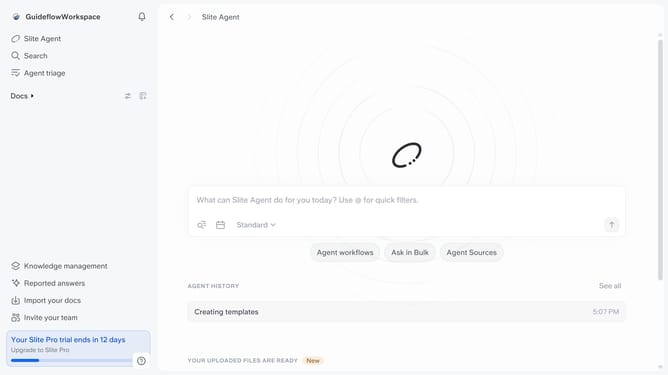
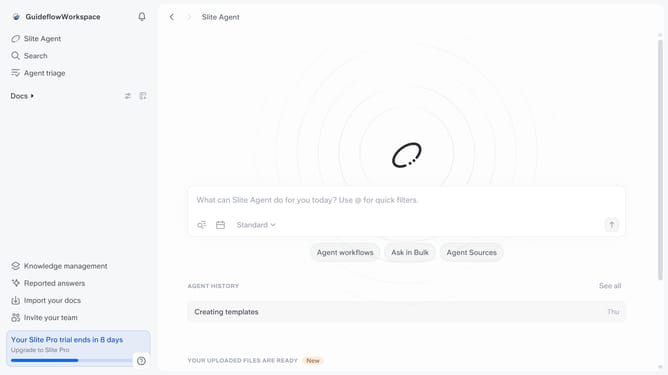
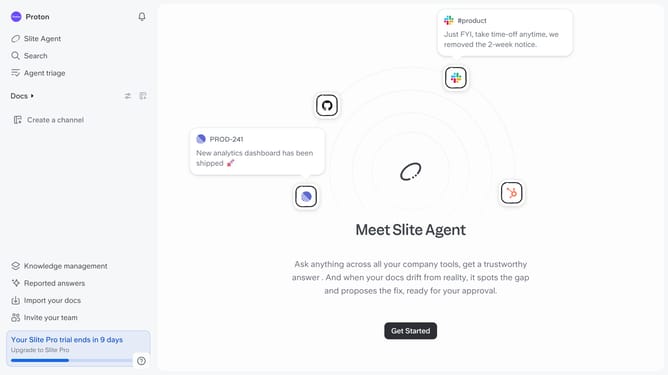
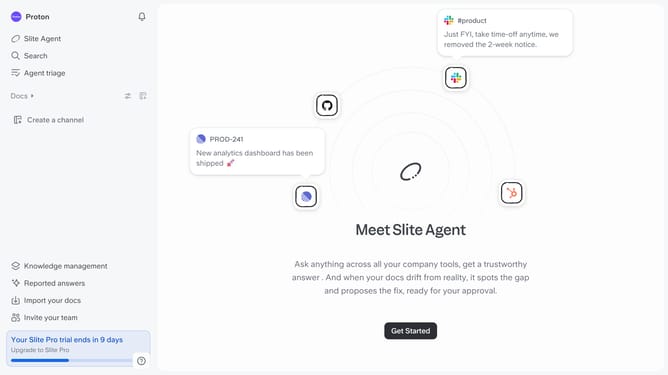
Here is how to set default language in slite
- First click on your profile logo in the top left corner of the screen
- Then click on "Settings" in the left sidebar
- Next, click on the "Language" dropdown menu
- Finally select from the list of languages
Why should you How to set default language in Slite
Slite, a collaborative workspace, enhances team communication through seamless note-taking and knowledge sharing.
Setting a default language in Slite is a simple yet impactful feature that personalizes your workspace to align with your linguistic preferences.
Using this feature ensures a smoother, more intuitive user experience, making it easier to navigate and understand the platform.
This personalization fosters better team collaboration, as members can seamlessly interact without language barriers, enhancing overall productivity and inclusivity.
Last update