How to change your workspace domain in Slite
Here is how to change your workspace domain in slite
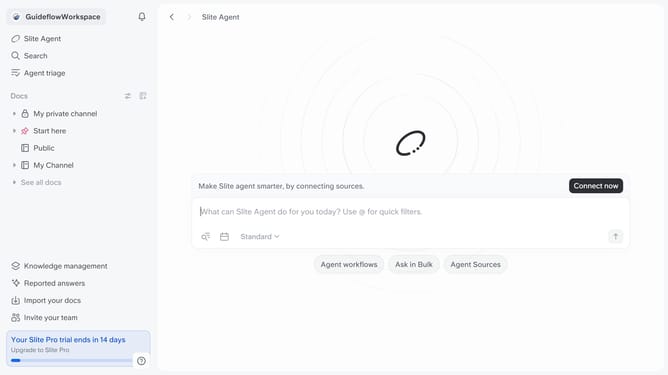
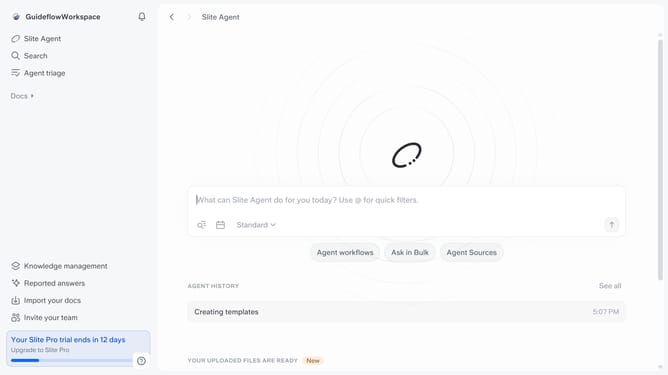
- First click on your workspace name in the upper left sidebar
- Then click on the "Settings" option in the left sidebar
- Next click on the "General settings" option in the left sidebar
- Then click on the "Change" button across "Workspace domain"
- After that click on the text field with inside the "Workspace domain" section and edit it
- Finally click on the "I understand, rename anyway" button
Why should you How to change your workspace domain in Slite
Slite empowers teams to collaborate effectively by offering a streamlined platform for knowledge sharing and communication.
Changing your workspace domain in Slite is a feature that enhances your team’s identity and branding. This function ensures that your workspace’s URL is aligned with your organization's name, making it easier for team members to remember and access.
By customizing your domain, you can create a professional image that reflects the unique essence of your team. It also adds an extra layer of personalization to your workspace, fostering a stronger connection and sense of belonging among team members.
Embrace this opportunity to make Slite your own and facilitate seamless collaboration across your projects.
Last update