How to connect Jira to Slite
Here is how to connect jira to slite
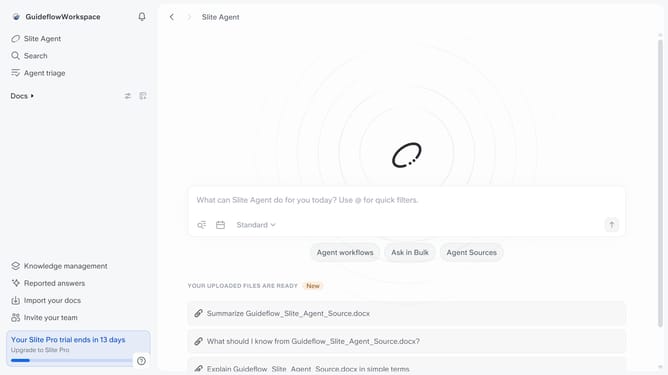
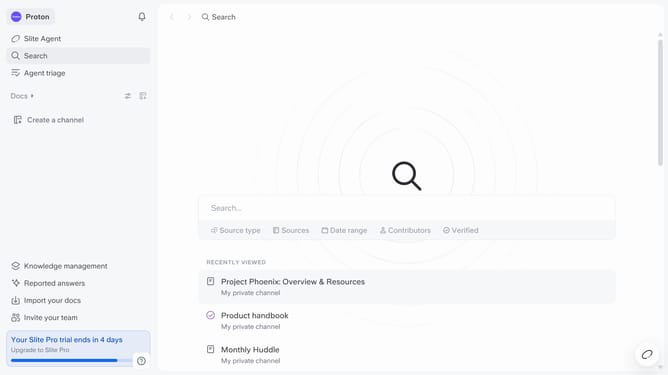
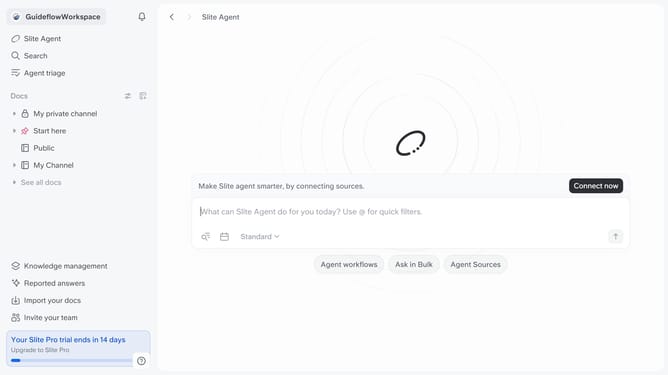
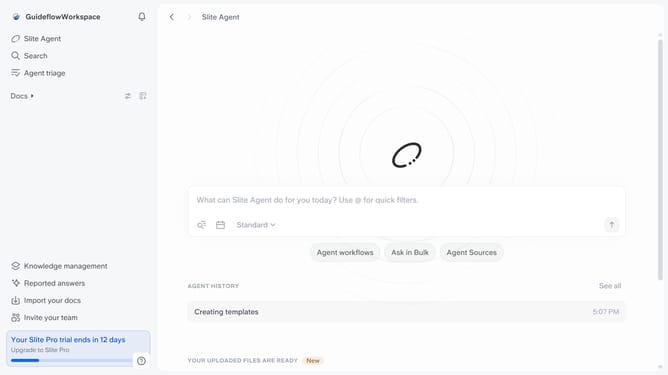
- First click on your workspace name in the upper left sidebar
- Then click on the "Settings" option in the left sidebar
- Then click on "Integrations" in the sidebar
- Then click on "Browse integrations" button
- Finally click on the "Install" button for Jira and log in your account
Why should you How to connect Jira to Slite
Slite is a collaborative tool designed to streamline team documentation and communication effortlessly.
Connecting Jira to Slite enhances team productivity by integrating project management and documentation workflows. This integration ensures seamless synchronization of tasks and updates between the two platforms.
By connecting Jira and Slite, teams can centralize their project data and documentation, allowing for real-time collaboration. This leads to improved transparency and informed decision-making, enabling teams to stay aligned and efficient.
Ultimately, integrating these tools helps optimize workflow efficiency, reduces context-switching, and fosters cohesive teamwork.
Last update