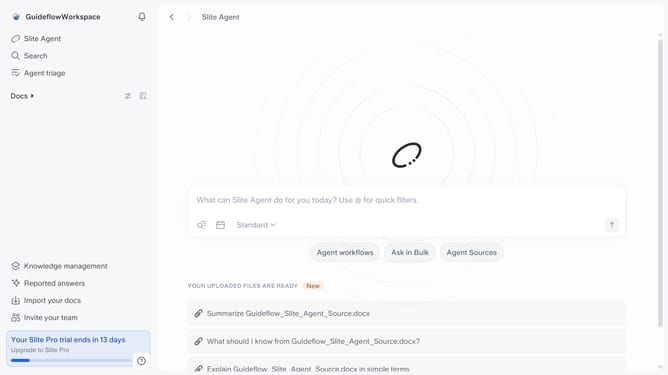
How to create a group in Slite
Here is how to create a group in slite
- First click on your profile logo in the header
- Then click on the "Settings" option in the left sidebar
- Next, click on "User groups" in the sidebar under Workspace
- Then click on the "Create a group" button
- Next, click on the "Name" input field and enter your group name
- Then select the checkbox to add the user to the group
- Finally, click on the "Create group" button
Why should you How to create a group in Slite
Slite is a collaborative workspace that streamlines team documentation and communication effortlessly.
Creating a group in Slite enhances collaboration by bringing together team members with a shared focus. This feature allows users to organize their workspace efficiently, making it easy to manage projects and streamline communication. By grouping relevant documents and discussions, teams can ensure everyone stays on the same page.
Using groups in Slite fosters a more organized environment, enhancing productivity and clarity. It enables seamless sharing of information, reducing the chances of miscommunication and helping teams achieve their goals more effectively.
Last update