How to left align an image in a document in Slite
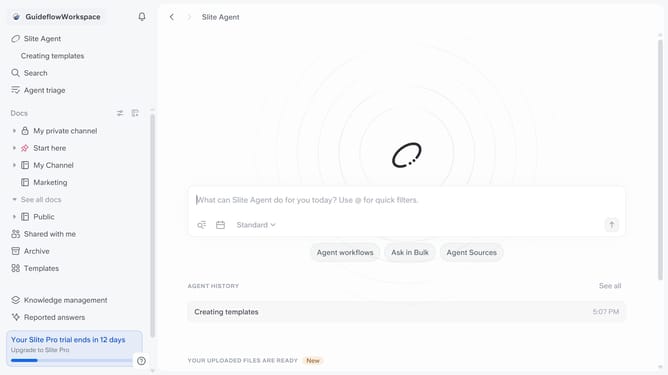
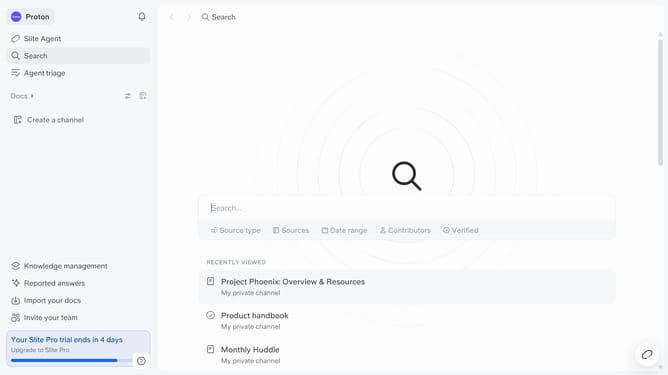
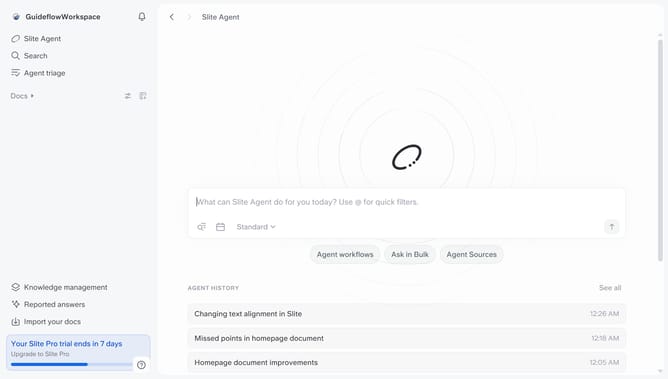
Here is how to left align an image in a document in slite
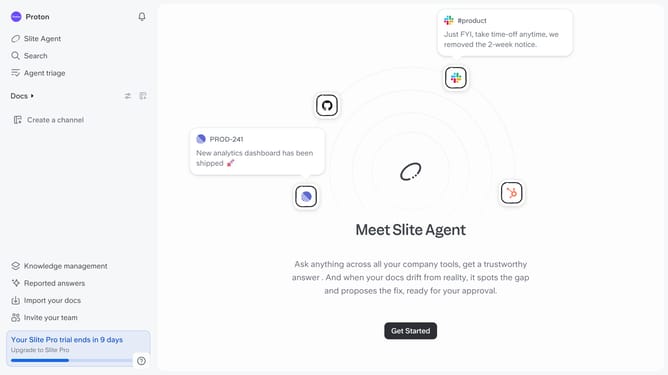
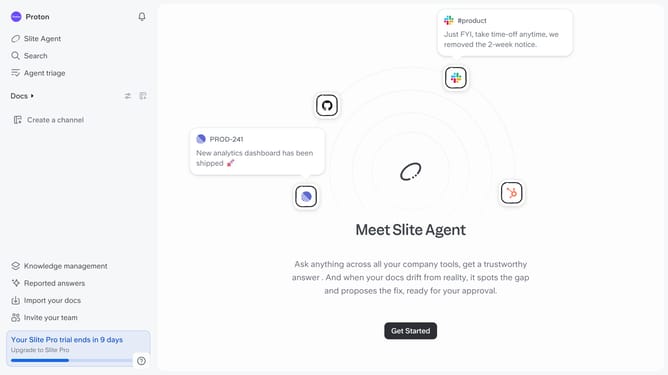
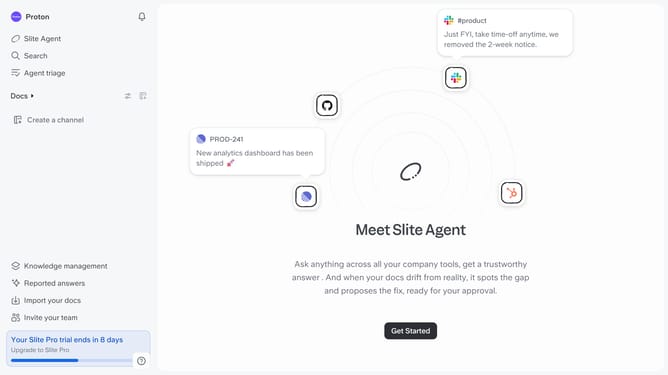
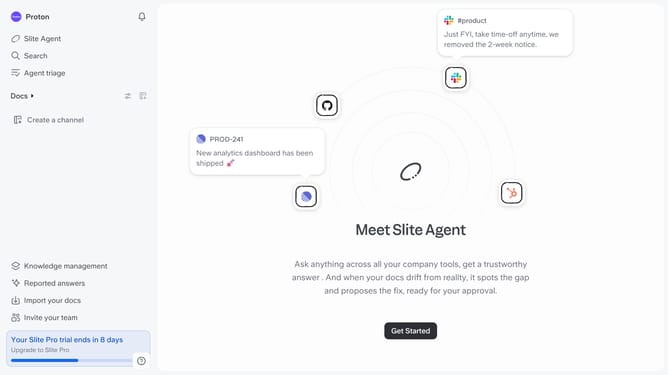
- First click on "Docs" item in the left sidebar
- Then open the Slite document you want to edit
- Then click on the image on the document
- Finally click on the "Left align" button in the top menu
Why should you How to left align an image in a document in Slite
Slite is a modern collaborative tool designed to streamline team documentation and communication effortlessly.
One of the practical features of Slite is the ability to left align images within documents. This feature enhances the visual appeal of your content, ensuring it looks organized and professional.
Left aligning images helps in maintaining a clean layout by providing a natural flow for text alongside visuals. This balance makes it easier for readers to engage with the content without distractions.
Utilizing this feature boosts readability and allows teams to convey information effectively, fostering better collaboration in visually appealing documents.
Last update