How to archive a document template in Slite
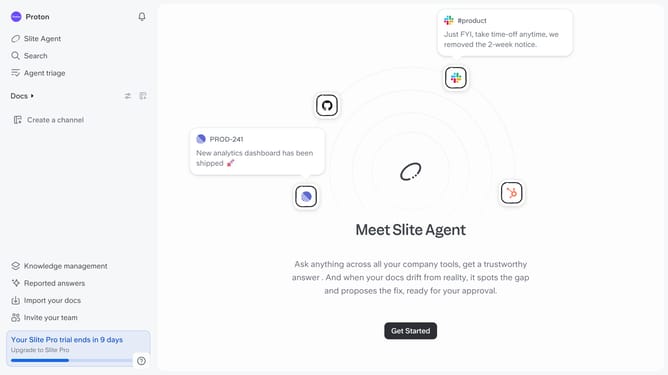
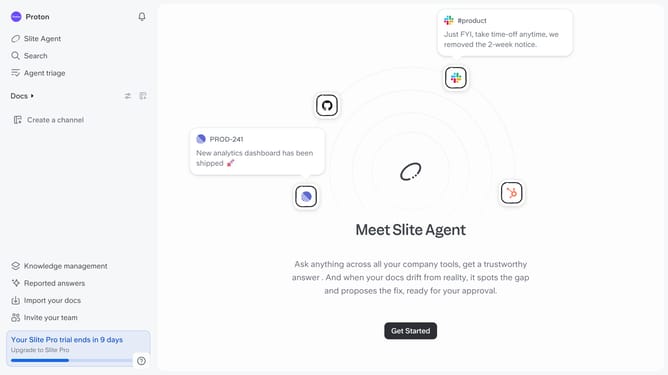
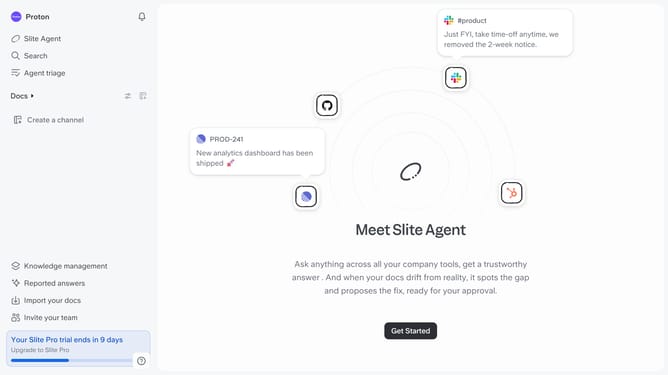
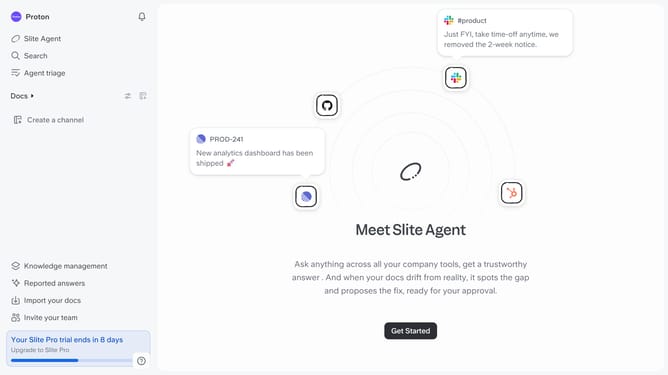
Here is how to archive a document template in slite
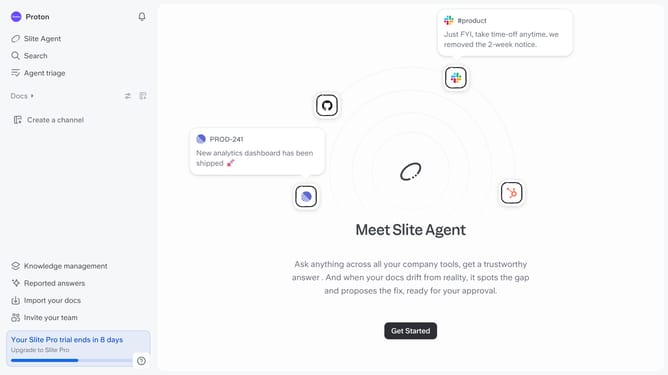
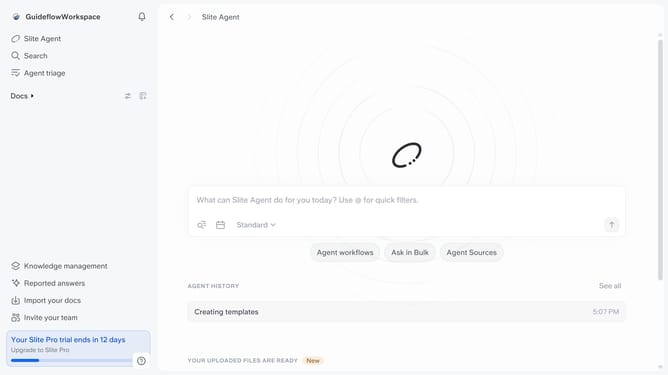
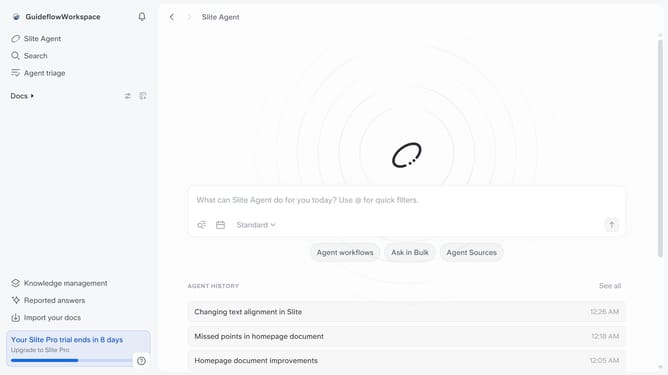
- First, click on "Docs" in the left sidebar
- Then, select "Templates" from the "Docs" section
- Next, click on the three dots icon next to the template you want to archive
- Finally, select "Archive" from the dropdown menu
Why should you How to archive a document template in Slite
Slite is a collaborative workspace designed to streamline team communication and document management.
Archiving a document template in Slite allows you to organize and declutter your workspace effortlessly. This feature lets you maintain a clean, efficient space by moving templates you no longer need on a day-to-day basis to an archive, keeping your active workspace tidy and focused.
Utilizing the archive feature enhances productivity by enabling quick access to important, current documents without the distraction of outdated resources. It's an efficient way to manage your team's knowledge base, ensuring vital information is preserved without clutter.
Last update