How to unarchive a document in Slite
Here is how to unarchive a document in slite
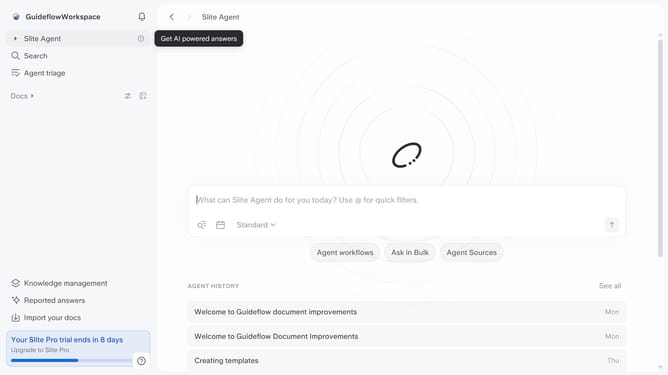
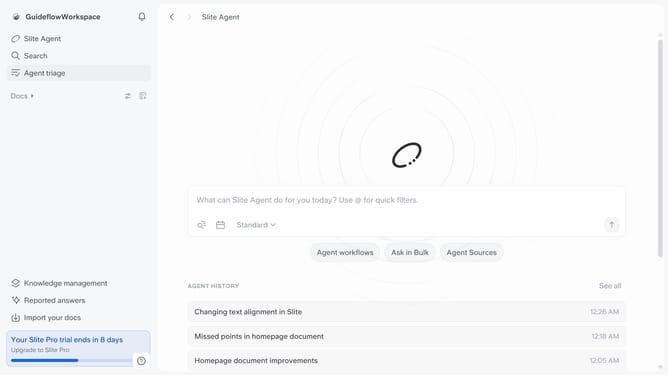
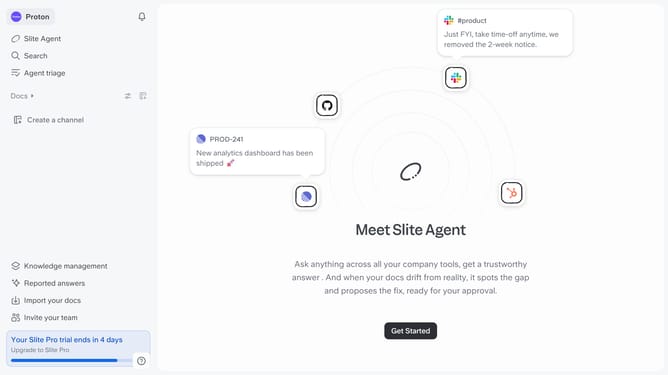
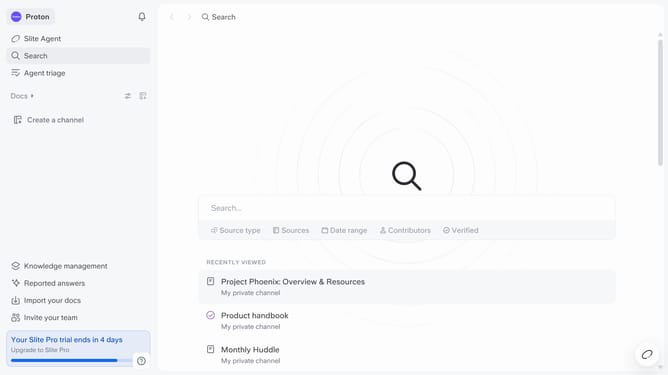
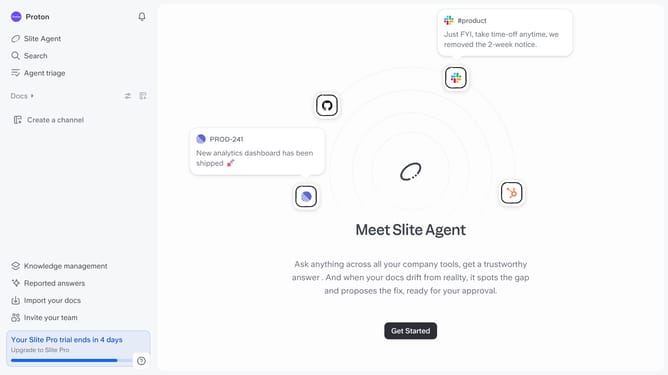
- First click on "Docs" in the sidebar
- Then click on "Archive" in the sidebar
- Finally click on the "Restore to channel" button
Why should you How to unarchive a document in Slite
Slite is a collaborative tool designed to streamline team communication and document management with ease.
Unarchiving a document in Slite is a seamless process that enhances productivity by effortlessly bringing important information back into active use. This feature ensures that valuable documents are not lost or buried, making them readily accessible for collaboration and updates.
Using the unarchive feature allows teams to revisit past projects or ideas, enriching current discussions with historical insights. This capability supports efficient workflow by keeping all critical documents within reach, fostering a more organized and dynamic workspace.
Last update