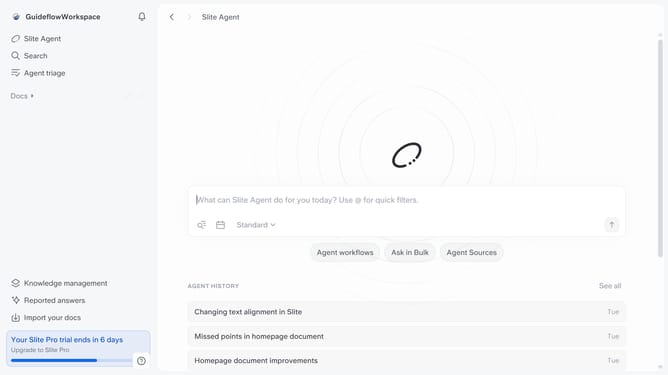
How to favorite a document in Slite
Here is how to favorite a document in slite
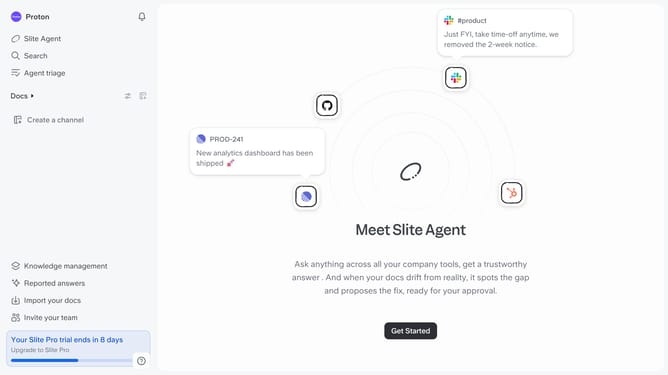
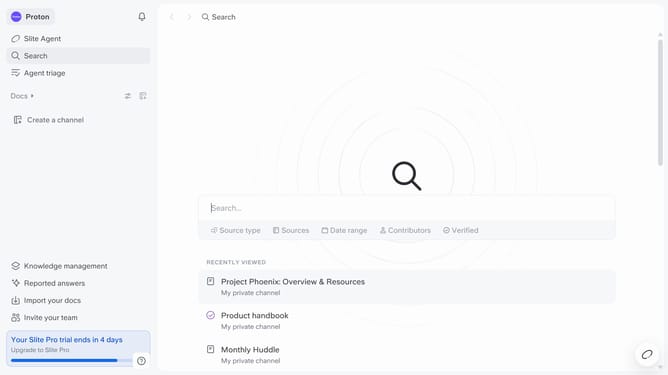
- First click on "Docs" item in the left sidebar
- Then click on the three dots icon next to the document name
- Finally click on the "Favorite doc" option in the dropdown menu
Why should you How to favorite a document in Slite
Slite is a collaborative workspace designed to streamline team communication and knowledge sharing.
Favoriting a document in Slite is a powerful feature that ensures you can easily access your most important files with just one click.
By marking a document as a favorite, you effectively prioritize it, ensuring that your key resources are always readily available when you need them most.
This simple action enhances productivity by minimizing search time and enables quick reference during meetings or when working on projects.
Last update