How to copy your invite link in Slite
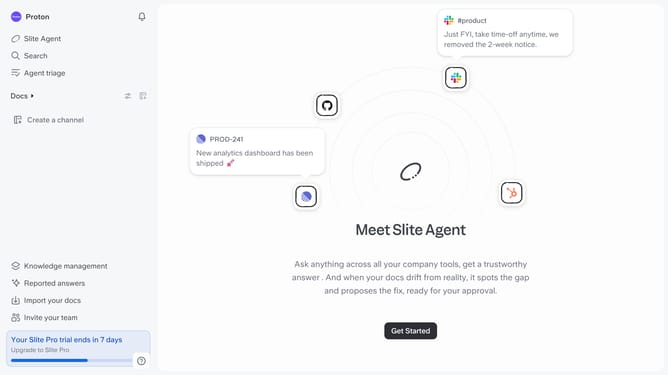
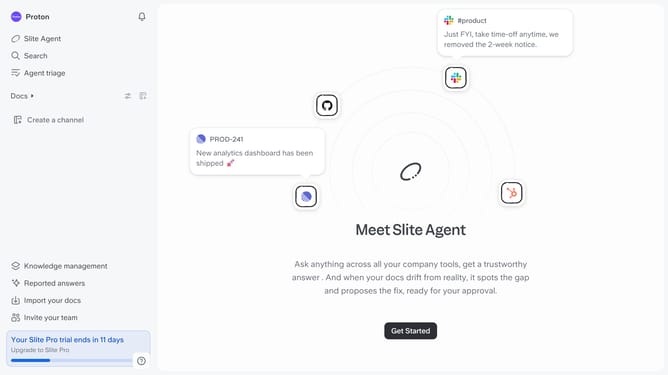
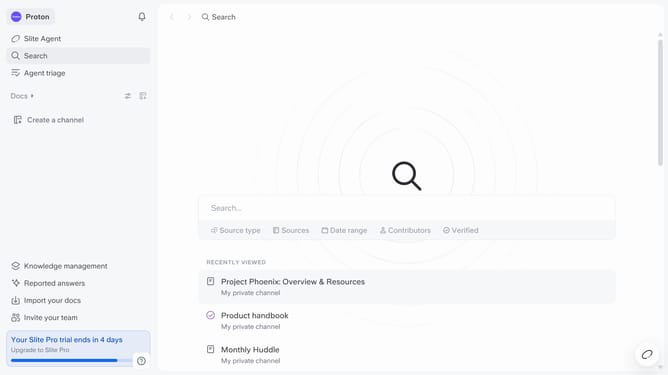
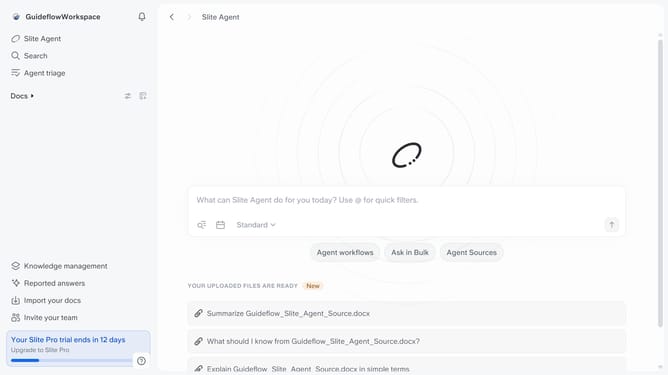
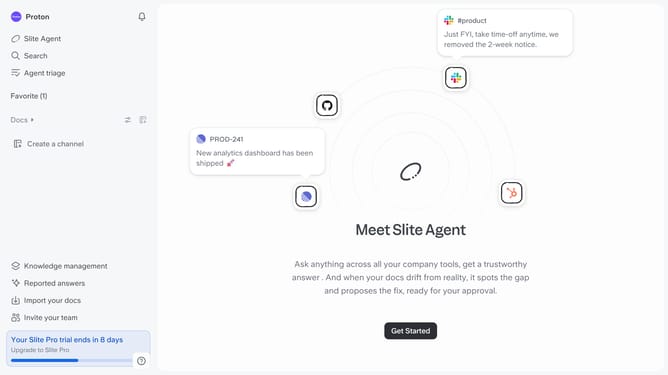
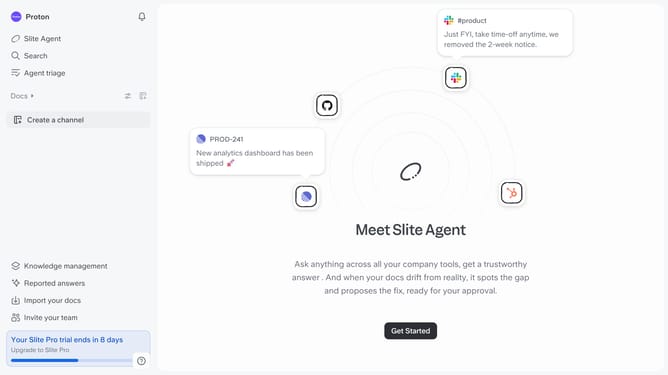
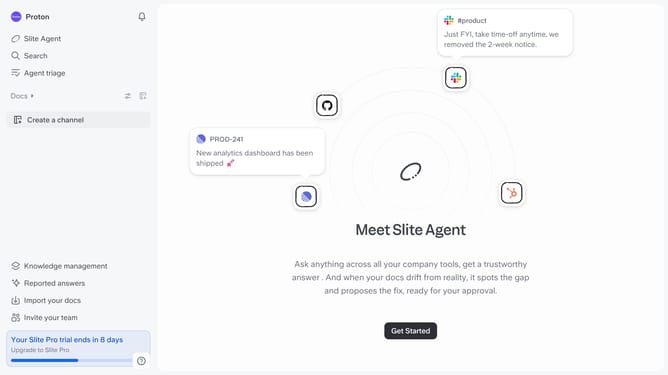
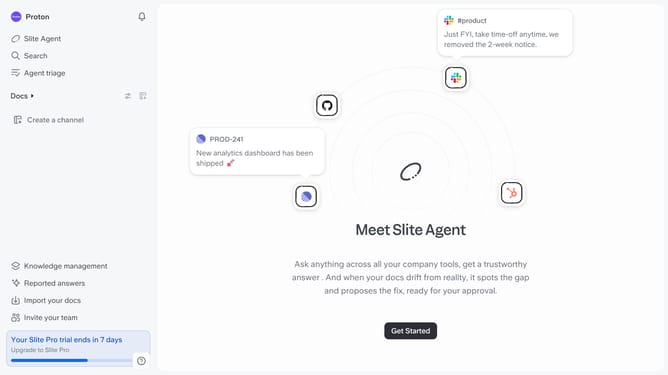
Here is how to copy your invite link in slite
- First click on your profile logo in the header
- Then click on the "Settings" option in the left sidebar
- Next click on "Referral program" in the left sidebar
- Click on the "Invite" button on the popup window
- Finally click on the "Copy invite link" button
Why should you How to copy your invite link in Slite
Slite is a collaborative workspace designed to streamline team communication and documentation in one intuitive platform.
When it comes to enhancing collaboration, copying your invite link in Slite plays a crucial role. This feature allows you to effortlessly share access with team members, ensuring everyone can join and contribute seamlessly.
Using this feature not only simplifies onboarding but also provides a centralized space for team growth and project management. It's a quick way to bring everyone together, keeping collaboration efficient and productive.
Last update