How to apply the Subheadline style to a text block in Pitch
Here is how to apply the subheadline style to a text block in pitch
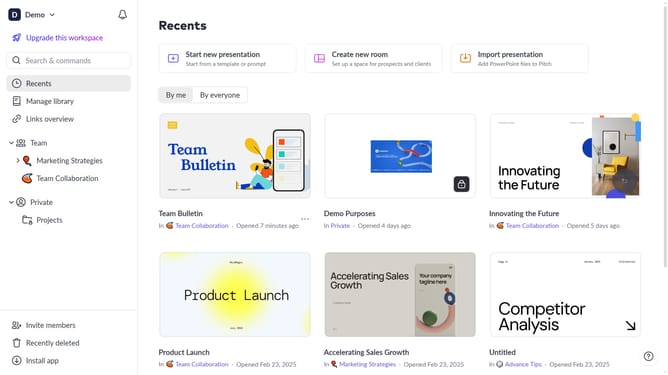
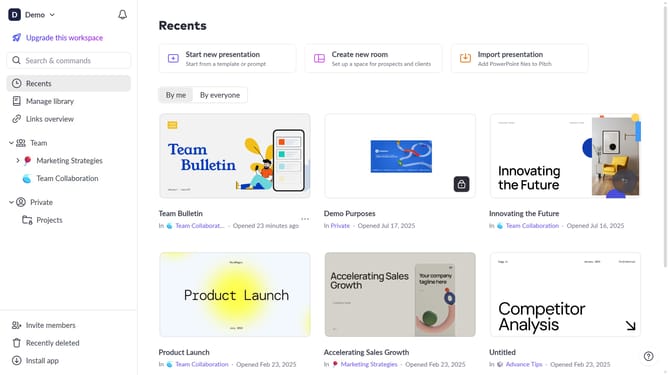
- First, open the presentation containing the text block you want to edit
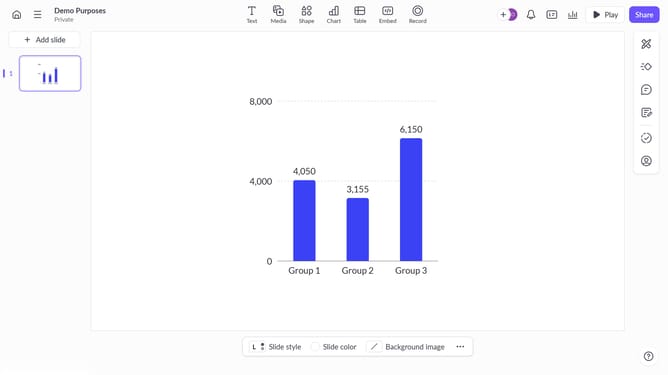
- Next, select the slide containing the text block from the left sidebar
- Click on the text block to select it
- Click on the "More options" button in the toolbar that appears
- After that, locate the "Text style" option in the right sidebar
- Then click on the dropdown button
- Finally select "Subheadline" from the available text styles
Why should you apply the Subheadline style to a text block in Pitch
Pitch is a dynamic platform designed to transform the way you create and present slides.
Applying the Subheadline style to a text block in Pitch is a simple yet powerful feature that enhances the visual flow of your presentation. This stylistic choice helps to create a clearer hierarchy, enabling your audience to effortlessly process information.
By making subheadlines distinct, you emphasize key points and improve readability, making your presentations more engaging and effective. This ensures that your main messages are highlighted, leading to a more impactful delivery.
Last update