How to apply the Instant enter animation to a block on Pitch
Here is how to apply the instant enter animation to a block on pitch
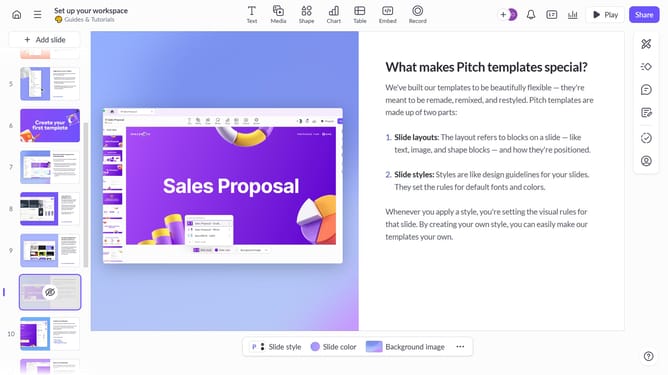
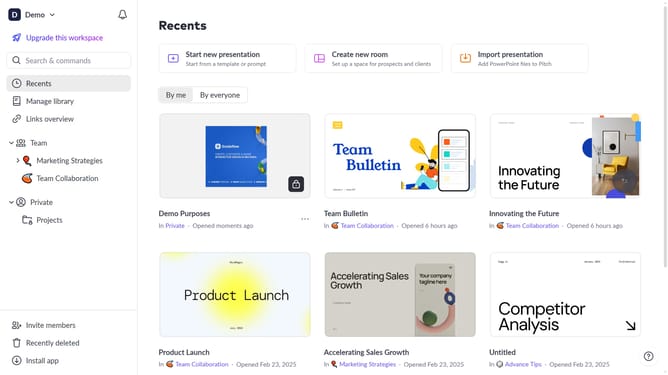
- First, open the presentation containing the block you want to animate
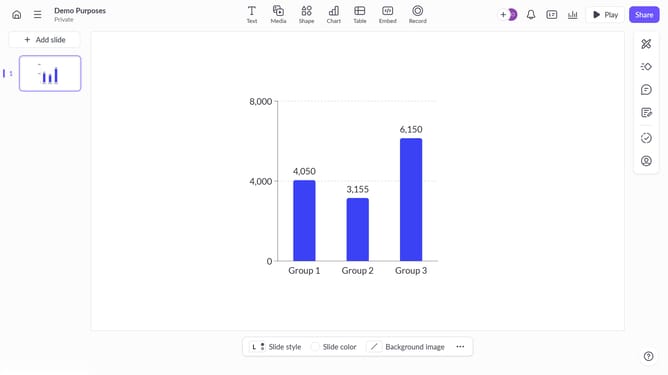
- From the left sidebar, select the slide containing the block
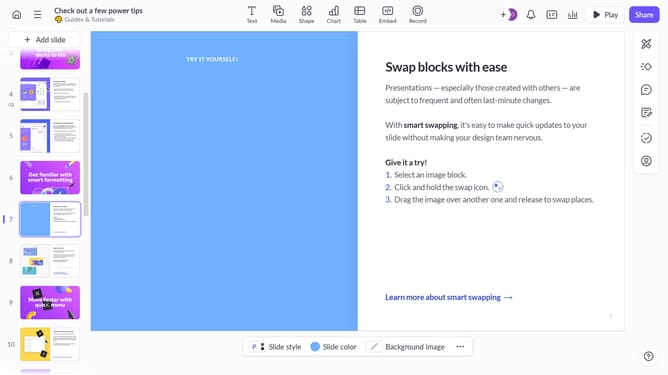
- Next, select the block you want to animate (such as a text block, image, shape, or other content block)
- In the right sidebar, click on the "Animate" option
- Then, select the "Enter" tab
- Finally, select "Instant" from the available animation options
Why should you apply the Instant enter animation to a block on Pitch
Pitch is a collaborative presentation platform designed to make creating stunning presentations simple and efficient.
The Instant enter animation feature in Pitch allows blocks of content to seamlessly fade into view, adding a dynamic flair to your presentation. It enhances viewer engagement by making transitions between slides more captivating and fluid.
Using this animation not only improves the visual appeal but also helps maintain audience attention. It offers a polished and professional edge, ensuring your message is delivered with impact and clarity.
Last update