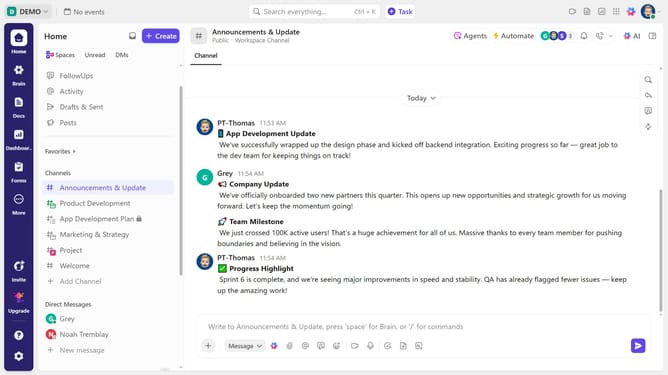
How to apply a checklist template to a task in ClickUp
Here is how to apply a checklist template to a task in clickup
- First in the task list, click the task where you want to add a checklist
- In the task details panel, locate and scroll down to the Checklists section
- Click on the "Create Checklist" button to add a new checklist
- Next hover over the Checklists section and click Use Template
- Select the checklist template you want to apply from the Template Center
- Finally, click the "Use Template" button in the top-right corner to apply the selected checklist template
Why should you apply a checklist template to a task in ClickUp
ClickUp is a versatile project management tool designed to enhance productivity and streamline workflows.
One standout feature is the ability to apply checklist templates to tasks. This allows teams to maintain consistency and saves time by having predefined steps readily available.
Using checklist templates ensures essential steps are never missed, boosting efficiency and team accountability. By integrating templates into tasks, users can effortlessly manage complex projects with clarity and ease.
Last update