How to use a whiteboard in a folder in ClickUp
Here is how to use a whiteboard in a folder in clickup
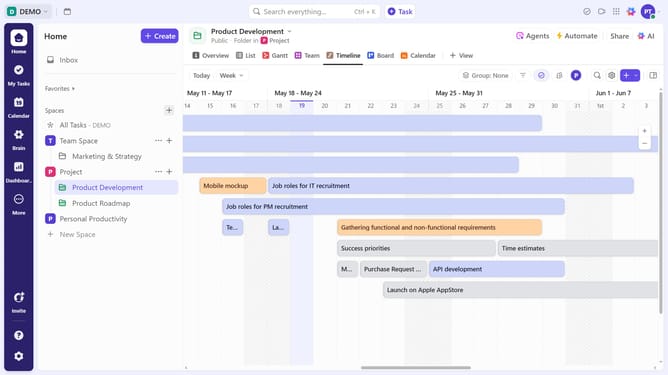
- First in the left sidebar, find the folder where you want to add the whiteboard
- Then click the "+" button next to it
- Next select "Whiteboard" option from the creation menu
- A blank whiteboard will appear, ready for editing. Use tools to add tasks, shapes, mind maps, website cards, and images
- If you'd prefer to use a pre-made template, click the "Templates" button in the bottom toolbar
- Select your preferred template from the Template Center to apply it to the whiteboard
- Finally click the "Apply Template" button to use the selected template
Why should you use a whiteboard in a folder in ClickUp
ClickUp is a versatile productivity tool designed to streamline project management and collaboration.
Using the whiteboard feature within a folder in ClickUp allows teams to visually organize and brainstorm ideas efficiently. This dynamic feature enables users to create, share, and manipulate ideas in a collaborative space, enhancing creativity and clarity.
By integrating whiteboards with specific folders, it ensures that relevant visualizations are effortlessly accessible to the entire team, fostering seamless communication and alignment on project goals.
Last update