How to use Milestones in a Gantt view in ClickUp
Here is how to use milestones in a gantt view in clickup
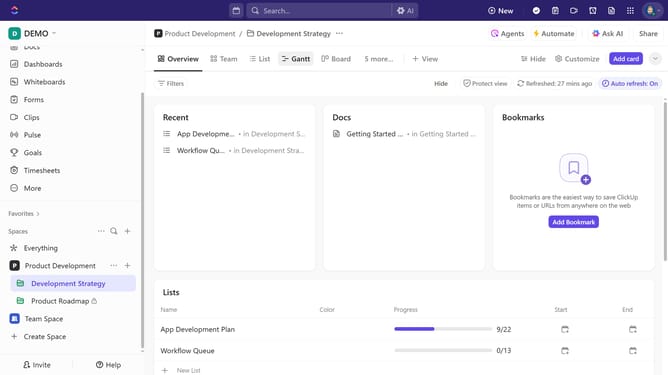
- First, click on your Gantt view in the Views Bar at the top
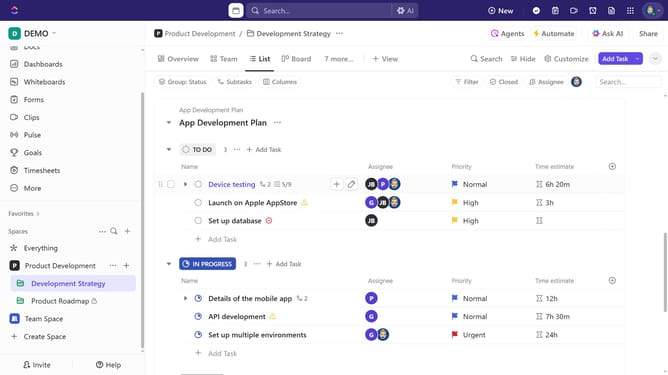
- Next, locate the task you want to convert into a milestone and right-click on it
- Click the "Task Type" option in the task menu
- Then select "Milestone" from the Task Type dropdown menu
- Another option is to click on the task to open its details
- In the Task details view, click on the "More options" (three dots) in the top left
- Click on "Task Type" from the dropdown menu
- Then select "Milestone" from the Task Type dropdown menu
- In the Gantt view, the milestone will be represented by a diamond icon next to its name
Why should you use Milestones in a Gantt view in ClickUp
ClickUp is a versatile project management tool designed to enhance productivity and organization.
Using Milestones in a Gantt view in ClickUp allows teams to track crucial phases of their projects, delineating significant stages within complex timelines. These visual markers streamline project oversight, ensuring significant accomplishments are prioritized and met efficiently.
By integrating Milestones into the Gantt view, teams gain a comprehensive visual tool that enhances scheduling flexibility and improves collaboration, ensuring project timelines are met with precision and clarity.
Last update