How to allow users to choose whether to send a link or attach a PDF in DocuSign
Here is how to allow users to choose whether to send a link or attach a pdf in docusign
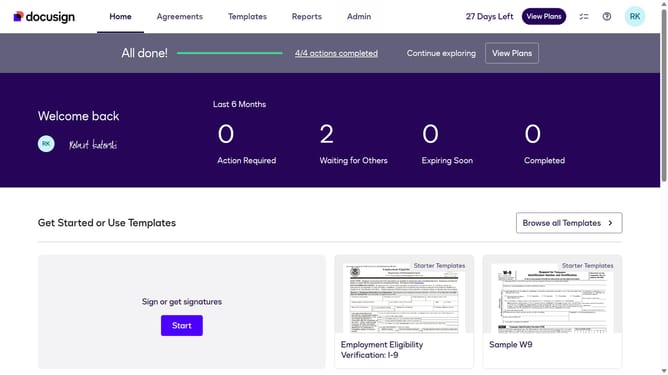
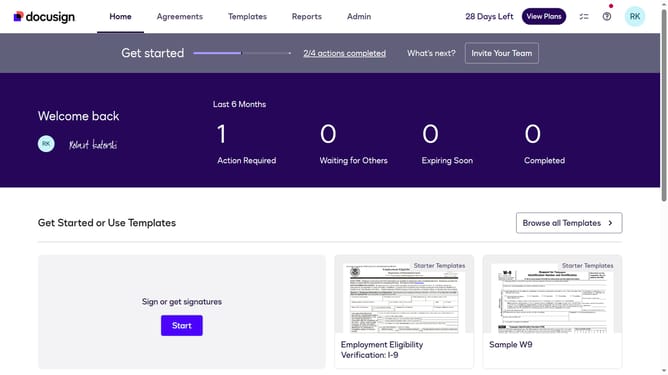
- First click on the "Admin" tab in the top navigation menu
- Then scroll down the page to view additional admin settings
- Next click on "Signing Settings" in the left sidebar under the "SIGNING AND SENDING" section
- Then scroll down to the "Envelope Delivery" section
- After enabling the checkbox, scroll down to view the "Save Changes" button
- Finally click on the "Save Changes" button to apply the configuration changes
Why should you allow users to choose whether to send a link or attach a PDF in DocuSign
DocuSign streamlines the process of signing documents electronically, enhancing efficiency and security.
A key feature allows users to choose whether to send a link or attach a PDF, providing flexibility and control to cater to varied needs.
This option is beneficial for ensuring that recipients receive documents in their preferred format, facilitating smooth communication and reducing potential misunderstandings.
The choice enhances user experience by allowing customization according to situational demands, promoting convenience and clarity in document sharing.
Last update