How to add a start date to a List in ClickUp
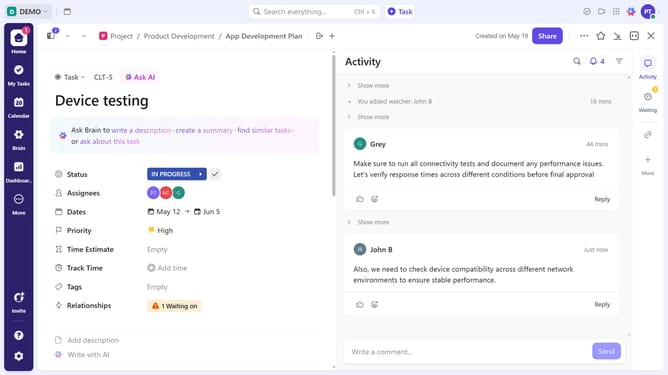
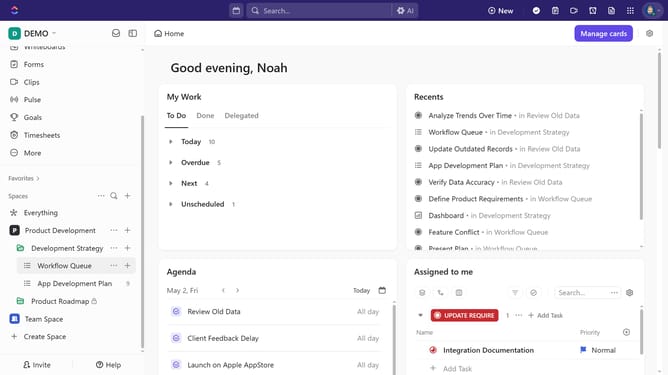
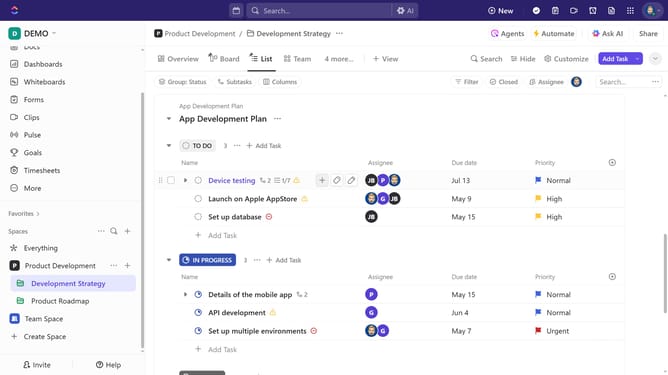
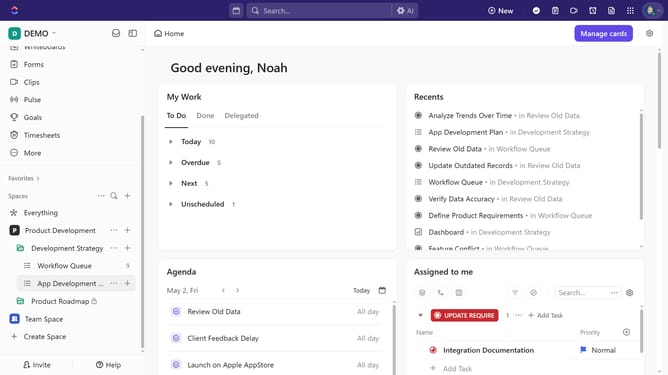
Here is how to add a start date to a list in clickup
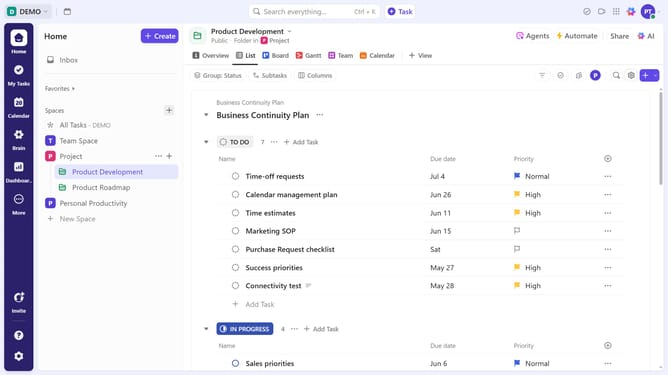
- First in the left sidebar, locate the list for which you want to set a start date
- Next click on the three dots menu button next to the list
- Click on "List Info" option from the dropdown menu
- Click on "Set due date" button in the info panel
- Select "Start date" field in the date picker dialog
- Then select a date from the picker
- You can also click "Add time" to set a specific time if necessary
- Select your preferred time from the dropdown
- Optionally, add a due date if needed
Why should you add a start date to a List in ClickUp
ClickUp is a versatile project management tool designed to enhance productivity and streamline workflows.
Adding a start date to a list in ClickUp is a simple yet powerful feature that helps teams plan their tasks more efficiently. This functionality ensures that everyone is aligned on when a project or task should begin, enabling better time management.
By setting a start date, users can optimize their schedules and allocate resources effectively, resulting in improved team collaboration and project success.
Last update