How to remove a default task template in ClickUp
Here is how to remove a default task template in clickup
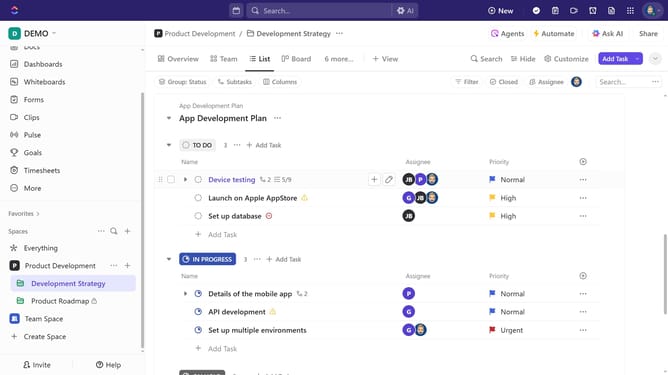
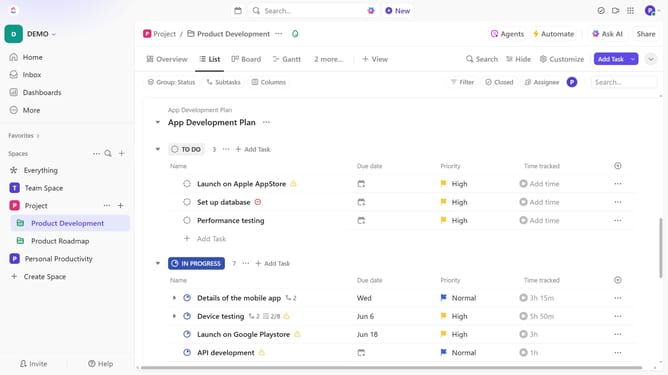
- First in the left sidebar, hover over the List and click the "More options" (three dots) menu
- Next click on the "Templates" option in the context menu
- Then click on the "X" button next to next to the default task template in the template submenu
- Finally click on the "Remove" button in the confirmation dialog box
Why should you remove a default task template in ClickUp
ClickUp is a versatile project management tool designed to streamline productivity and organization.
Removing a default task template in ClickUp empowers users to fully customize their workspace, allowing them to focus on what truly matters for their projects.
This flexibility is crucial as it ensures that the tool adapts to a team's evolving needs and preferences, rather than the other way around.
By tailoring task templates, users can enhance workflow efficiency, create a more intuitive environment, and ultimately boost team collaboration.
Last update