How to activate an event type in Calendly
Here is how to activate an event type in calendly
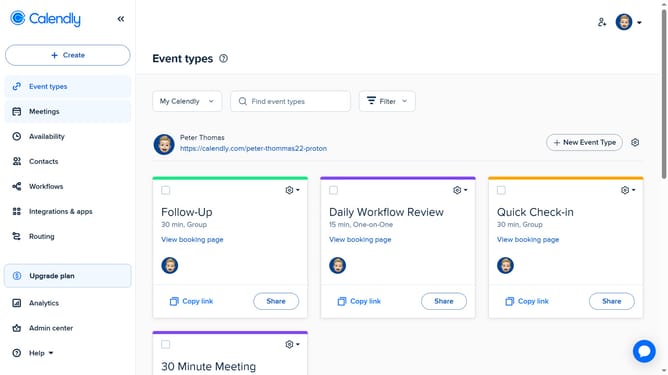
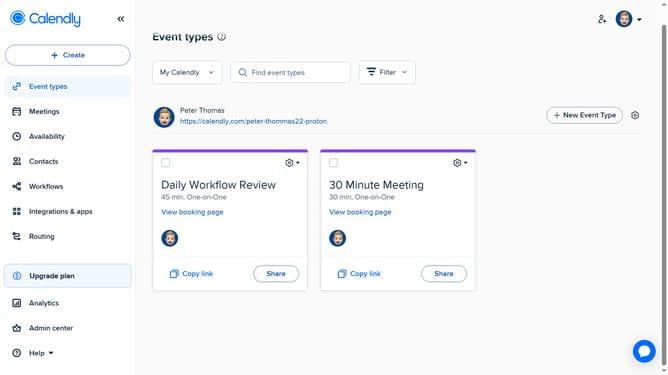
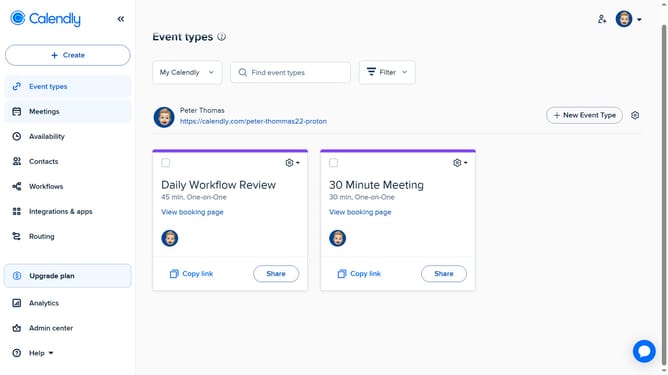
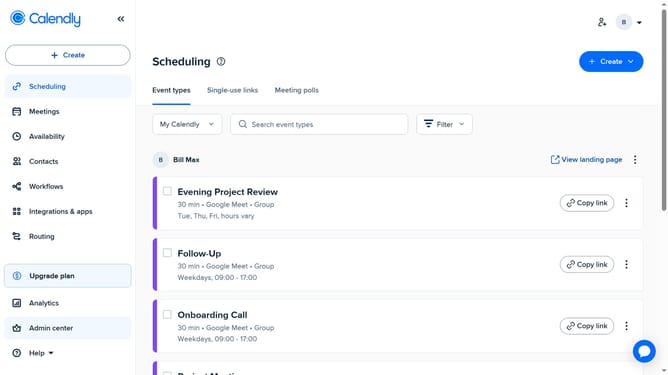
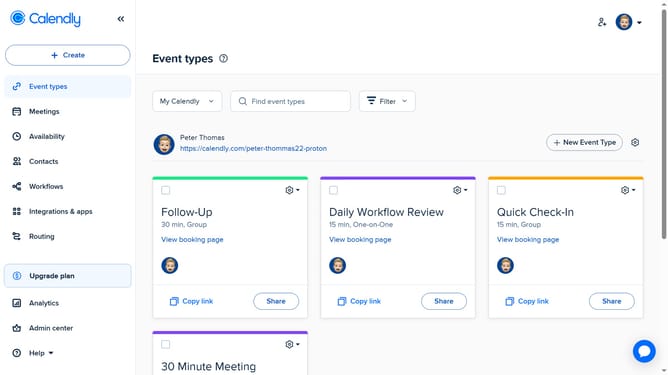
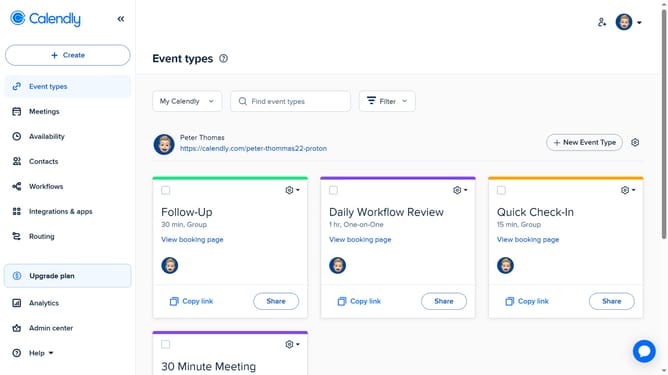
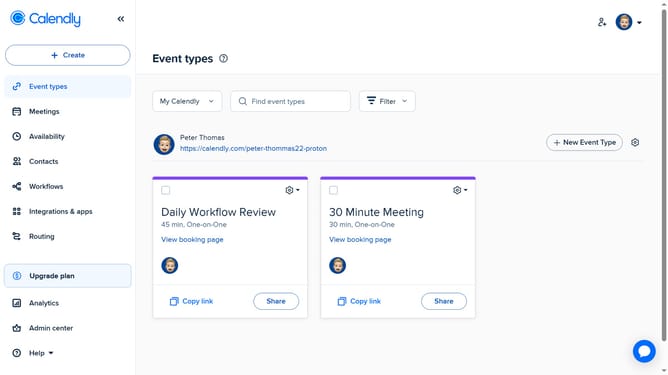
- First click on the "Event types" item in the left sidebar menu
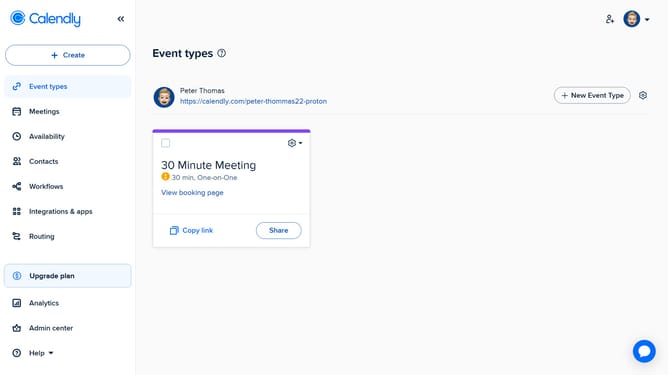
- Next find the event type you want to activate from the list
- Then, click the "Turn On" button in the bottom-right corner of the event card
- The event type is now active and can be booked by invitees
Why should you activate an event type in Calendly
Calendly is a seamless scheduling tool designed to simplify meeting arrangements and improve productivity.
Activating an event type in Calendly streamlines the process of setting up specific kinds of meetings or appointments, ensuring a more organized calendar management.
By defining event types, you enable invitees to choose times that meet your pre-set criteria, reducing back-and-forth communication.
This feature enhances efficiency, allowing you to focus on what matters while ensuring all appointments are easily scheduled and managed.
Last update