How to access Pulse in ClickUp
Here is how to access pulse in clickup
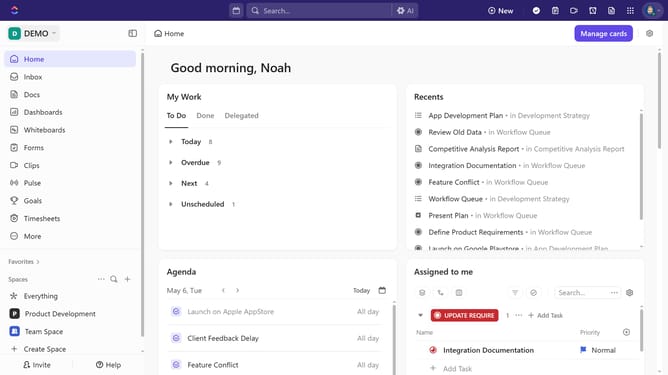
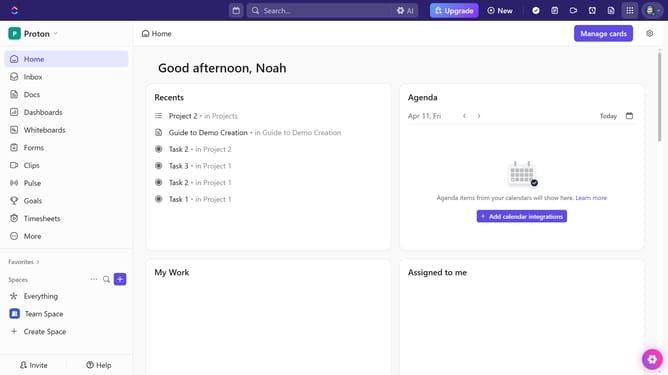
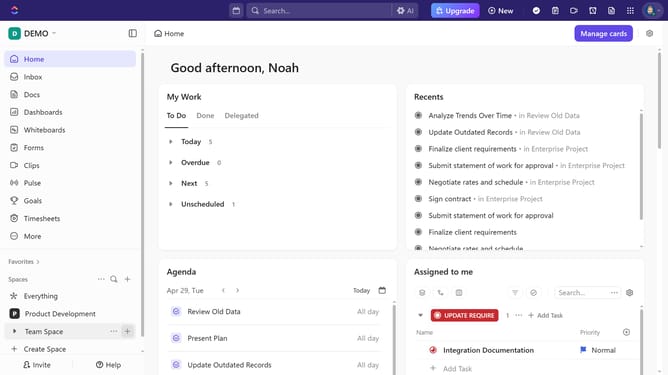
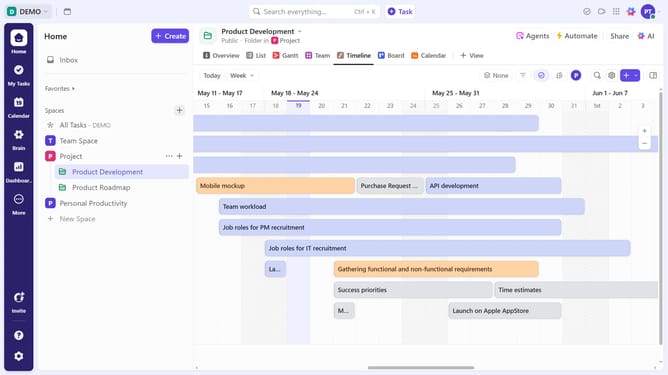
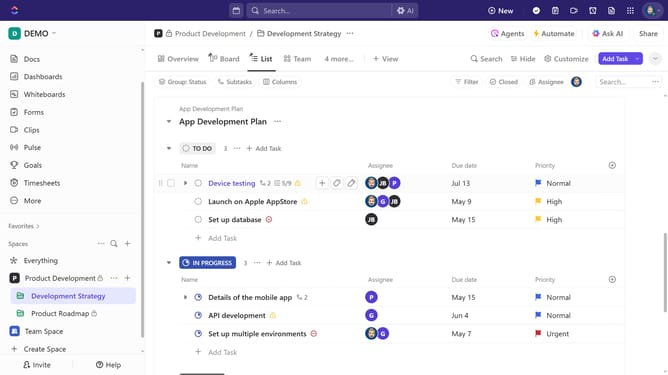
- First navigate to the Sidebar, find "Pulse" in the list and click to open it
- If you don’t see it, click on the "More" section
- Then select "Pulse" from the expanded submenu to open it for real-time activity insights
Why should you access Pulse in ClickUp
ClickUp is an all-in-one productivity platform designed to enhance team collaboration and project management efficiency.
Accessing the Pulse feature in ClickUp offers a snapshot of your team's real-time activity, a vital tool for any dynamic workspace.
Pulse allows you to monitor who's online and what tasks they're engaging with, effectively enhancing team communication and workflow transparency.
This visibility fosters a more informed decision-making process, ensuring tasks are aligned with overall team objectives.
Last update