How to share a task to someone by @mentioning in ClickUp
Here is how to share a task to someone by @mentioning in clickup
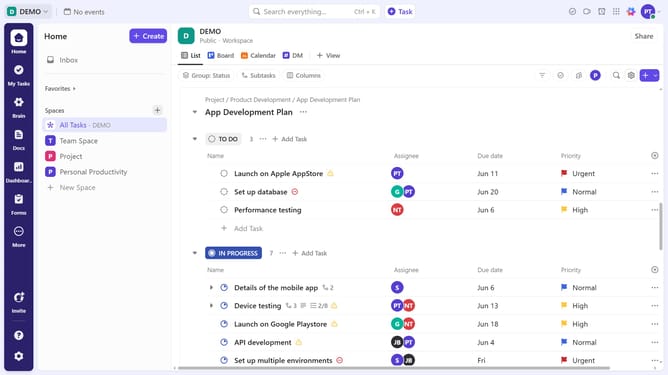
- First in the task list, click on the the task you want to share
- Then in the task details view, click on the "Activity" tab in the right sidebar
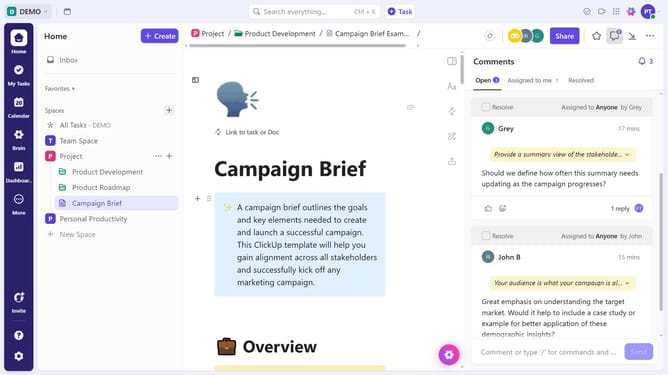
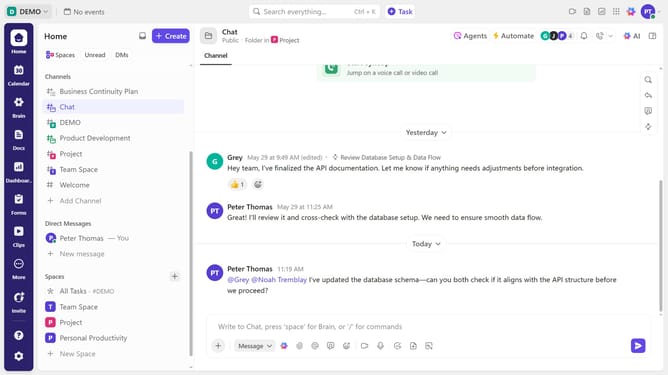
- Next click on the comment input field to start writing a comment
- Then type "@" and select a team member from the suggestions menu
- To be more specific, type "@" followed by the person's name or email
- Then select the person from the list of people to mention
- Finally write your message and click "Send". They’ll receive a notification and gain access to the task
Why should you share a task to someone by @mentioning in ClickUp
ClickUp is a versatile productivity tool designed to streamline team collaboration and task management.
Sharing tasks with team members is effortless with ClickUp's @mention feature. This feature enables users to quickly direct tasks to the relevant person by simply typing “@” followed by the team member's name.
By using @mention, team members stay informed and can easily prioritize their responsibilities. It also enhances communication efficiency by ensuring the right people are looped in on important updates.
This feature ultimately fosters a more seamless, collaborative workflow, preventing miscommunication and saving time.
Last update