How to turn a Chat message into a task in ClickUp
Here is how to turn a chat message into a task in clickup
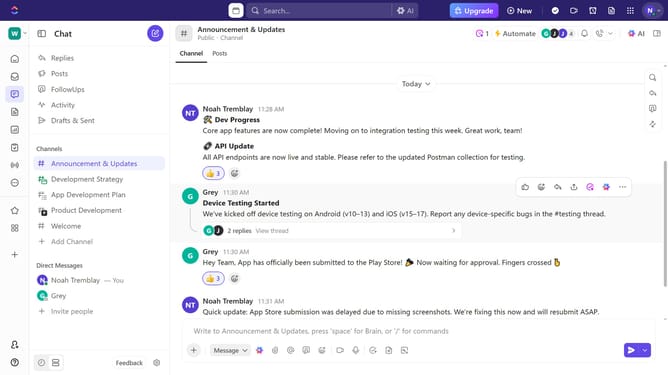
- First, navigate to any Channel or direct message where the message is located
- Locate and hover over the message you want to convert into a task
- Next click the "Create or Assign" button in the message options
- Then select "Create task manually" from the dropdown menu
- In the task creation modal, enter the task name in the name field
- Next customize the task by adding status, assignees, priority, and due date
- Finally click the "Create Task" button to finalize the task creation
- Task successfully created. Click the "Post Task" button in the confirmation dialog to share it in Thread if needed
Why should you turn a Chat message into a task in ClickUp
ClickUp is a versatile productivity platform designed to optimize task management and team collaboration.
Transforming a chat message into a task within ClickUp marries communication with action, ensuring nothing falls through the cracks. This feature fosters a seamless workflow by allowing team members to quickly convert important discussions into actionable items, promoting efficiency.
By utilizing this capability, teams cut down on steps, reduce the risk of forgetting crucial tasks, and enhance overall productivity. It keeps everyone aligned and engaged on key priorities.
Last update