A prospect complains on social media, but Sales finds out two calls later. Support resolves the issue, yet the AE walks into the renewal without that context.
These gaps happen because customer conversations now sit across social inboxes, service queues, and CRM records. Your team ends up hunting for context instead of moving the account forward.
The cost is bigger than a missed message. According to the 2025 Sprout Social Index, 73% of social users will buy from a competitor when a brand doesn’t respond on social.
Social CRM software connects those conversations to unified customer records. SDRs see recent engagement before outreach. Support owns incoming issues. AEs understand the relationship before discovery or renewal.
The question is whether you need a full CRM, a service platform, or a social listening tool that feeds your existing stack.
What’s inside
This guide compares 17 social CRM tools for sales teams, service leaders, marketing teams, and RevOps.
We selected products based on:
- CRM depth and customer record quality
- Social channel coverage and listening capability
- Issue routing and response ownership
- Reporting, adoption fit, and workflow breadth
- Current pricing and G2 ratings
You’ll also learn what social CRM software does, when it matters, and how to compare full CRM platforms with social management tools.
TL;DR
- Best overall enterprise CRM: Salesforce connects sales, service, marketing, and reporting around customer records
- Best free options: HubSpot CRM and Zoho CRM offer free entry points for growing teams
- Best for Microsoft centered organizations: Microsoft Dynamics CRM fits established Microsoft business workflows
- Best for social customer service: Zendesk routes customer conversations into owned service work
- Best for relationship driven selling: Nimble adds social profile enrichment to contact history
- Best for social listening: Brand24 monitors mentions and sentiment before CRM handoff
What is social CRM software?
Social CRM software is customer relationship management software that connects social profiles, conversations, mentions, messages, and engagement data to customer records.
Traditional CRM systems track known contacts, opportunities, tasks, and pipeline activity. Social customer relationship management adds context from public engagement and private conversations.
That distinction matters during handoffs. An SDR needs social profile enrichment before outreach. Support needs ownership when a complaint appears. An AE needs the customer conversation history before a renewal call.
The best CRM with social media integration should help your team answer two questions: What happened, and who owns the next action?
Common social CRM capabilities include:
- Social profile enrichment: Adds social and business context to contact records
- Unified customer records: Connects account activity across sales and service
- Social inbox: Centralizes comments, messages, reviews, and mentions
- Social listening: Monitors conversations that mention your brand or products
- Sentiment analysis: Classifies whether conversations appear positive or negative
- Issue routing: Assigns social messages to the right team member
- Conversation history: Preserves previous responses across customer facing teams
- Reporting: Connects social interactions to campaigns, accounts, or service work
- Mobile access: Gives distributed teams access to current customer context
The category includes several product types. Full CRM platforms provide pipeline management and customer records. Service platforms focus on social customer service and ticket ownership.
Social media management products prioritize publishing, moderation, and engagement. Listening platforms detect mentions or sentiment before passing context into another system.
Choose based on where context disappears today. A strong social media CRM should reduce handoff costs without becoming another disconnected tab.
When to use social CRM software
Capture social context before sales outreach
Use social media for CRM when reps need better context before contacting an account. Recent posts, comments, and communication history can guide a more relevant opening.
This helps SDRs avoid duplicate outreach. AEs also gain useful context before discovery or expansion conversations.
Route social issues to the right owner
Social complaints and direct messages need an owner. Screenshots dropped into chat create unclear responsibility and incomplete records.
Social CRM software can route the conversation into a service workflow. The customer service handoff then preserves status and response history for Sales or CS.
Connect marketing engagement to revenue records
Social engagement can appear before a form submission. Monitoring those signals gives RevOps more context around account activity.
A CRM social media integration becomes useful when engagement reaches a contact, account, ticket, or opportunity record. Without that connection, social metrics remain separate from pipeline decisions.
Social CRM software comparison
The table below compares full CRM platforms with service, management, and social listening tools. Start with the workflow that creates the problem.
Choose CRM depth when Sales needs a trusted system of record. Prioritize social depth when publishing, moderation, or monitoring drives the work.
| # | Product | Best for | Key differentiator | Pricing | G2 rating |
|---|---|---|---|---|---|
| 1 | Salesforce | Enterprise social CRM | Broad sales, service, marketing, and reporting coverage | Free Suite available, Starter Suite from $25 per user monthly | 4.4/5 |
| 2 | HubSpot CRM | Growing teams needing easy adoption | Customer data and pipeline tools with broader GTM context | Free plan, Starter from $7 per seat monthly | 4.4/5 |
| 3 | Zoho CRM | Cost conscious sales teams | Customizable CRM with automation and multiple pipelines | Free for three users, Standard from $14 per user monthly | 4.1/5 |
| 4 | Microsoft Dynamics CRM | Microsoft centered organizations | Native fit with Microsoft business workflows | From $65 per user monthly, paid yearly | 3.8/5 |
| 5 | Zendesk | Social customer service | Omnichannel support and issue routing | From $19 per agent monthly, paid yearly | 4.3/5 |
| 6 | Nimble | Relationship driven social selling | Social and business data enrichment | From $24.90 per seat monthly, billed annually | 4.5/5 |
| 7 | Bitrix24 | All in one small business operations | Flat organization pricing with CRM and collaboration | Free plan, Basic from $49 per organization monthly | 4.1/5 |
| 8 | EngageBay | Small GTM teams | CRM with marketing and service capabilities | Free plan, Basic from $12.74 per user monthly | 4.5/5 |
| 9 | SugarCRM | Configurable B2B sales processes | CRM automation with ERP data integration | From $59 per user monthly, billed annually | N/A |
| 10 | Pipeliner CRM | Visual pipeline management | Multiple pipeline views and guided selling | From $85 per user monthly, billed annually | 4.6/5 |
| 11 | Insightly | Project heavy relationships | CRM connected to project delivery | From $29 per user monthly, billed annually | 4.2/5 |
| 12 | NapoleonCat | Social inbox and moderation | Team assignment with automated moderation | From $79 monthly | 4.7/5 |
| 13 | Sendible | Agencies and multi brand teams | Publishing, monitoring, and client collaboration | From $35 monthly | 4.5/5 |
| 14 | Brand24 | Social listening and sentiment | Mention monitoring across multiple online sources | From $249 monthly | N/A |
| 15 | CRMNEXT | Financial services organizations | CRM workflows for complex customer operations | Custom pricing | 4.2/5 |
| 16 | SutiCRM | Small and midsize businesses | Sales, marketing, and service workflow coverage | From $10 per user monthly | 4.5/5 |
| 17 | MiniCRM | Small business CRM adoption | Sales and project workflows for smaller teams | From €15 per user monthly | 4.8/5 |
Best 17 social CRM software for 2026
The list starts with broad CRM platforms. It then moves through service software, relationship management, social inboxes, listening tools, and smaller CRM options.
1. Salesforce
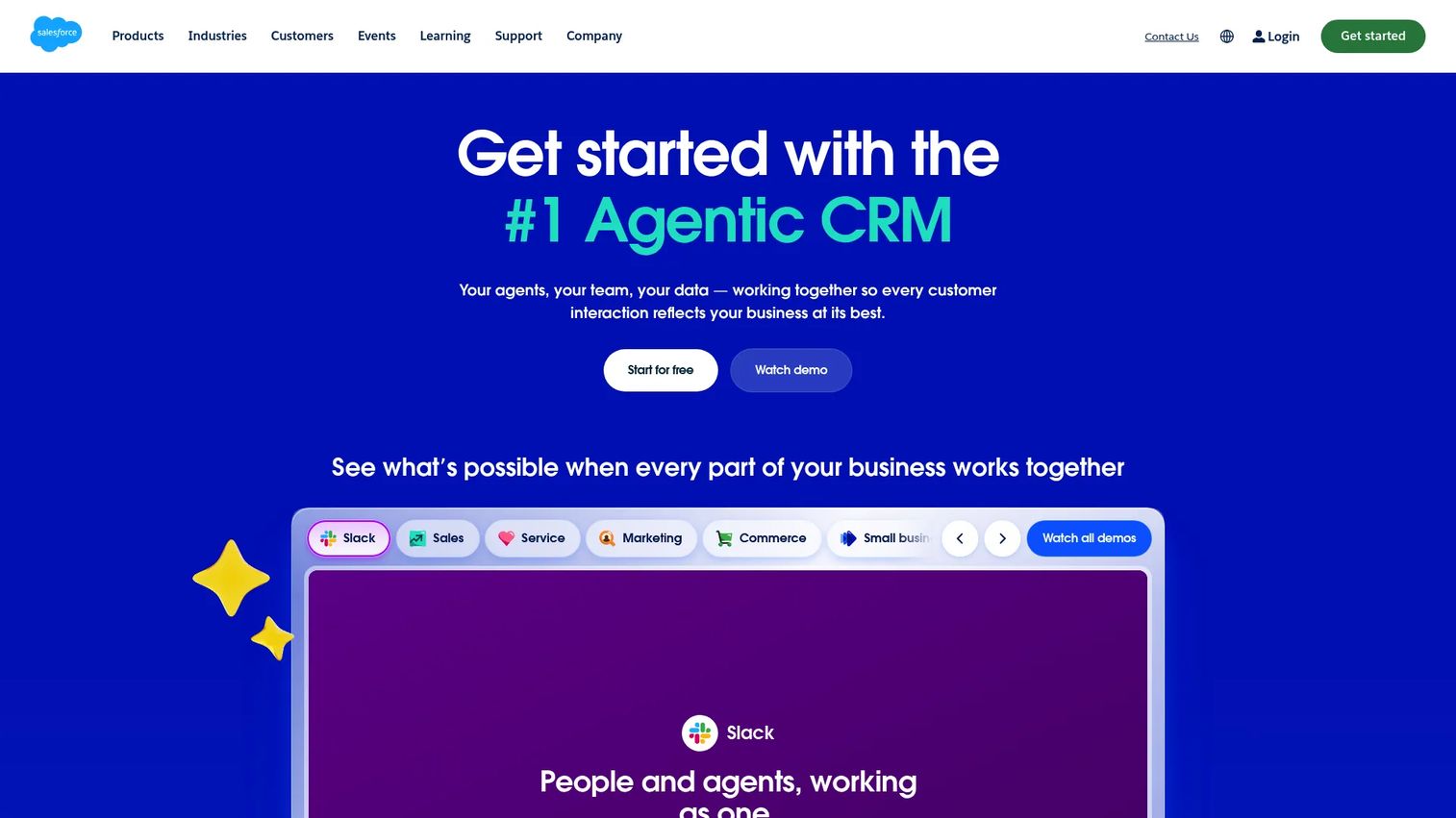
Salesforce provides an extensible CRM platform for sales, service, marketing, analytics, and customer data management. Its broad scope suits organizations that need social context inside mature account and opportunity records.
Sales teams can manage leads and opportunities while service teams route customer issues through defined workflows. Reporting keeps managers and RevOps close to pipeline activity.
Best for: Enterprise organizations that need social engagement tied to governed customer records.
Key features
- Lead and opportunity management
- Sales flows and lead routing
- Email and event synchronization
- Forecasting and quoting
- Custom reports and dashboards
Why choose Salesforce: Choose it when governance and cross department visibility matter more than quick setup. Its breadth supports complex handoffs between Sales and customer service.
Salesforce pricing: Free Suite costs $0. Starter Suite starts at $25 per user monthly, billed monthly or annually.
G2 rating: Salesforce holds a 4.4/5 rating.
2. HubSpot CRM
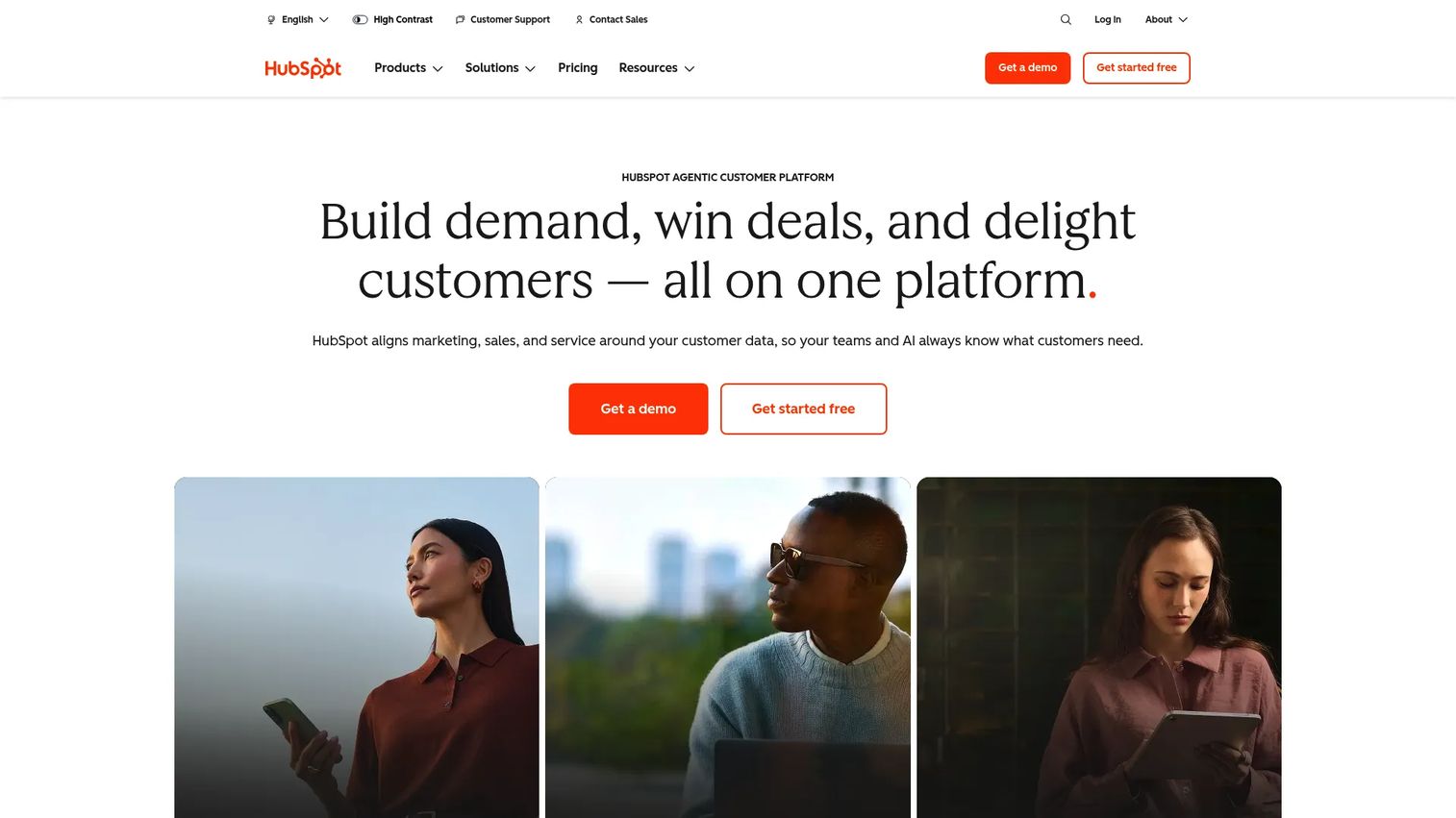
HubSpot CRM gives small and growing businesses customer data, deal management, tasks, communications, and reporting. Its contact records help teams keep marketing activity and sales work connected.
The free entry point makes it practical for teams leaving spreadsheets. Paid hubs expand the surrounding marketing and customer engagement software.
Best for: Growing GTM teams that want easier adoption and shared customer data.
Key features
- Contact and deal management
- Pipeline management
- Task tracking
- Communication records
- Reporting dashboards
Why choose HubSpot CRM: It suits teams that value adoption across Marketing and Sales. The wider platform also provides room to add service workflows.
HubSpot CRM pricing: Free CRM tools cost $0. Starter pricing begins at $7 per seat monthly, with monthly or annual billing.
G2 rating: HubSpot CRM holds a 4.4/5 rating.
3. Zoho CRM
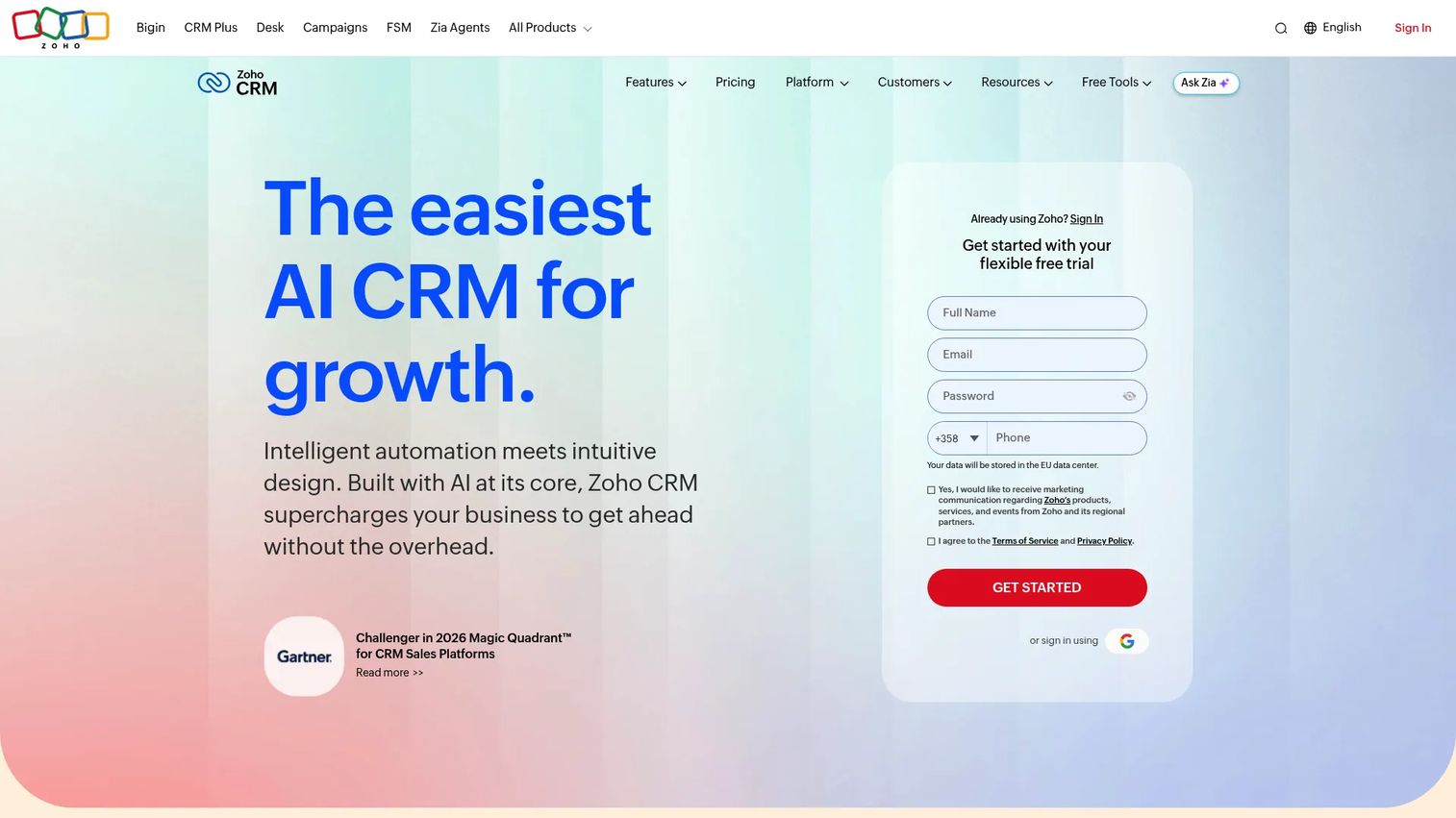
Zoho CRM combines contact management with workflow automation, forecasting, reporting, and customization. Multiple pipelines help teams separate motions by market or product.
Its broader suite fit matters for organizations already using Zoho applications. Sales teams gain CRM automation without starting at enterprise pricing.
Best for: Small and midsize teams wanting broad CRM capabilities at a lower entry cost.
Key features
- Contact management
- Workflow automation
- Multiple sales pipelines
- Forecasting and analytics
- Custom modules and portals
Why choose Zoho CRM: Choose it when process customization matters alongside affordability. It offers more structure than a basic contact database.
Zoho CRM pricing: The free edition supports three users. Standard starts at $14 per user monthly, with monthly or annual billing.
G2 rating: Zoho CRM holds a 4.1/5 rating.
4. Microsoft Dynamics CRM
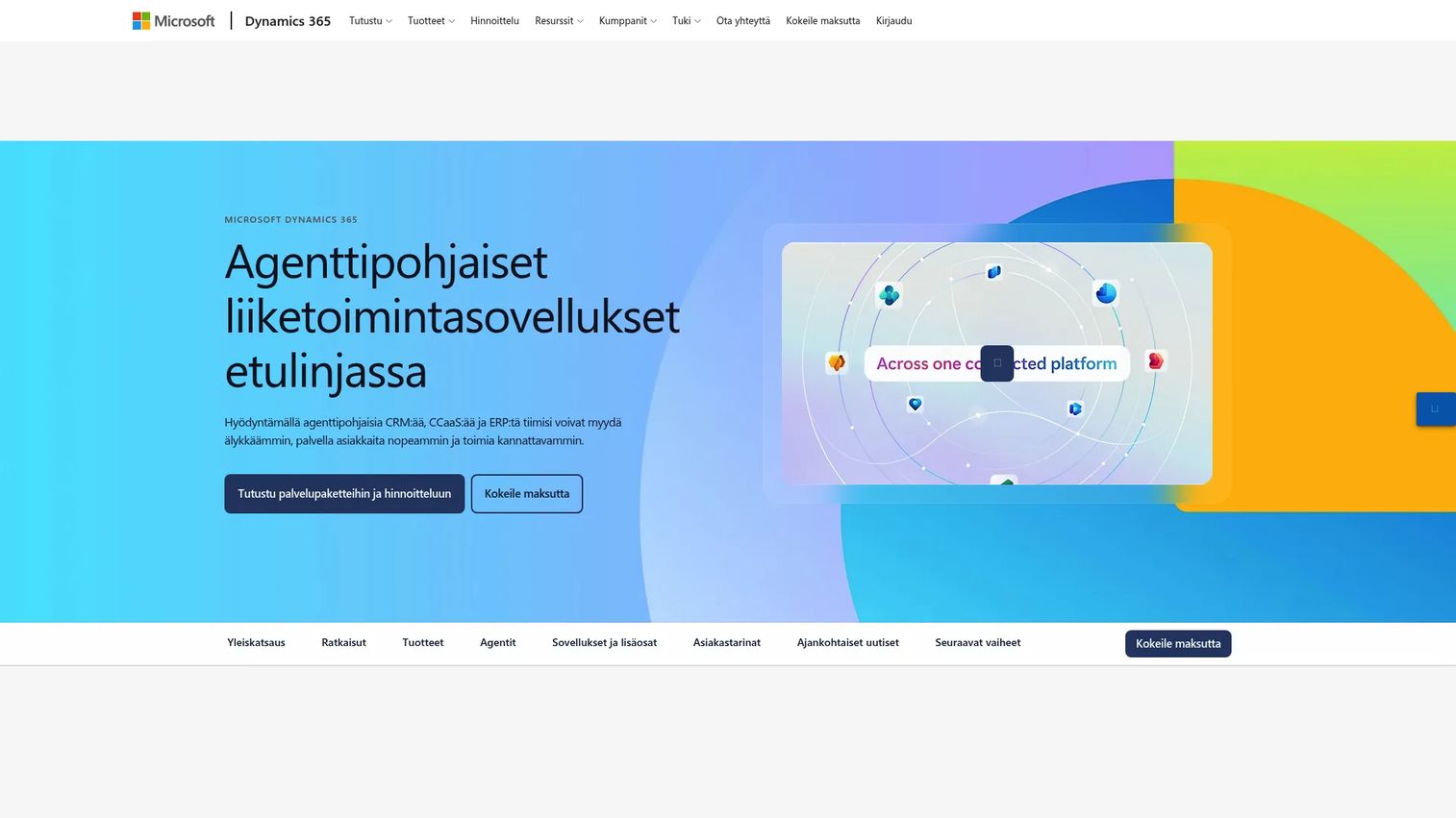
Microsoft Dynamics CRM, represented by Dynamics 365 Sales, supports sales automation, reporting, customization, and Microsoft 365 workflows. It fits organizations already operating inside the Microsoft environment.
Seller insights and Copilot capabilities add guidance inside sales processes. Enterprise analytics help managers inspect activity and pipeline performance.
Best for: Sales organizations standardized on Microsoft business applications.
Key features
- Sales force automation
- Microsoft 365 integration
- Reporting and dashboards
- Workflow customization
- AI assisted seller insights
Why choose Microsoft Dynamics CRM: Existing Microsoft users gain stronger workflow continuity. This can reduce the context switching that hurts CRM adoption.
Microsoft Dynamics CRM pricing: Dynamics 365 Sales Professional starts at $65 per user monthly, paid yearly. A free trial is available.
G2 rating: Dynamics 365 Sales holds a 3.8/5 rating.
5. Zendesk
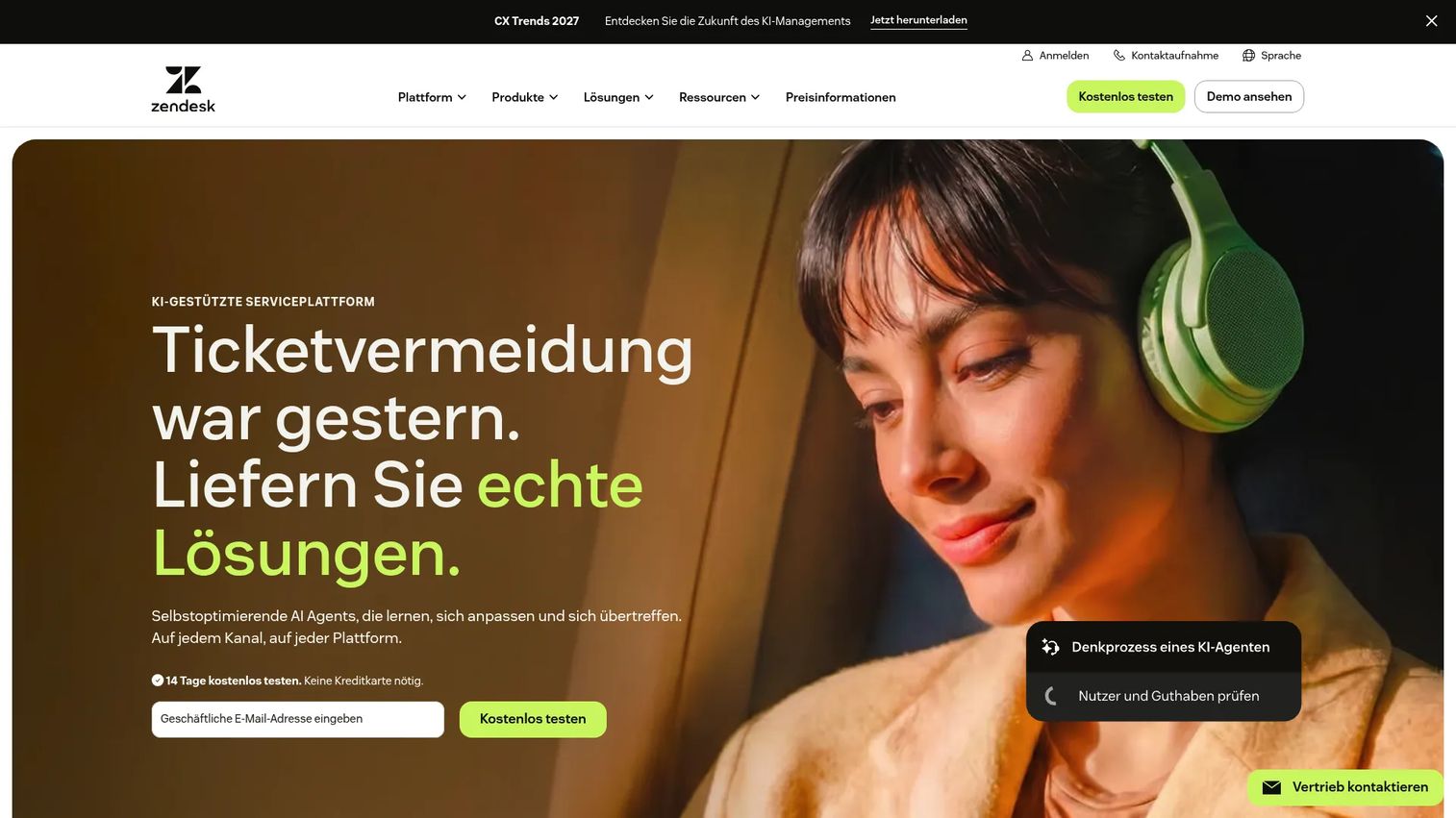
Zendesk focuses on customer service across email, messaging, live chat, and telephony. Its social CRM value comes from turning incoming conversations into owned support work.
Ticket routing gives agents clear responsibility. Customer history also helps Sales understand service issues before renewal or expansion discussions.
Best for: Teams where social CRM starts with customer service and response ownership.
Key features
- Email and ticketing
- Omnichannel routing
- Messaging and live chat
- Knowledge base tools
- Service analytics dashboards
Why choose Zendesk: Choose it when complaints and questions need accountable service workflows. Sales pipeline management remains a separate requirement.
Zendesk pricing: Support Team starts at $19 per agent monthly, paid yearly. Zendesk offers a free trial.
G2 rating: Zendesk holds a 4.3/5 rating.
6. Nimble
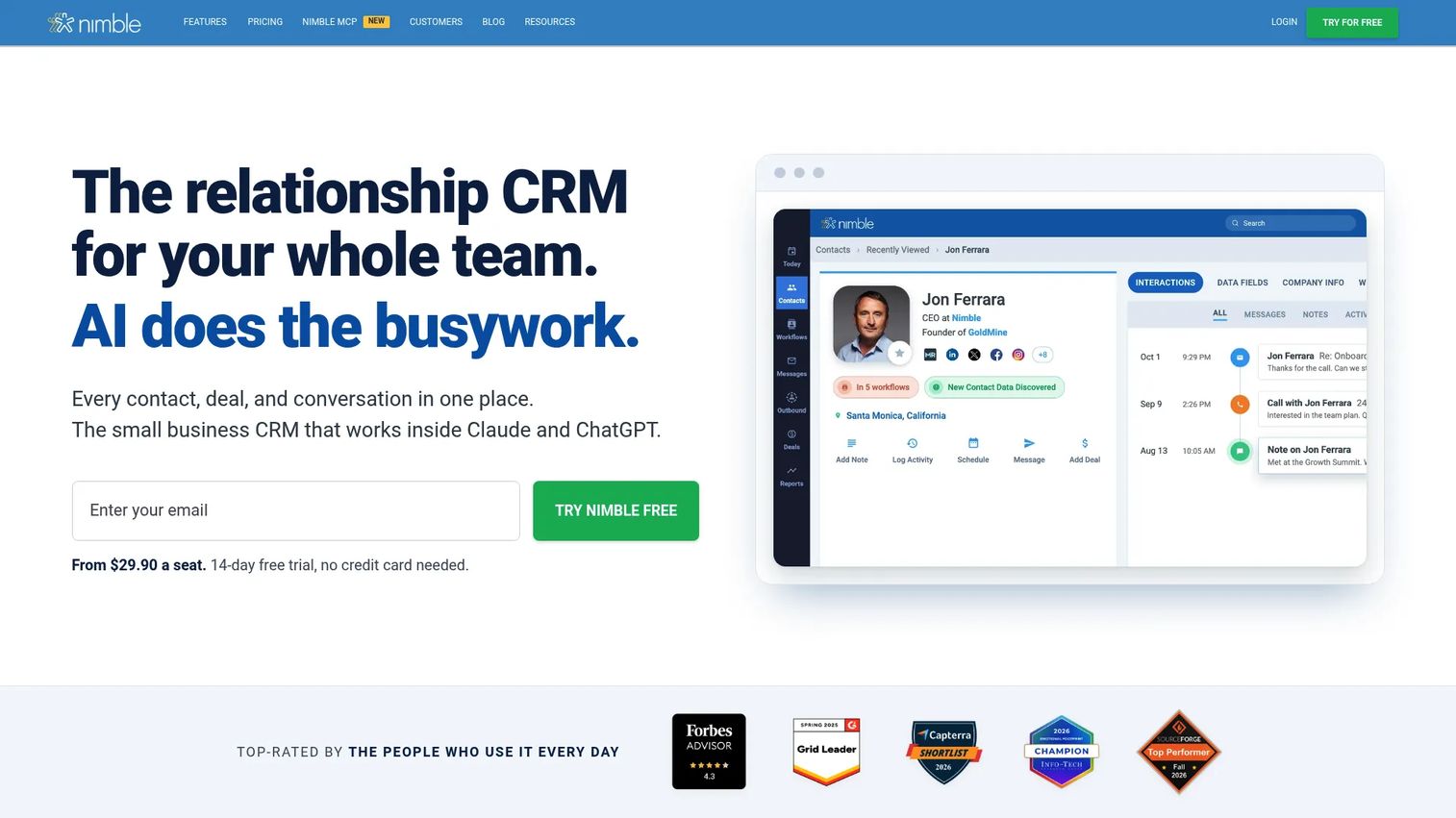
Nimble is a relationship focused CRM for small businesses, consultants, and compact sales teams. It combines contact records with email, calendars, outreach, workflows, and pipeline management.
Its social profile enrichment adds business context to contacts. Reps can research relationships without piecing together details across separate browser tabs.
Best for: Small teams that depend on social selling and relationship context.
Key features
- Social and business data enrichment
- Contact relationship management
- Email sequences and messaging
- Customizable deal pipelines
- Browser extension and mobile apps
Why choose Nimble: It fits teams that prioritize relationship intelligence over complex enterprise administration. Google Workspace and Microsoft 365 integrations support familiar working habits.
Nimble pricing: Business CRM starts at $24.90 per seat monthly, billed annually. A 14 day trial is available.
G2 rating: Nimble holds a 4.5/5 rating.
7. Bitrix24
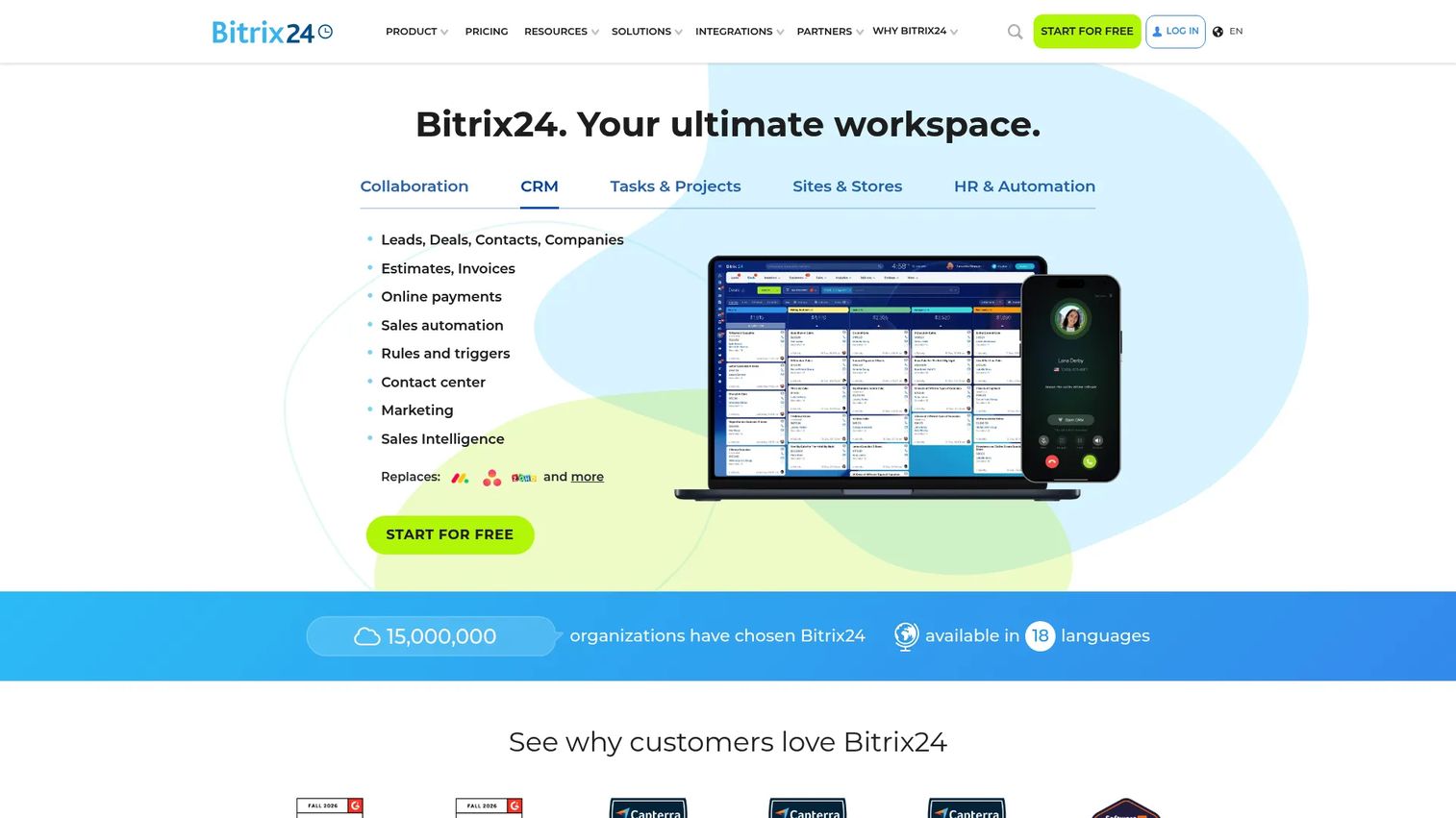
Bitrix24 combines CRM, tasks, project management, communications, websites, and automation. Its flat organization pricing differs from the per seat model common among CRM vendors.
Customer records sit beside task assignment and internal collaboration. This structure can help smaller teams keep handoffs from disappearing into chat.
Best for: Small businesses wanting CRM and collaboration in one workspace.
Key features
- CRM and sales management
- Tasks and project tracking
- Team chat and video calls
- Workflow automation
- Websites and online stores
Why choose Bitrix24: Consider it when tool consolidation matters. The breadth requires clear ownership to prevent teams from recreating clutter inside a larger workspace.
Bitrix24 pricing: A free plan is available. Basic starts at $49 per organization monthly when billed annually and includes five users.
G2 rating: Bitrix24 holds a 4.1/5 rating.
8. EngageBay
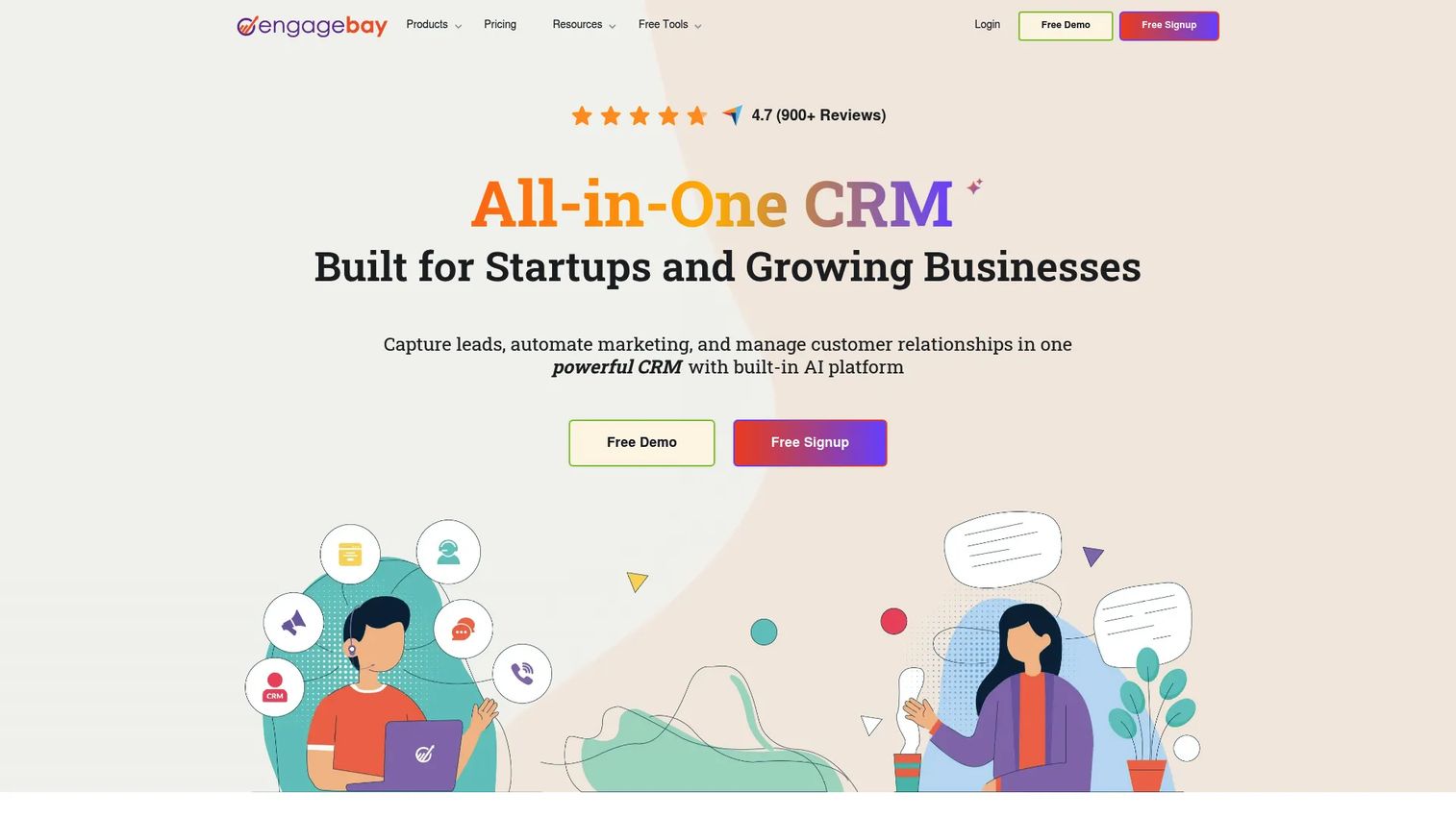
EngageBay combines marketing automation, sales CRM, appointments, live chat, and helpdesk tools. It targets small businesses that need broader GTM coverage without several separate subscriptions.
Sales teams can track deals and tasks. Marketing handles campaigns, while service teams manage customer questions through helpdesk features.
Best for: Small teams combining sales, marketing, and customer engagement workflows.
Key features
- Contact and deal management
- Marketing automation workflows
- Appointment scheduling
- Live chat and helpdesk
- Forms and landing pages
Why choose EngageBay: It offers a practical step beyond spreadsheets. Teams should still map ownership before combining several functions inside the same product.
EngageBay pricing: A free plan is available. Basic starts at $12.74 per user monthly.
G2 rating: EngageBay holds a 4.5/5 rating.
9. SugarCRM
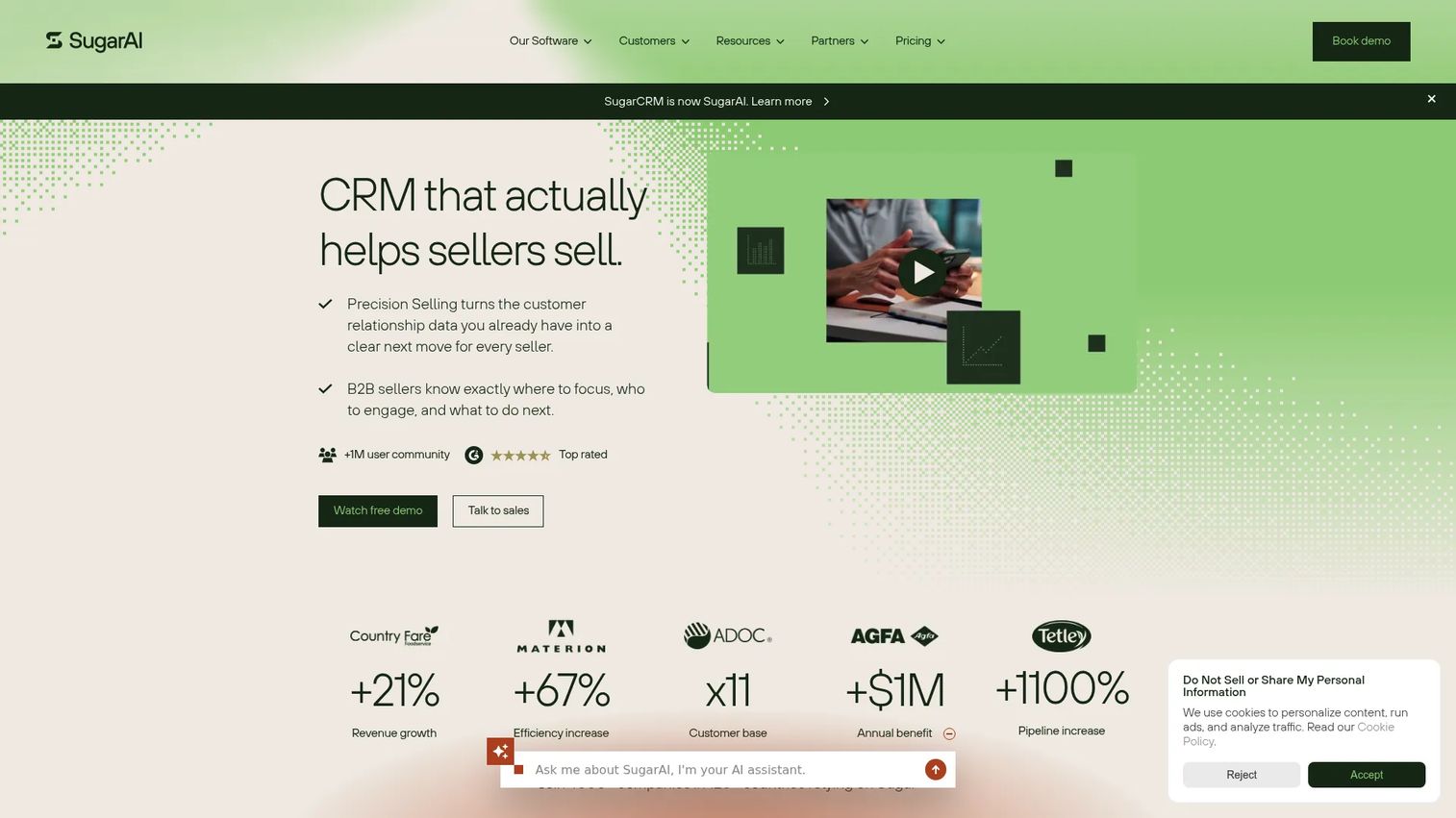
SugarCRM, now branded as SugarAI, supports B2B sales, marketing, and customer service operations. Its configurable workflows suit organizations with established processes and ERP data.
The platform covers pipeline management, opportunity prioritization, service cases, and omnichannel engagement. This breadth can connect social context to a larger customer history.
Best for: B2B teams with complex sales processes and integration requirements.
Key features
- Sales automation and pipeline management
- Opportunity prioritization
- ERP and CRM data integration
- Configurable workflow tools
- Customer service case management
Why choose SugarCRM: Choose it when CRM processes need meaningful customization. The 15 user minimum on core sales plans makes it better suited to established teams.
SugarCRM pricing: Standard starts at $59 per user monthly, billed annually, with a 15 user minimum.
10. Pipeliner CRM
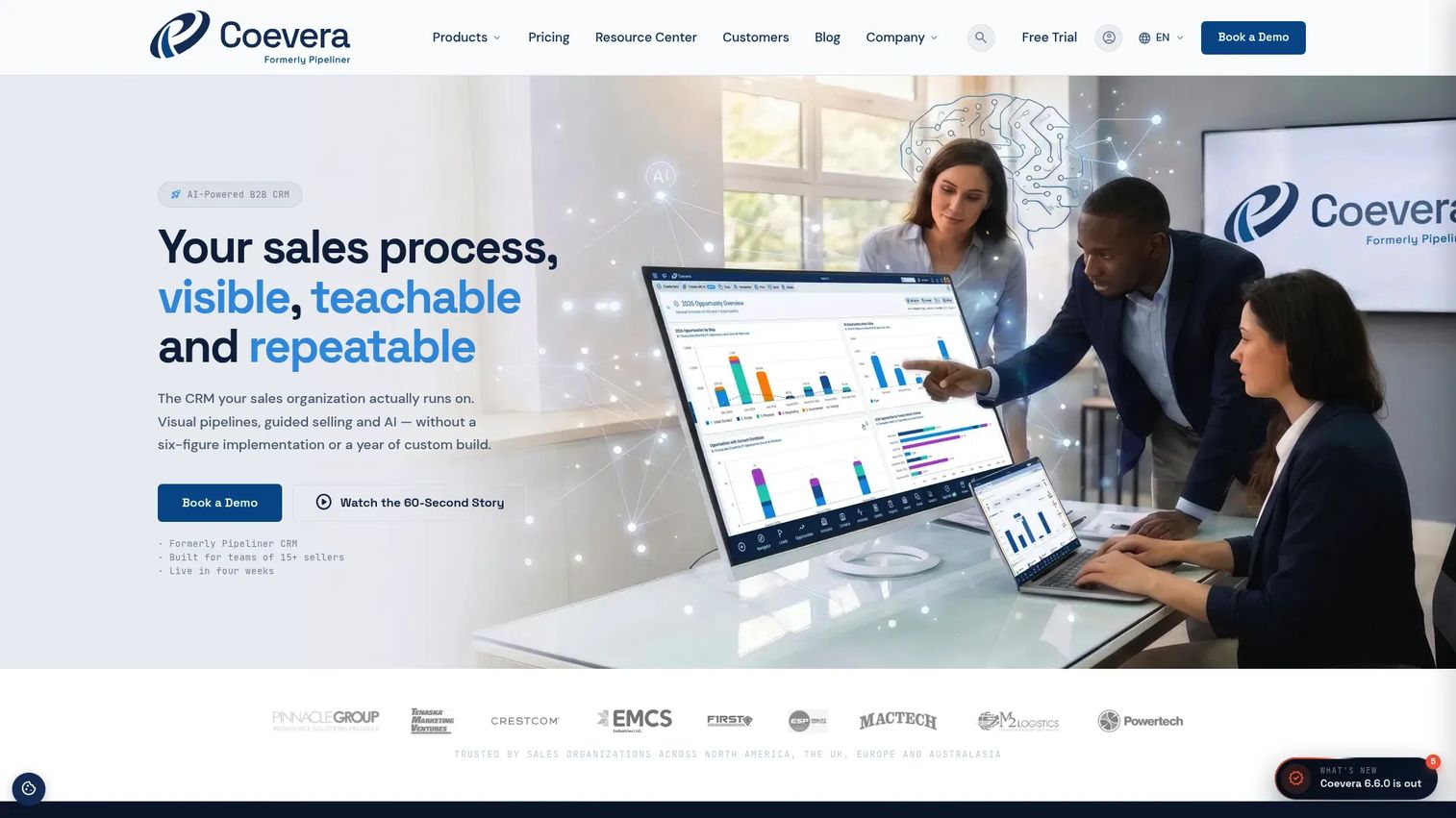
Pipeliner CRM, now identified as Coevera, is a visual B2B sales CRM. It provides multiple pipeline views, guided selling, automation, and reporting.
The product emphasizes sales execution over broad marketing functions. Account and contact records preserve relationship context as opportunities move forward.
Best for: Midmarket sales organizations wanting visual pipeline control.
Key features
- Drag and drop pipelines
- Multiple pipeline views
- Account and contact management
- No code workflow automation
- Reporting and analytics
Why choose Pipeliner CRM: It fits sales leaders who want pipeline visibility without buying a larger marketing suite. Its minimum commitment starts at 15 users.
Pipeliner CRM pricing: Business starts at $85 per user monthly, billed annually. A free trial is available.
G2 rating: The current product listing holds a 4.6/5 rating.
11. Insightly
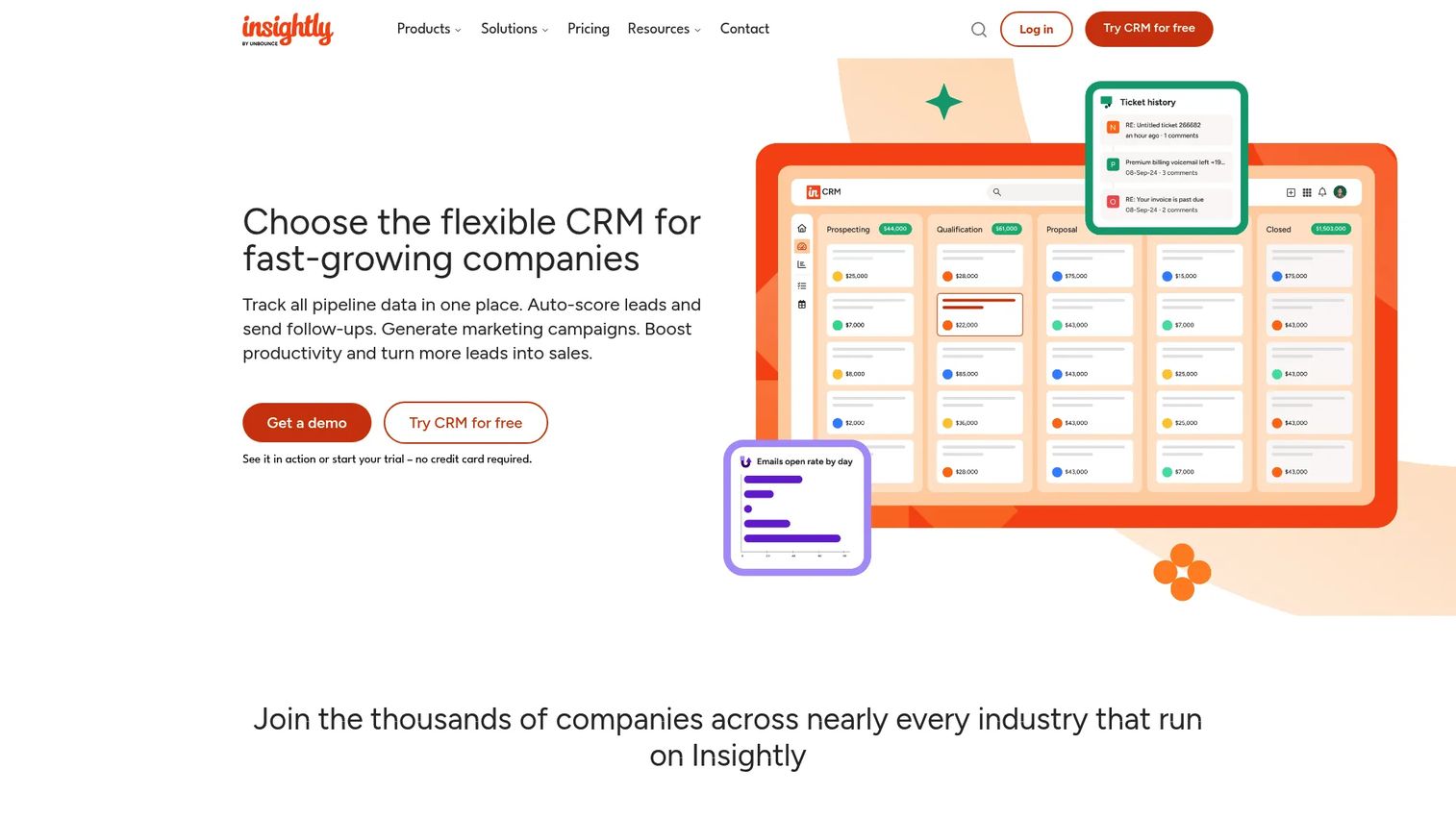
Insightly connects CRM records with project management and workflow automation. This combination helps teams preserve customer context after an opportunity closes.
Sales can manage contacts and leads. Delivery teams can then track projects without losing the commitments made during the buying process.
Best for: Growing businesses where customer relationships continue into project delivery.
Key features
- Lead and contact management
- Project management
- Workflow automation
- Reports and dashboards
- Products and quotes
Why choose Insightly: Choose it when sales to delivery handoffs create risk. Dedicated social management may still require another product or integration.
Insightly pricing: Plus starts at $29 per user monthly, billed annually. A 14 day trial is available.
G2 rating: Insightly CRM holds a 4.2/5 rating.
12. NapoleonCat
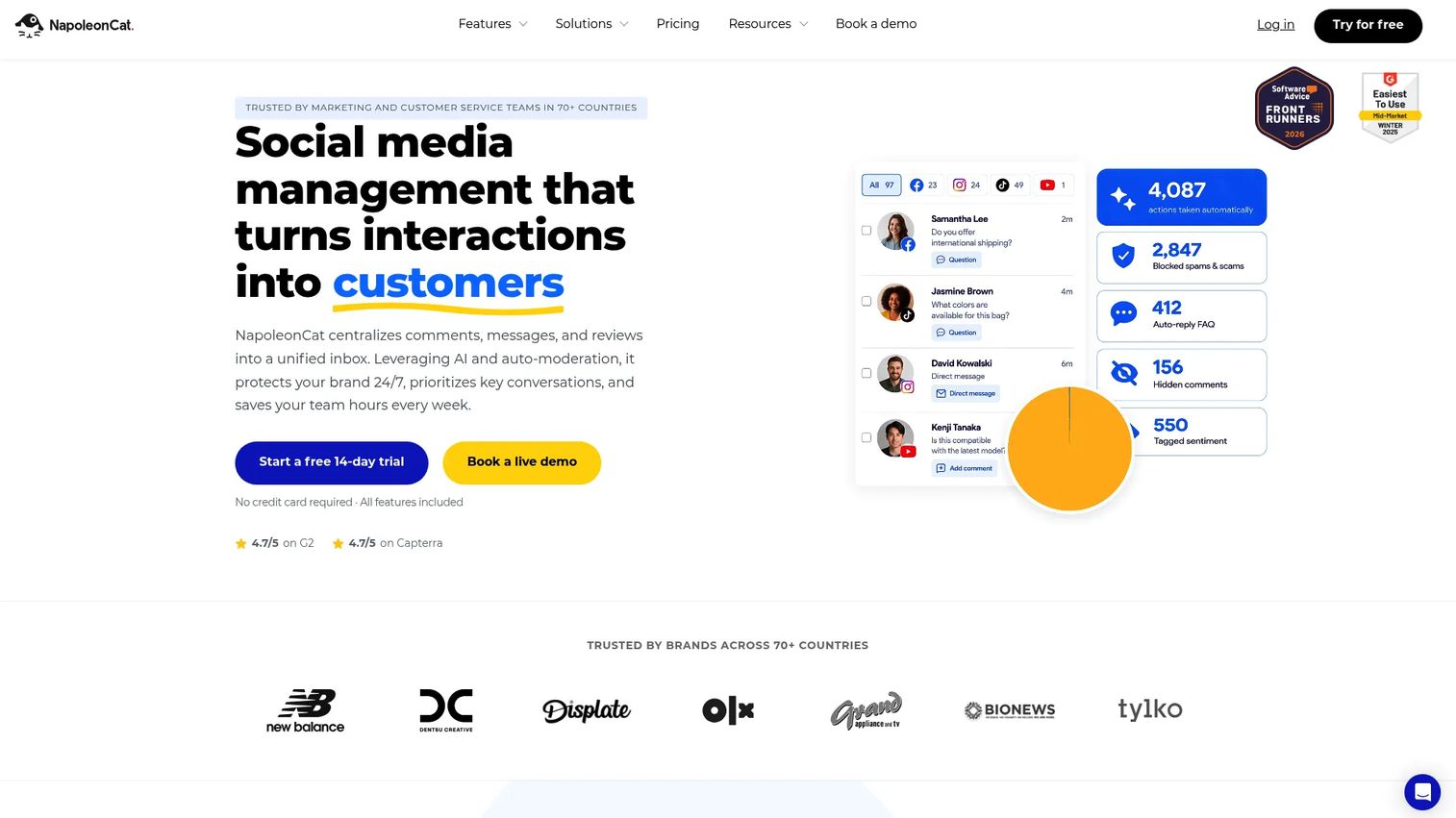
NapoleonCat centralizes comments, messages, and reviews inside a unified social inbox. It also provides publishing, analytics, reporting, and automated moderation.
Social CRM features maintain customer profiles and conversation history. Team assignment gives incoming messages a clear owner instead of leaving them in a shared queue.
Best for: Social and service teams handling high volumes of messages or comments.
Key features
- Unified social inbox
- Customer conversation history
- Team assignment
- Automated moderation rules
- Social analytics and reporting
Why choose NapoleonCat: Choose it when the social inbox drives customer service work. It offers less pipeline depth than a full sales CRM.
NapoleonCat pricing: Standard starts at $79 monthly. A 14 day free trial is available.
G2 rating: NapoleonCat holds a 4.7/5 rating.
13. Sendible
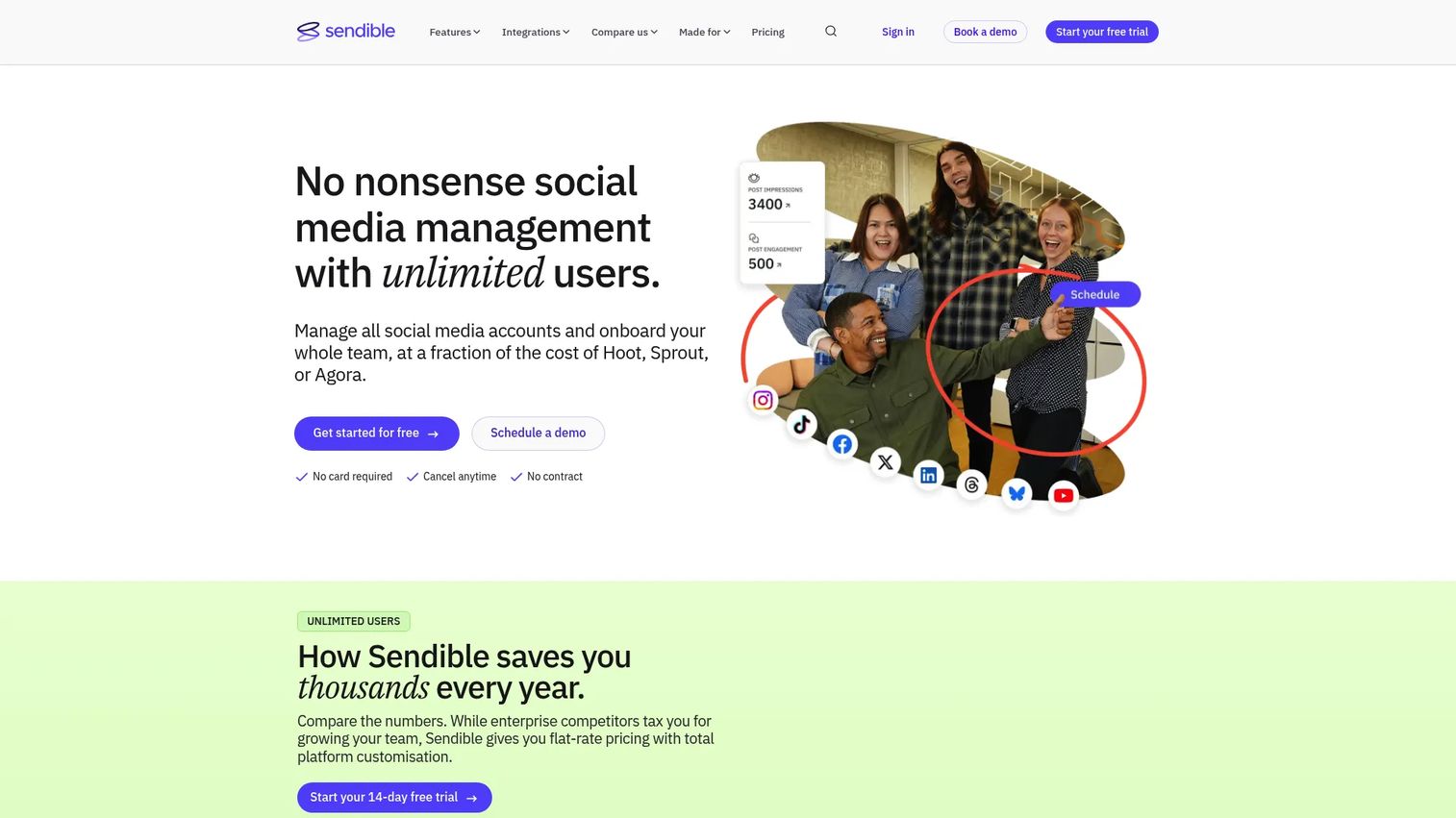
Sendible provides social publishing, monitoring, collaboration, and reporting for agencies or multi brand teams. Workspaces help separate accounts and client activity.
Its engagement features support response workflows, while approvals keep publishing controlled. CRM depth is lighter than dedicated sales platforms.
Best for: Agencies and marketing teams managing social engagement across many accounts.
Key features
- Cross network publishing
- Content calendar and queues
- Team assignments and approvals
- Branded client reporting
- Social monitoring tools
Why choose Sendible: It suits teams whose work centers on social management and client reporting. Pipeline tracking requires a separate CRM.
Sendible pricing: Core starts at $35 monthly. Every plan includes unlimited users and a 14 day trial.
G2 rating: Sendible holds a 4.5/5 rating.
14. Brand24
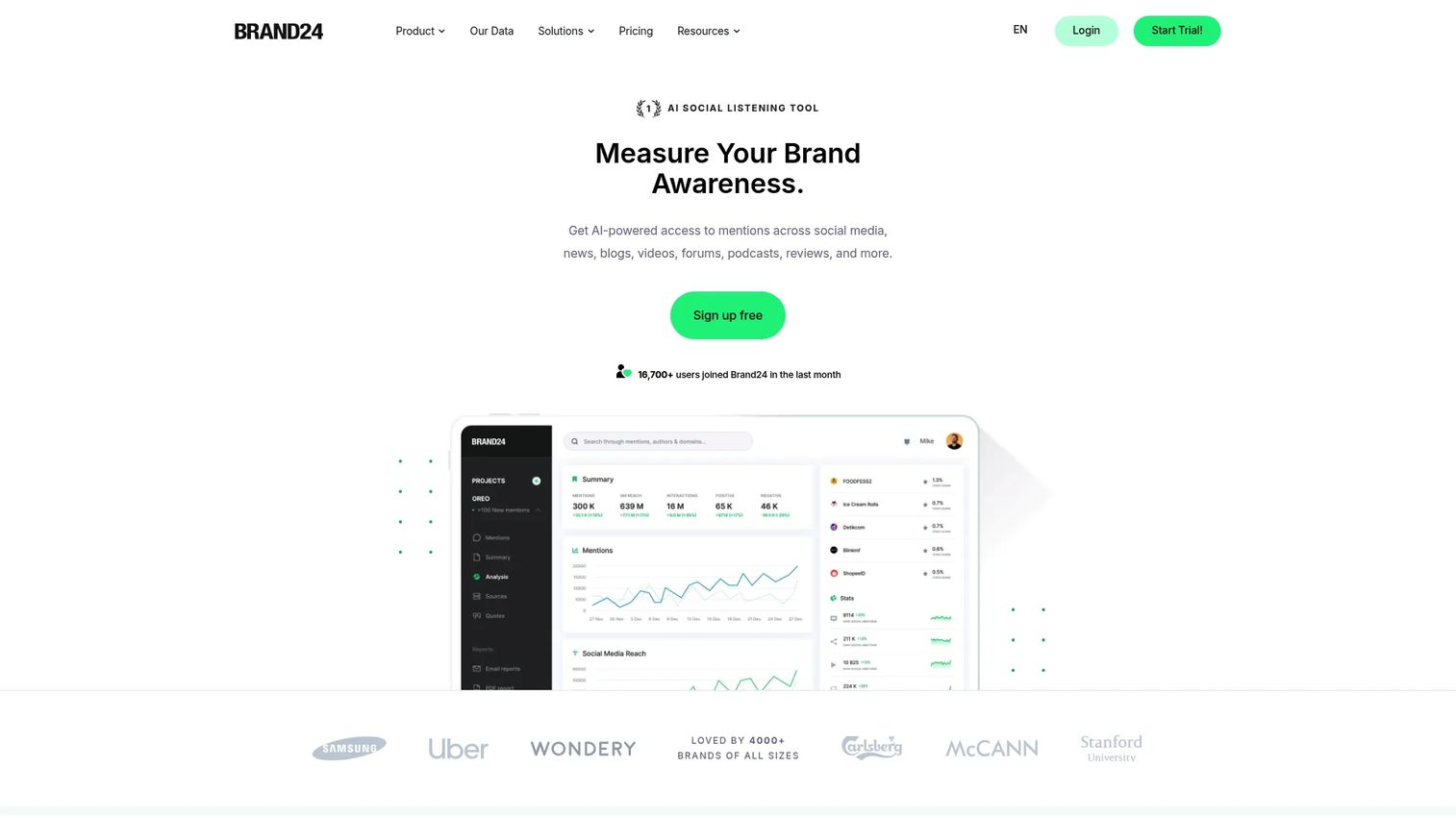
Brand24 monitors online mentions across social networks, news, blogs, forums, podcasts, and reviews. Its analysis covers sentiment, reach, engagement, and hashtags.
The platform helps teams find conversations before they become tickets or sales opportunities. It complements CRM software rather than replacing pipeline management.
Best for: Marketing and service teams that need social listening before handoff.
Key features
- Cross channel mention monitoring
- AI sentiment analysis
- Reach and engagement analytics
- Hashtag analysis
- Alert notifications
Why choose Brand24: Choose it when finding conversations is the first problem. Build a clear routing process so useful signals reach Sales or support.
Brand24 pricing: Individual starts at $249 monthly. A 14 day trial is available.
15. CRMNEXT
CRMNEXT is an enterprise CRM for banking and financial services. Its focus includes customer service, sales pipelines, integrations, and controlled workflows.
This vertical focus suits organizations with complex customer operations. Governance and process consistency matter more here than broad social publishing features.
Best for: Banks, insurers, and financial institutions needing enterprise CRM workflows.
Key features
- Sales and pipeline management
- Customer service workflows
- Process integrations
- Governed customer operations
Why choose CRMNEXT: It fits financial services teams that need CRM as an operating layer. Buyers seeking a standalone social inbox should consider a social management product.
CRMNEXT pricing: Custom pricing. Contact CRMNEXT for a quote covering users, modules, and implementation.
G2 rating: CRMNEXT holds a 4.2/5 rating.
16. SutiCRM
SutiCRM covers sales automation, marketing campaigns, customer accounts, reporting, and service activities. Social CRM and mobile access appear alongside its core customer management functions.
The product suits teams moving from spreadsheets into a structured system. Contact and activity records can support cleaner handoffs between sales and service.
Best for: Small and midsize businesses needing core CRM workflow coverage.
Key features
- Sales force automation
- Marketing campaign management
- Social CRM
- Reporting and analytics
- Mobile access
Why choose SutiCRM: Choose it when your team needs practical CRM structure without enterprise scale. Review the Premium and Enterprise packaging for advanced workflows.
SutiCRM pricing: Professional starts at $10 per user monthly. Premium and Enterprise use quote based pricing.
G2 rating: SutiCRM holds a 4.5/5 rating.
17. MiniCRM
MiniCRM gives small and midsize businesses tools for sales, projects, invoicing, marketing, and customer data. Workflow automation helps teams manage follow ups without relying on personal reminders.
Its social CRM fit is narrower than dedicated listening or inbox platforms. The main value comes from giving smaller teams an accessible relationship record.
Best for: Small businesses adopting a structured CRM for the first time.
Key features
- Sales pipeline management
- Customer history
- Follow up automation
- Project tracking
- Web forms and lead capture
Why choose MiniCRM: It fits teams that need manageable CRM basics before adopting a larger stack. Dedicated monitoring will require another tool or integration.
MiniCRM pricing: GO starts at €15 per user monthly. A 14 day trial is available.
G2 rating: MiniCRM holds a 4.8/5 rating.
Considerations when choosing social CRM software
CRM depth versus social depth
Decide where the work starts. Full CRM platforms prioritize accounts and pipeline, while social tools focus on conversations or monitoring.
Choose the side that fixes your current context gap. Avoid paying for overlapping features your team won’t use.
Social channels and data capture
Check which networks and message types each product supports. “Social integration” can mean publishing, profile enrichment, or a full social inbox.
Verify coverage for private messages, comments, reviews, and historical activity. Channel support can vary by plan.
Handoff and ownership workflows
The tool should assign owners, preserve status, and maintain customer conversation history. Otherwise, you’ve moved the same problem into another interface.
Test the full handoff from social message to Sales, support, or CS. Look for clear accountability at each step.
Reporting that sales teams can act on
Vanity metrics rarely improve pipeline decisions. Useful reporting connects social activity to contacts, accounts, opportunities, service cases, or campaign influence.
RevOps should also confirm how records enter the CRM. Duplicate or incomplete contacts will weaken forecast confidence.
Governance, privacy, and permissions
Review role based permissions, audit history, retention controls, and regional data requirements. Enterprise teams should also inspect administration across workspaces or business units.
Social data can include personal information. Ask your security and legal teams to review data handling before rollout.
Conclusion
The best social CRM software turns social activity into usable customer context. It should also route the next action to the right owner.
Salesforce provides the broadest enterprise operating model in this list. HubSpot CRM and Zoho CRM offer accessible entry points for growing teams.
Choose Zendesk when customer service handoff drives the project. Nimble fits relationship focused selling, while Brand24 surfaces mentions and sentiment before CRM routing.
NapoleonCat and Sendible make more sense when social inbox management sits at the center of daily work. CRMNEXT serves a narrower financial services context.
Start by auditing where social information disappears. Trace one recent customer interaction from first mention to final response.
Then shortlist two or three tools that match where the work begins. Test whether each product improves record quality, ownership, and handoff speed without adding more context hunting.
FAQs
Social CRM software connects social profiles, messages, mentions, and engagement data to customer relationship records. It helps teams preserve context across outreach, support, marketing, and account management.
The category includes full CRM platforms plus social management or listening products that feed other systems.
Traditional CRM tracks contacts, deals, tasks, and account activity. Social CRM adds public engagement, private social messages, sentiment, and response history.
This extra context can help teams prepare for outreach or route service issues. It also gives managers a clearer view of the wider customer relationship.
The answer depends on your operating model. Salesforce suits enterprise teams, while HubSpot CRM and Zoho CRM fit growing organizations seeking accessible adoption.
Nimble works well for relationship driven selling. Microsoft Dynamics CRM fits companies already standardized on Microsoft applications.
Sometimes, but full replacement depends on your workflow. A CRM may handle customer records and pipeline while offering limited publishing or moderation.
Social media management tools usually provide deeper scheduling, approval, inbox, and reporting capabilities. Many teams connect both product types rather than forcing one to cover every job.
Start with unified customer profiles, conversation history, issue routing, and social listening. Then assess sentiment analysis, reporting, permissions, integrations, and mobile access.
Focus on actions rather than feature counts. The system should tell your team what happened and who owns the response.
Yes, especially when buyers engage through professional networks, communities, review sites, or public support channels. Those interactions can provide useful context before direct outreach begins.
The value comes from connecting social activity to account records. Isolated engagement metrics offer little help during discovery or renewal.
Pricing varies from free CRM plans to enterprise packages with higher per seat rates. Social management and listening tools may charge by workspace, profile count, or mention volume.
Calculate the full cost across Sales, Marketing, support, and administration. A low entry price can rise when additional seats or advanced workflows become necessary.
Map the workflow before buying software. Identify where conversations enter, who responds, which customer record gets updated, and what leadership needs to measure.
Then decide whether to extend your current CRM or add a specialized social tool. Remove duplicate inboxes and reporting steps during rollout.