Your agency already pays for presentation tools and video production. Yet every new account still needs a custom product story and another reporting spreadsheet.
That’s the buying question behind demo software for agencies. Which platform reduces production work while giving clients something measurable?
Gartner’s 2026 research found that 67% of B2B buyers preferred a sales-rep-free buying experience. Your client’s product needs to explain itself between meetings.
Interactive demo software gives visitors a clickable experience for campaign pages, sales follow-ups, onboarding, and customer education. Agencies can build reusable demo assets, then adapt them into client-specific demos rather than starting every assignment from scratch.
So the test is commercial, not creative. Which production tasks does the platform actually replace, how do account teams maintain the content, and does engagement connect to qualified pipeline?
A polished asset matters. A repeatable delivery process matters more when your team must support the next client without adding production hours.
What’s inside
- Agency use cases: A comparison of 15 software demo tools for client pitches, campaign delivery, onboarding, and sales enablement.
- Creation and reuse: How each option supports the work behind account-specific assets, including personalization and distribution.
- Measurement: What to evaluate in demo analytics before promising client reporting or pipeline attribution.
- Buying details: Pricing and G2 ratings checked against vendor pricing pages in November 2026.
The selection covers different operating models, from marketing-led production to enterprise presales. Read it with your own delivery model in mind, because these tools are not interchangeable.
TL;DR
- Best overall for reusable agency delivery: Guideflow. Six demo formats in one workspace, per-client branding on a custom domain, and engagement analytics that feed client reporting. Rated 5.0/5 on G2 across 155 reviews, the highest score in this comparison.
- Best for marketing content destinations: Tourial suits agencies organizing product stories around campaign audiences and buyer questions.
- Best for native-product data personalization: Saleo fits account-specific sales presentations, technical discussions, training sessions, and renewal conversations.
- Best for presales programs: Consider Consensus or Demoboost when your deliverable includes repeatable sales-team execution and buyer engagement intelligence.
- Best pricing distinction to notice: ScreenSpace starts with an $8,000 narrative engagement, and Arcade’s listed video plans price interactive demos separately.
What is demo software for agencies?
Demo software for agencies helps client-service teams create measurable product experiences for pitches, campaigns, onboarding, sales enablement, and customer education.
The agency requirement extends beyond making a product look convincing. You need to manage separate client narratives without mixing their branding or exposing confidential information.
A demo creation platform should support both production and delivery. Your creative team builds the experience, account managers secure approval, and marketers connect distribution to campaign goals.
Product demo software covers several approaches. Some platforms capture editable interfaces. Others personalize data inside an application or organize searchable video content for buyer education.
Interactive product demos let people follow a guided product story at their own pace. Agencies can use them across landing pages, outbound campaigns, training programs, and help-center content.
Sandboxes offer open exploration for technical validation, self-service evaluation, customer training, and partner certification. A demo center provides a branded destination for campaign exploration, sales enablement, onboarding, and customer education.
Those formats have complementary strengths. Choose the experience around what the audience needs to understand or validate.
Capabilities that matter for agency delivery
- Capture and editing: Build assets without assigning every change to engineering.
- Per-demo branding: Apply the appropriate client identity to each experience.
- Reusable content: Adapt approved material for another account or campaign.
- Distribution: Publish through links, website embeds, email, and other channels.
- Demo analytics: Examine engagement alongside the next conversion event.
- Integrations and permissions: Connect reporting while controlling who can access client work.
Separate branding from account administration during evaluation. Changing a logo does not establish isolated workspaces, separate billing, or client ownership.
The same caution applies to attribution. A completed experience shows engagement; a CRM opportunity shows a different event. Decide how those records connect before presenting revenue claims.
For consolidation, list the deliverables you currently rebuild. Compare their production and maintenance costs with the proposed subscription.
A useful platform should earn its place through a defined workflow, rather than becoming another disconnected part of your agency marketing software stack.
When to use demo software at an agency
Pitch software clients with something buyers can click
Use agency pitch software when the proposal depends on showing how a product or planned experience works. Keep commercial strategy in a short deck, then demonstrate execution through an approved product flow.
The same material can support stakeholder follow-up, campaign education, customer onboarding, and partner enablement. Give every recipient a clear next action.
Reuse demo assets across accounts
Start with a core story you’re authorized to reuse, then adapt its examples and presentation for each account. For unrelated clients, preserve the production framework rather than copying proprietary screens or data.
Evaluate how the platform handles revisions after approval. Reuse only protects delivery margins when your team can identify the current version and retire obsolete assets.
Report engagement after the pitch
Use demo analytics to distinguish asset delivery from audience response. Review completion and drop-off alongside lead capture, then connect those signals to the client’s agreed conversion event.
Define reporting ownership before launch. The account manager should know which dashboard supports the client review and which system remains authoritative for pipeline.
Demo software for agencies comparison
The best demo software for agencies depends on the deliverable you sell. A campaign embed, a searchable video destination, and a personalized product environment involve different production workflows.
Read the pricing column with those differences in mind. Per-creator subscriptions, workspace packages, and creative engagements should not be compared as equivalent purchases.
Guideflow leads for reusable agency delivery across pitches, landing pages, onboarding, and education. The other options fit narrower production requirements.
| # | Product | Best for | Key differentiator | Pricing | G2 rating |
|---|---|---|---|---|---|
| 1 | Guideflow | Agency pitches, campaigns, onboarding, customer education | Six demo formats in one workspace, HTML and screenshot capture, A/B testing, per-client branding on a custom domain | Free; from $35/user/month (Solo) to Enterprise plans | 5.0/5 (155 reviews) |
| 2 | Tourial | Marketing-led content destinations | AI generation and organized content playlists | Custom pricing | Not rated here |
| 3 | Demoboost | Agency sales enablement programs | Multiple formats with buyer-intent analytics | From $375/month annually | 4.8/5 |
| 4 | Saleo | Account-specific sales presentations | Data injection into the native product | Custom pricing | 4.9/5 |
| 5 | Omedym | Searchable buyer education | Video-powered content discovery | Request a quote | 4.6/5 |
| 6 | Consensus | Presales and buyer enablement | Video, AI agents, and demo intelligence | Custom pricing | 4.7/5 |
| 7 | Walnut | Personalized sales assets | Playlists and Deal Rooms | From $575/month annually | 4.5/5 |
| 8 | Reprise | Enterprise client programs | Data injection and application clones | Free; Teams $125/seat/month or $100 annually | 4.4/5 |
| 9 | Demostack | Repeatable sales environments | Product cloning and presentation playbooks | Custom pricing | 4.7/5 |
| 10 | Storylane | Campaign experiments | Capture formats with A/B testing | Free; Starter $40/month | 4.7/5 |
| 11 | Navattic | Website-led product evaluation | HTML capture with AI Copilot | Free Starter; paid plans by quote | 4.8/5 |
| 12 | Arcade | Branded product videos and content | AI video generation and Brand Kits | Video Pro $59/month or $49 annually; demos separate | 4.6/5 |
| 13 | Supademo | Education and enablement assets | Recordings, SOPs, and routing hubs | Free; Scale $38/creator/month annually | 4.7/5 |
| 14 | ScreenSpace | Visual storytelling with creative support | Agency services plus an interactive platform | Narrative Foundation $8,000 one-time | 4.9/5 |
| 15 | DemoEasel | Presentation-oriented production | PowerPoint output and Keynote simulations | Request a quote; 30-day trial | 3.5/5 |
The 15 best demo software tools for agencies
1. Guideflow
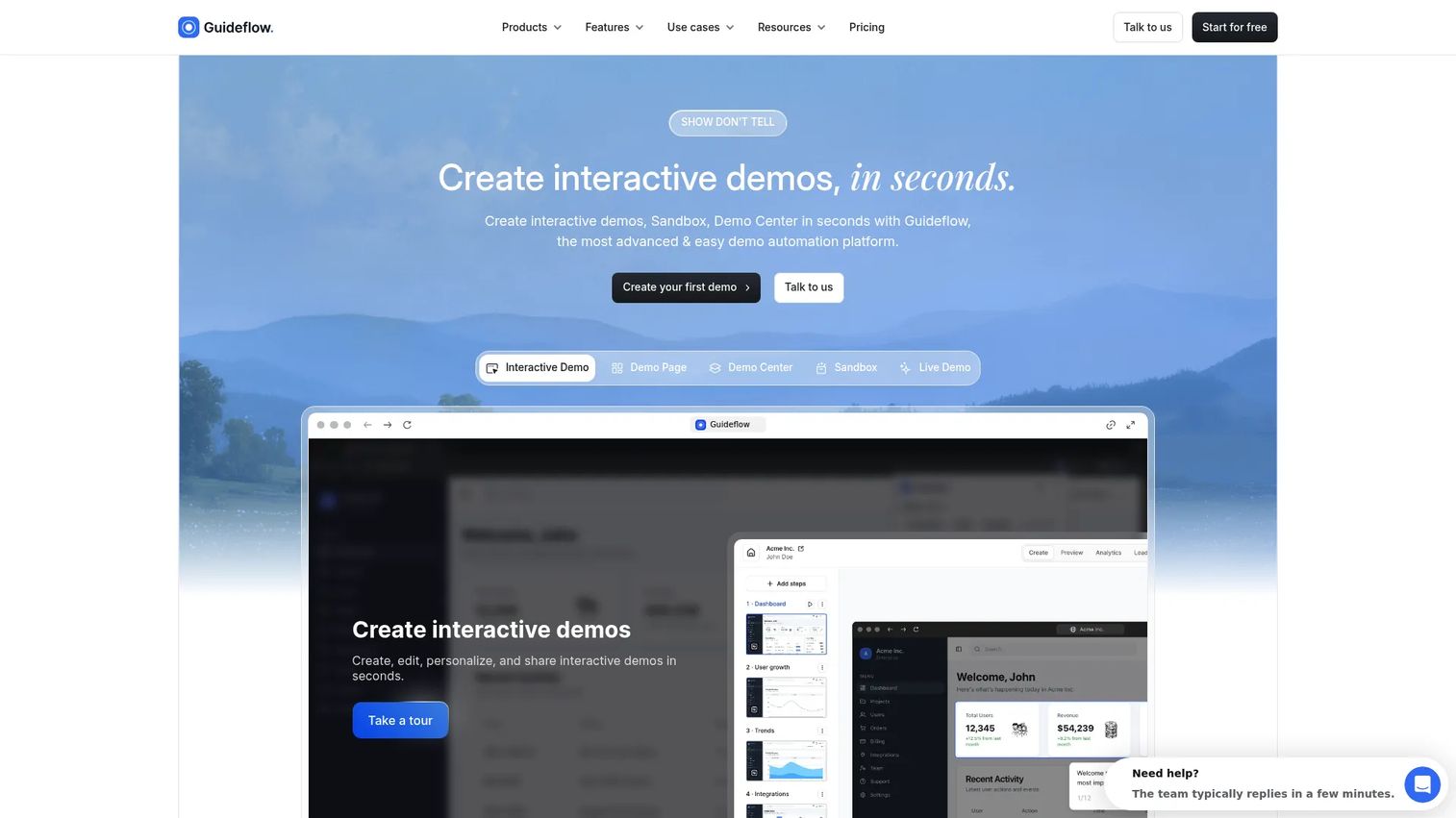
Guideflow is a demo automation platform built for teams that ship one product story to many audiences, which is the agency problem exactly. Six formats sit in a single workspace: Interactive Demo, Demo Page, Demo Center, Sandbox, Mobile Demo, and Live Demo. More than 500,000 guideflows have been created on the platform.
Best for: Agencies producing client-specific demos for pitches, landing pages, onboarding, events, and sales enablement.
Agencies can capture a core product flow once, then adapt the story, branding, copy, data, and CTAs for each client or account.
Reuse is the part that protects delivery margins. Demo versioning, an assets library, find and replace, bulk style editing, and apply-to-all-steps mean a positioning change does not turn into a dozen manual rebuilds. Blur and element-hiding controls strip client PII before anything leaves your workspace.
The product formats support different moments across the engagement:
- Interactive Demo: Guided experiences for landing pages, sales follow-ups, customer education, and internal training.
- Demo Page: A hosted, personalized page for outbound follow-up and campaign traffic, with no embed work required.
- Demo Center: A branded hub for product exploration, sales enablement, onboarding, and customer education.
- Sandbox: Open exploration for technical validation, self-service trials, partner certification, and complex-workflow training.
- Mobile Demo: Device-oriented experiences for app promotion, messaging outreach, field sales, and mobile support.
- Live Demo: Presenter-led delivery for discovery calls, webinars, technical discussions, and customer training.
Treat those formats as complementary. An agency can prepare a guided campaign story and an explorable evaluation experience without changing the underlying client narrative.
Key features
- Capture through the Chrome extension or the native app, in screenshot, HTML, or video mode
- No-code editing of text, images, charts, variables, and uploaded datasets
- Per-client branding: logos, fonts, themes, custom CTAs, custom domain, and no watermark
- Branching paths, forms, surveys, spotlights, checklists, and A/B testing
- Engagement analytics, lead capture, and visitor identification at company level
- CRM and marketing integrations for HubSpot, Salesforce, Pipedrive, Zoho, and Marketo
- Public links, embeds, password protection, link expiry, and MP4, GIF, or PDF export
- AI demo generation, translation, voiceover, and subtitles
- SSO, SCIM, and SAML, role-based access, SOC 2 Type II, GDPR, and CCPA
Workspaces, folders, tags, roles, theme management, and brand management keep client work separated inside one account, so you don’t need a separate login or subscription per customer. Distribution covers email and website embeds, plus sharing through Notion, social posts, and advertising.
Why choose Guideflow: It fits agencies that want one repeatable production process across client pitches, acquisition campaigns, onboarding, and education. Per-client branding, custom domains, and enterprise governance come from the same workspace your producers already work in, and the engagement reporting gives account teams a deliverable beyond another exported presentation.
Guideflow pricing: Free covers five guideflows and unlimited viewers. Solo is $35/user/month, Growth $499/month, Advanced $1,499/month, and Enterprise starts at $2,999/month. Enterprise adds SSO, advanced governance, and enterprise security.
G2 rating: 5.0/5 across 155 reviews, the highest score in this comparison.
Start your journey with Guideflow today!
2. Tourial
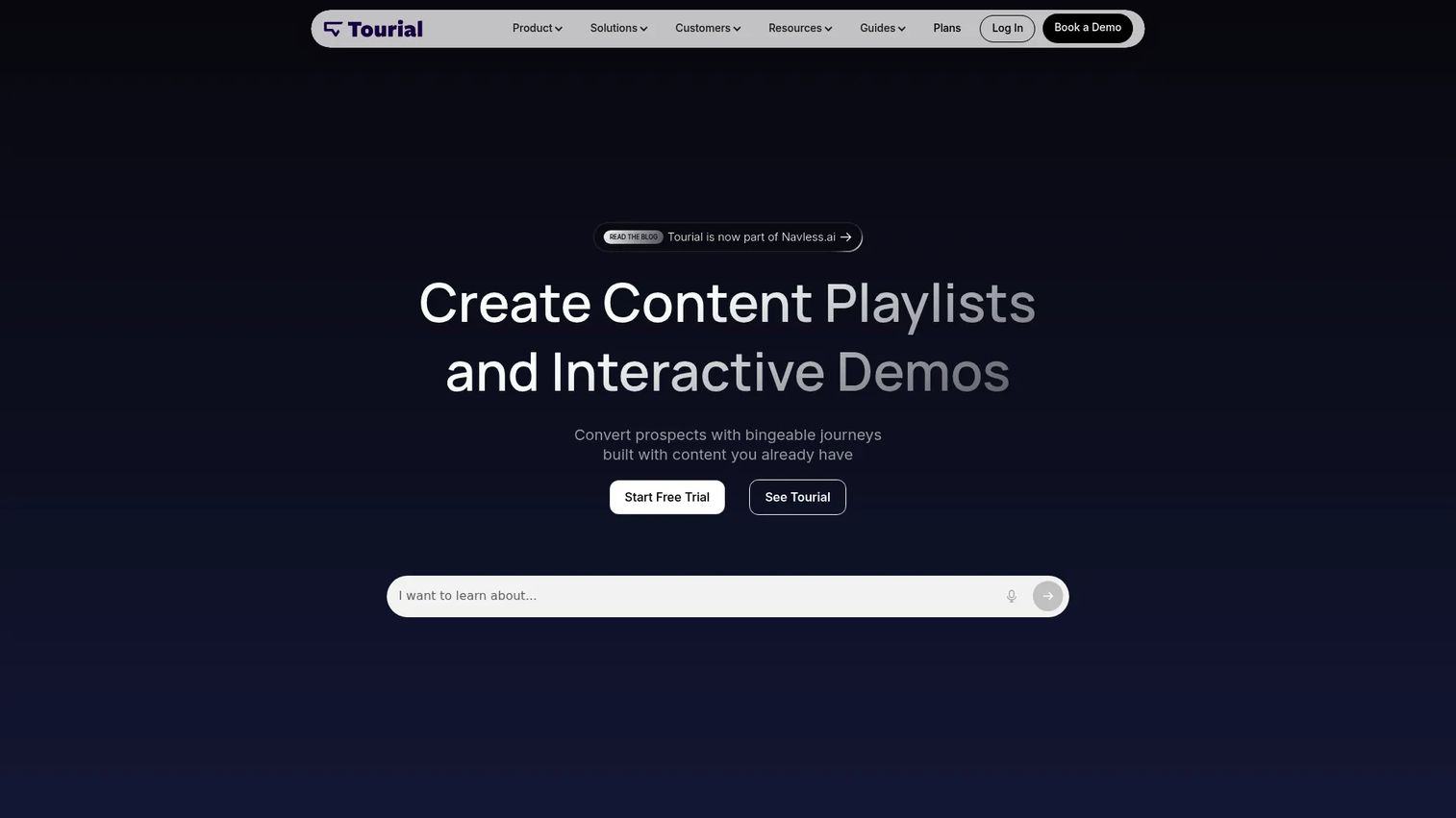
Tourial centers on interactive micro tours and content playlists for buyer education. Its AI-assisted creation and Tour Centers suit marketing teams organizing product stories around audience interests. For agencies, that creates a useful evaluation path for product launches, nurture campaigns, onboarding, and sales education.
Best for: Agencies delivering marketing-led product experiences and campaign content destinations.
Start with the campaign’s audience structure. A product launch aimed at administrators and daily users needs different explanations, even when both groups encounter the same landing page.
Evaluate how your team organizes those stories and hands the finished destination to the client. The content model should reflect buyer questions rather than your internal production folders.
Key features
- AI tour generation
- Interactive content playlists
- Tour Centers
- Engagement analytics
- Integrations and custom event capture
Tourial’s Engage package includes five seats and three Tour Centers. Scale adds uncapped seats, advanced roles, and a dedicated customer success manager. Map authors and reviewers before deciding which plan fits the delivery team.
Also test the reporting handoff. A client may want a campaign summary while your production team needs detailed interaction data.
Why choose Tourial: Consider it when your agency’s responsibility centers on marketing content organization and audience education. Its playlist approach offers a clear starting point for campaign destinations.
Tourial pricing: Custom pricing for Engage and Scale.
G2 rating: The current listing sits under Navless, Tourial’s successor brand, so no aggregate score is included here.
3. Demoboost

Demoboost combines demo creation with revenue-team delivery and buyer-engagement analytics. Its range covers guided experiences, explorable environments, mobile content, and overlays for presenter-led sessions.
Best for: Agencies helping software clients operate repeatable demo programs across sales teams.
The agency opportunity extends beyond producing an asset. You can define the approved product narrative, organize account variants, and establish how sellers use engagement information.
Begin with the client’s existing handoff between marketing and presales. Determine who requests a variant and who approves it before the sales team starts sharing.
Key features
- HTML, screenshot, and video capture
- AI narration and translation
- Content adaptation and personalization
- Buyer-engagement analytics
- Revenue-intelligence signals
Packaging changes which delivery capabilities enter the program. Essentials adds mobile content and AI avatars, while Growth includes native integrations and revenue-intelligence analytics. Enterprise adds SSO and full domain white-labeling, so agencies promising those controls should price that package rather than assume entry-level access.
Use a pilot to test the client’s ongoing operating model. Ask a seller to select an approved asset and interpret the resulting engagement report without agency assistance.
Why choose Demoboost: It suits agency sales enablement engagements where repeatability and governed distribution matter alongside production.
Demoboost pricing: Start Up costs $375/month, Essentials $600/month, and Growth $1,200/month, billed annually. There is no free tier or self-service free trial.
G2 rating: 4.8/5.
4. Saleo
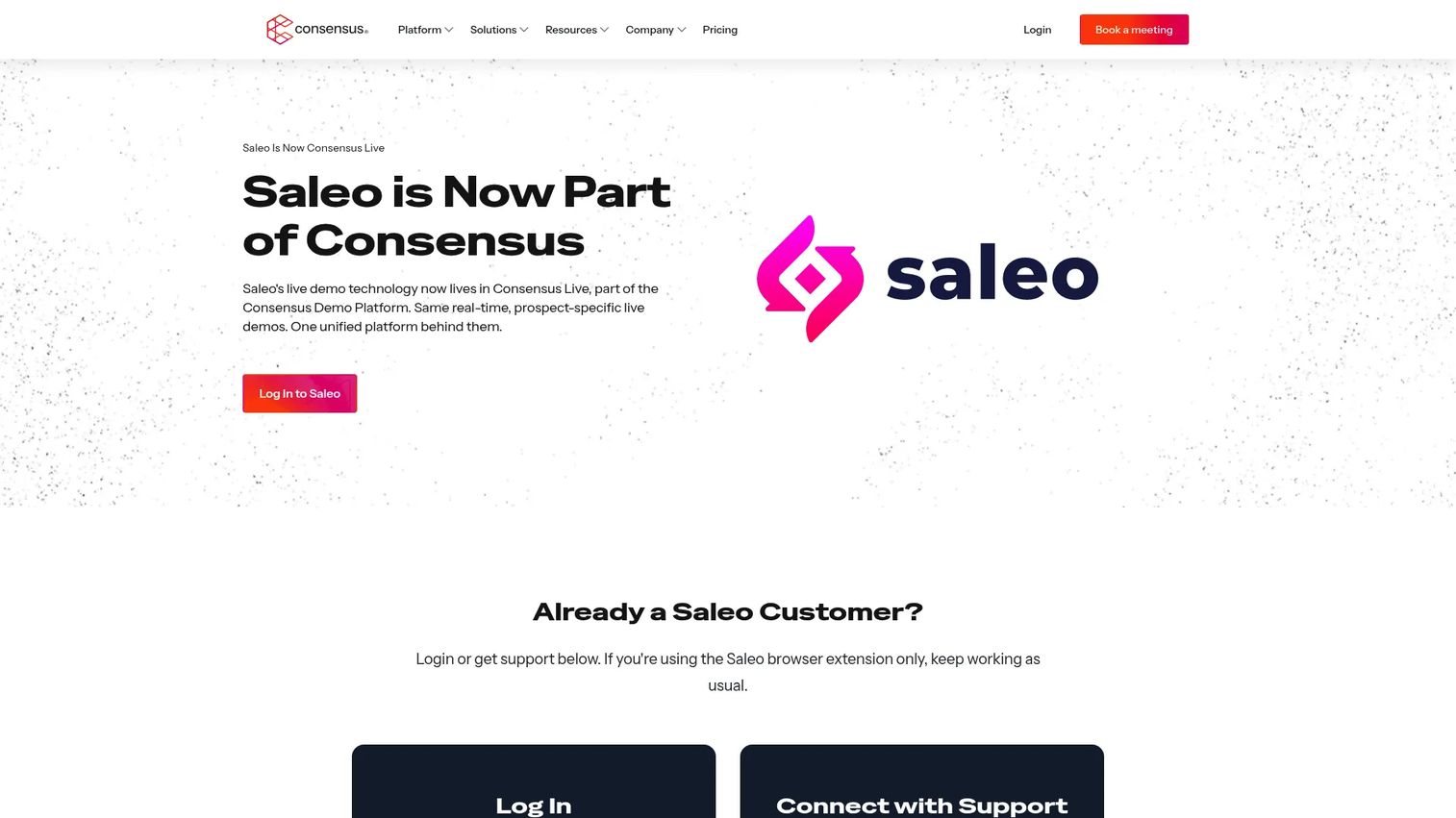
Saleo personalizes demonstration data directly within a native SaaS product. Its no-code controls cover text, images, graphs, tables, and workflows, which suits account-specific sales presentations, technical discussions, customer training, and expansion conversations.
Best for: Agencies supporting sales teams whose presentations need buyer-relevant product data.
The practical question is whether the prospect recognizes their operating context. A dashboard filled with unrelated examples forces the presenter to explain away the screen before discussing value.
Prepare representative data with the client’s product team. Define which numbers illustrate the story and which details must remain consistent across the presentation.
Key features
- AI-assisted product data injection
- No-code content personalization
- Demo Sync and reusable libraries
- Autonomous multilingual AI Demo Agent
- Role-based access and SSO support
Saleo also offers Capture and Partner Portal products, which extend the evaluation beyond a single presenter’s workflow. Ask the vendor to run the same approved scenario across the relevant delivery surfaces so you know which content is reusable and who maintains it.
For reporting, distinguish presenter activity from buyer behavior. Decide which signals belong in the client’s sales process before including them in an agency dashboard.
Why choose Saleo: Choose it when native-product data personalization is central to your sales enablement deliverable.
Saleo pricing: Custom pricing across Live, AI Demo Agent, Capture, and Partner Portal.
G2 rating: 4.9/5.
5. Omedym
Omedym is a video-powered buyer engagement platform that makes demonstration content searchable and interactive. Its documented capabilities include buyer-engagement tracking and digital buying experiences, which makes it relevant to agencies organizing existing educational material around the questions buyers ask.
Best for: Agencies helping clients turn a video content library into searchable buyer education.
This is a different production starting point from capturing editable product screens. Evaluate Omedym around the quality and organization of the client’s existing recordings, and start with an inventory of approved content: which questions each recording answers, and which topics need new material.
Key features
- Searchable video demos
- Buyer-engagement tracking
- Content analytics
- Interactive digital buying experiences
Keep the evaluation centered on findability. Ask a reviewer unfamiliar with the library to locate an answer to a specific buying question.
Then examine the reporting output. Your account team needs to understand which content drew attention without treating every viewing session as purchase intent.
For clients with distributed buying committees, plan who receives each destination and how sales follows up. That operational design stays with you regardless of the platform.
Why choose Omedym: Consider it when searchable video education is the deliverable your client needs. Its fit is clearest when existing recordings contain useful answers that buyers struggle to find.
Omedym pricing: Request current package details and a quote from Omedym.
G2 rating: 4.6/5.
6. Consensus
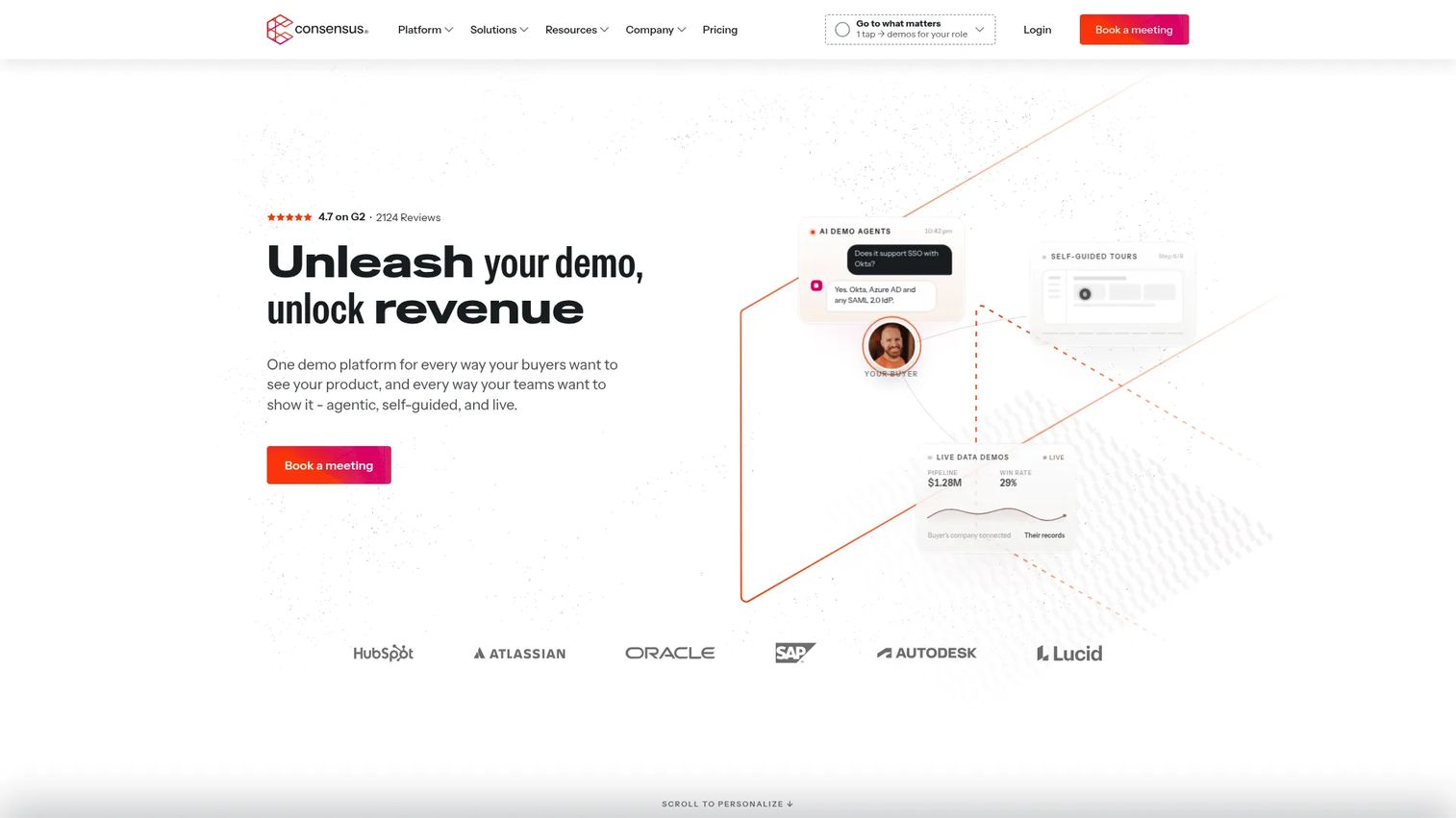
Consensus combines interactive product experiences with AI agents, video demonstrations, and demo intelligence. Its presenter-led capabilities include real-time data injection, which covers buyer education, presales delivery, customer training, and sales enablement.
Best for: Agencies supporting clients with established presales programs and complex buying journeys.
The agency’s contribution can include narrative design and distribution planning. Decide which questions buyers should answer independently and which deserve a conversation with a specialist.
That distinction helps define the asset brief. A product overview and a technical validation discussion need different evidence, even when they involve the same software.
Key features
- Interactive product experiences
- AI demo agents
- On-demand video demonstrations
- Real-time data injection
- Demo intelligence and engagement analytics
For a client engagement, map content to the questions that repeatedly reach presales. Organize the approved material around those questions rather than individual feature names.
Test the operational handoff with both marketing and sales. Each team should know how to distribute the experience and interpret engagement without creating conflicting follow-up rules.
Include buyer education in the measurement plan, but keep revenue claims tied to the CRM. Content consumption is useful context rather than proof of causation.
Why choose Consensus: It fits agencies whose deliverable includes a repeatable buyer-enablement program for presales-heavy clients.
Consensus pricing: Custom pricing.
G2 rating: 4.7/5.
7. Walnut
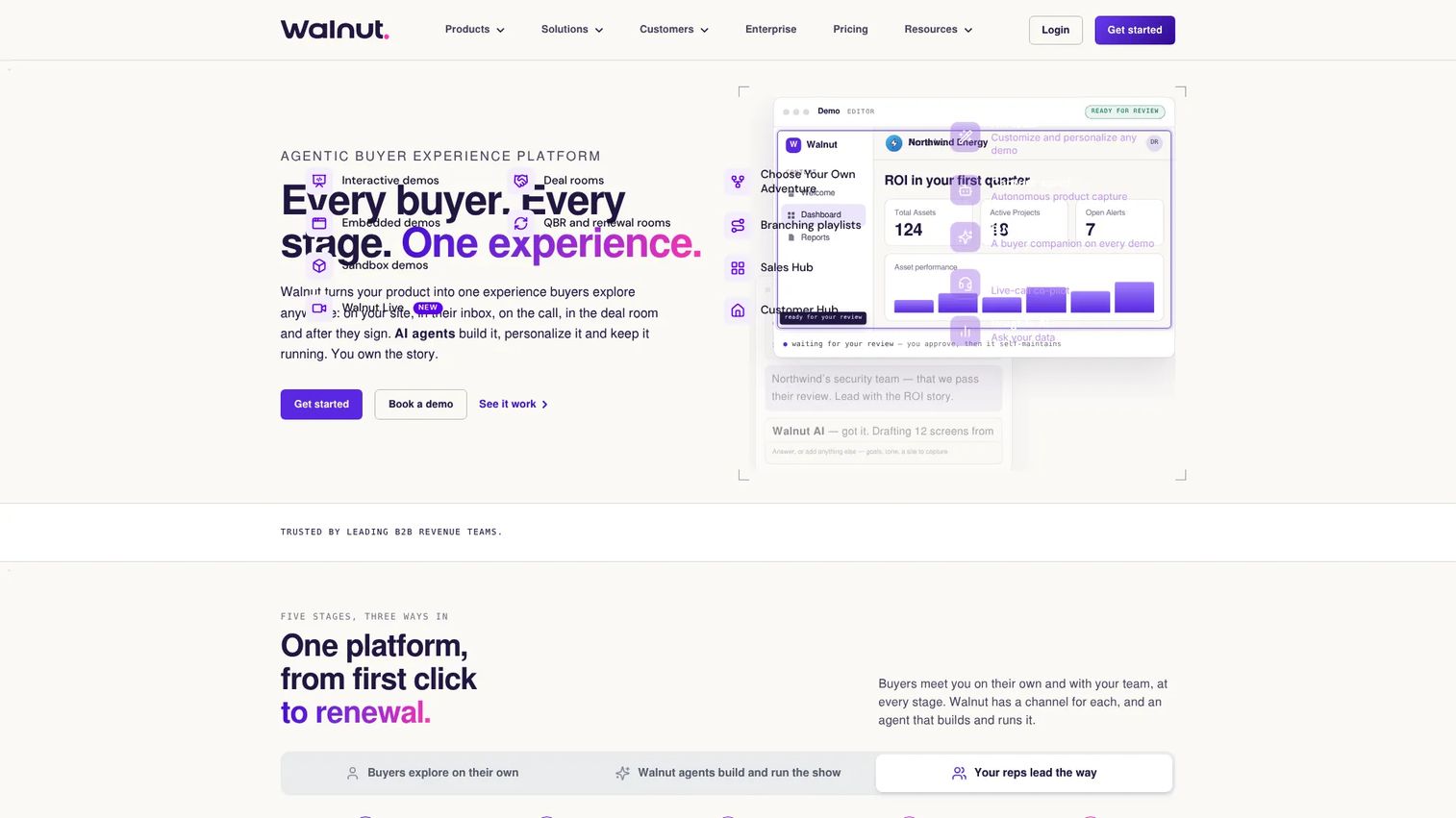
Walnut combines AI-assisted creation with personalized experiences and sales-oriented content organization. Its Playlists and Deal Rooms give teams ways to package material for buyer conversations across outbound campaigns, sales follow-ups, onboarding, and customer education.
Best for: Agencies creating account-specific sales assets for SaaS clients.
For agency delivery, the distinction between authoring and presenting matters. A small production team may build the material while a larger client sales team distributes it.
Map those roles before choosing a package. The commercial model includes separate editor and presenter allowances, which affects how the agency and client share responsibilities.
Key features
- AI-assisted creation and editing
- Personalized demo content
- Playlists and Deal Rooms
- Engagement analytics
- CRM and marketing integrations
Ignite includes three editor seats and three presenter seats. Accelerate raises each allowance to six, with larger AI-credit allocations.
Build a sample account package during evaluation. Give the seller enough context to choose the appropriate story without requesting a custom rebuild for every opportunity.
Review the handover as carefully as the initial production process. Establish who owns the assets when the agency engagement ends and how future changes receive approval.
Why choose Walnut: Consider it when your agency’s work centers on personalized sales content and organized deal delivery. Its role-based packaging makes author and presenter counts an important buying decision.
Walnut pricing: Ignite costs $575/month and Accelerate costs $1,550/month, billed annually. Scale uses custom pricing; there is no free tier.
G2 rating: 4.5/5.
8. Reprise
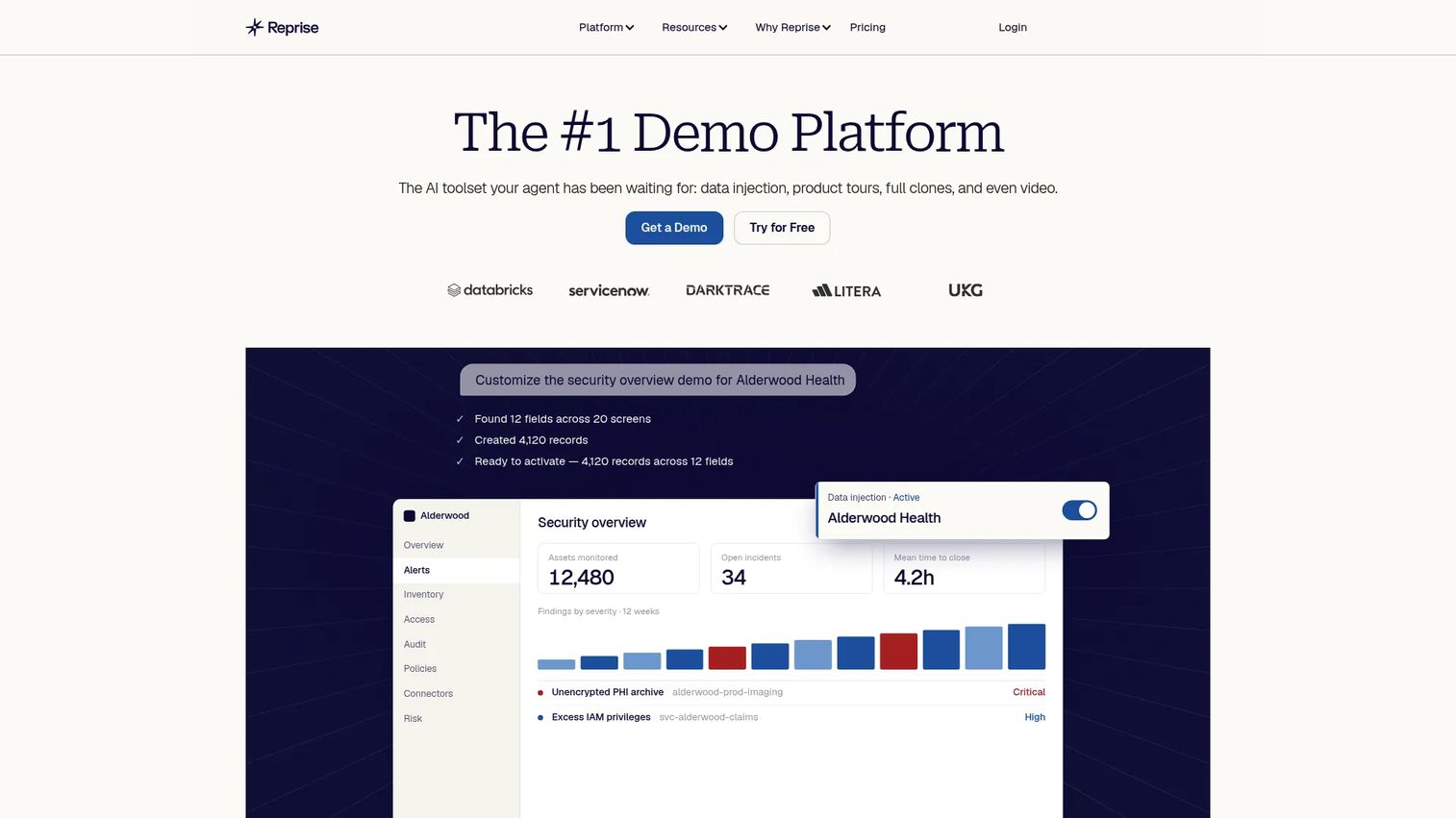
Reprise supports enterprise demonstration programs through data injection, editable HTML experiences, and application clones. Its capabilities also include offline delivery and digital sales rooms.
Best for: Agencies serving enterprise clients with multiple product surfaces and formal governance requirements.
Begin by separating the required capabilities from the desired ones. A campaign production assignment and an enterprise application-cloning program should have different scopes and acceptance criteria.
Bring the client’s security and product owners into the evaluation early. Your agency should not promise an implementation model before those stakeholders agree on access and maintenance.
Key features
- AI-assisted creation and editing
- Live-application data injection
- Editable HTML capture
- Application clones and offline delivery
- Digital Sales Rooms and CRM integrations
Enterprise includes SSO, SCIM, role-based access, and API access. Growth adds scaled-program controls and offline capabilities. Those distinctions matter when an agency quotes a broader rollout, so document which requirements are essential before comparing the subscription with a smaller authoring-only pilot.
Use the pilot to test ownership. The client should know who updates the product representation after a release and who approves changes to sales-facing content.
Why choose Reprise: It deserves evaluation when enterprise governance and multiple delivery methods are part of the contracted work.
Reprise pricing: A free plan is available. Teams costs $125/seat/month, or $100/seat/month billed annually; Growth and Enterprise use custom pricing.
G2 rating: 4.4/5.
9. Demostack
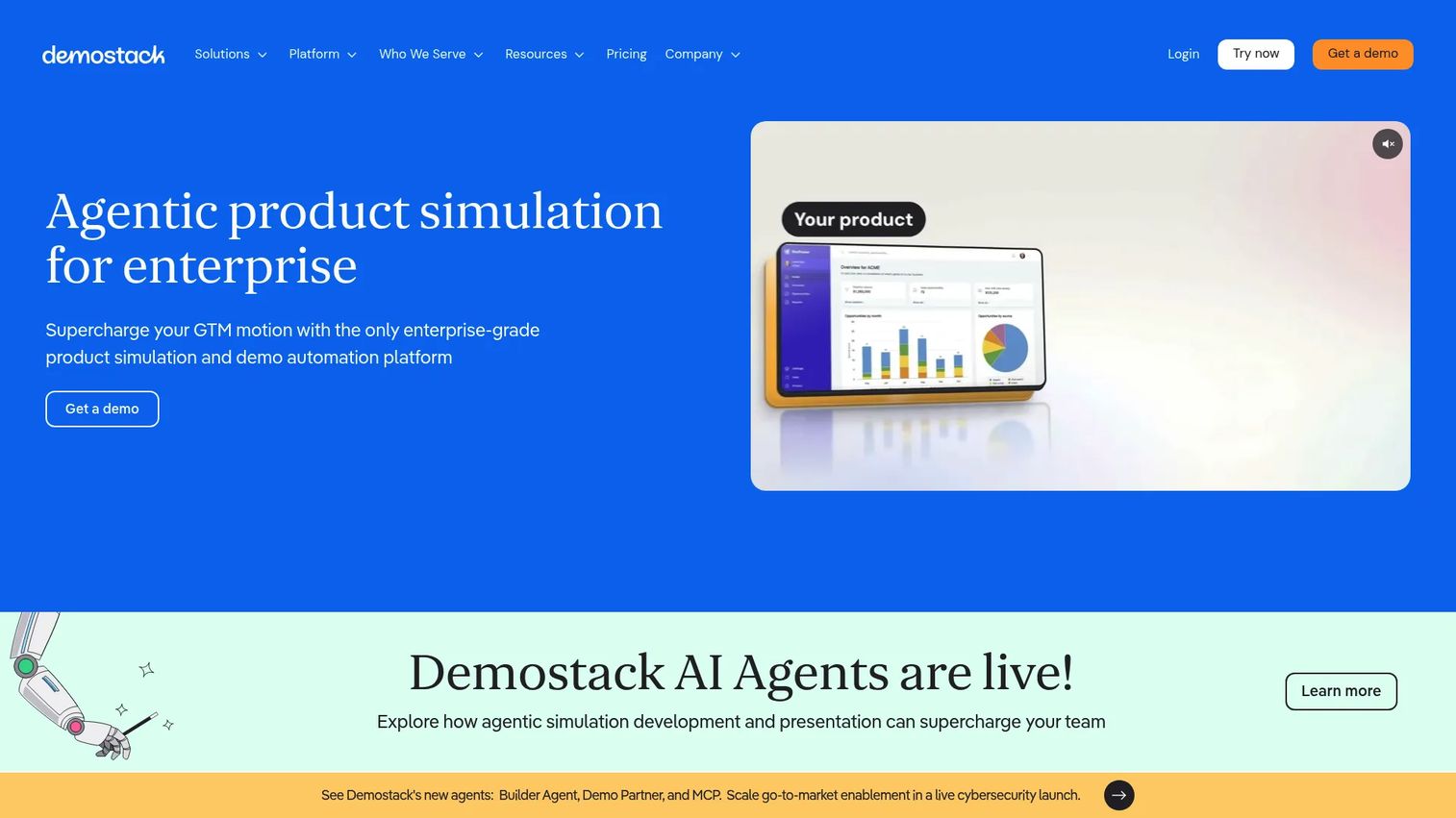
Demostack creates product simulations and independent demonstration environments for revenue teams, combining product cloning with overlays and personalization.
Best for: Agencies helping software clients establish repeatable sales demonstration environments.
This type of engagement calls for an operating plan alongside creative production. Decide who owns the environment and what changes trigger an update.
A useful agency scope can include approved scenarios and presentation guidance. Tie each scenario to a buyer question so the sales team understands when to use it.
Key features
- Product cloning
- Independent demonstration environments
- Live-product overlays
- Content and demo playbooks
- Buyer-engagement analytics
Demostack’s playbooks bundle demonstrations with supporting content, which is a relevant starting point for agency teams standardizing how client sellers present a product. Its security capabilities include SSO and role-based access; discuss how those controls apply to agency contributors and client employees before distributing access.
During evaluation, ask the client’s presenters to use the material without its original author. Their feedback will expose missing context in the enablement package.
Measure delivery efficiency separately from deal performance. Reduced preparation time and improved opportunity conversion are different outcomes requiring different baselines.
Why choose Demostack: Consider it when the engagement centers on reusable sales environments and presenter consistency.
Demostack pricing: Custom pricing. There is no free tier.
G2 rating: 4.7/5.
10. Storylane
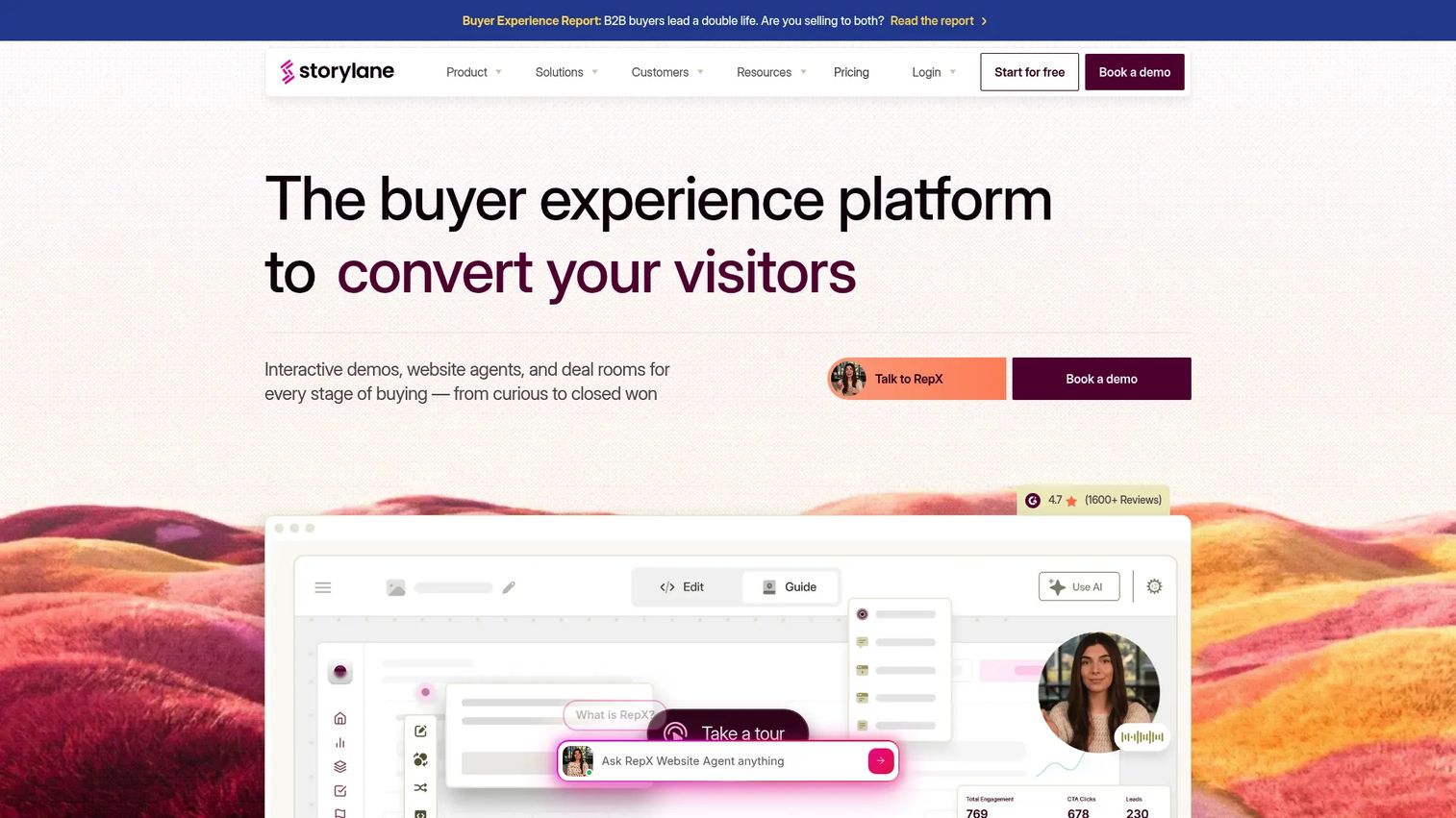
Storylane combines interactive content creation with website agents and deal rooms. Its capture options include screenshots, video, and HTML product replicas, which suits acquisition campaigns, product education, onboarding, and sales follow-up.
Best for: Agencies running product-led campaigns with a defined experimentation plan.
The relevant buying question is how creation connects to testing. A campaign team needs to change the narrative and measure the result without losing track of which version ran.
Start with one audience and one conversion event. Keep traffic allocation and follow-up consistent while you evaluate the content experience.
Key features
- Screenshot, video, and HTML capture
- AI editing and narration
- Lead capture
- A/B testing
- Demo analytics and deal intelligence
Storylane’s free plan includes one seat and one published demo. Starter includes one seat, with additional seats priced separately. For agency budgeting, list everyone who needs authoring access rather than estimating from the account team’s headcount.
Evaluate the reporting connection before presenting an experiment as a pipeline improvement. Your client needs a traceable path from interaction to the agreed downstream event.
Also plan content retirement. Naming and approval conventions help prevent an earlier campaign variant from remaining in circulation after positioning changes.
Why choose Storylane: It suits agencies combining product storytelling with campaign experimentation.
Storylane pricing: Free is available; Starter costs $40/month. Growth is $500/month and Premium is $1,200/month.
G2 rating: 4.7/5.
11. Navattic
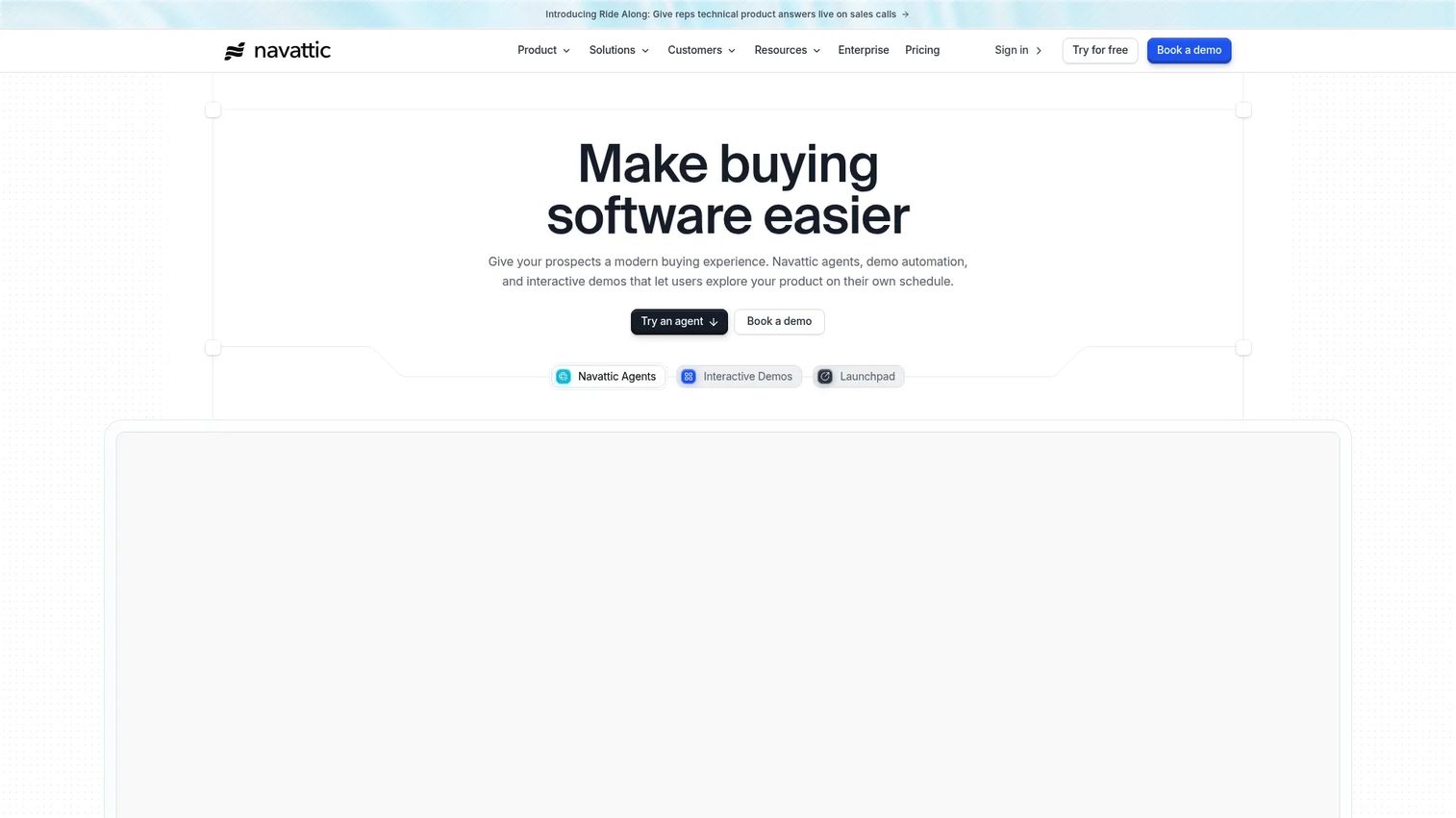
Navattic creates interactive HTML and media experiences with AI-assisted generation and editing. The platform also provides analytics, integrations, and A/B testing, which covers website evaluation, outbound education, customer onboarding, and feature adoption.
Best for: Agencies responsible for SaaS websites and product-led conversion paths.
Website delivery introduces questions beyond the asset itself. Evaluate the experience within the client’s page layout and test the transition to the next action.
Start with a product page that already attracts relevant traffic. Define what visitors should understand before they reach a booking form or signup event.
Key features
- Interactive HTML and media capture
- AI Copilot
- Engagement analytics
- A/B testing
- Integrations
Starter includes one seat and one demo with unlimited views, plus basic analytics and Starter Copilot. That gives an agency a specific starting point for a pilot focused on one page’s conversion goal.
For a broader rollout, establish who manages content across releases. Assign an owner for each product story and include review in the client’s release process.
Compare the reported interactions with your existing analytics setup. Agree on event definitions so client reporting does not mix asset completion with website conversion.
Why choose Navattic: It fits agencies building self-guided product demos into websites, lifecycle education, onboarding, and sales outreach.
Navattic pricing: Starter is free. Request quotes for Base, Growth, Enterprise, or Startup.
G2 rating: 4.8/5.
12. Arcade
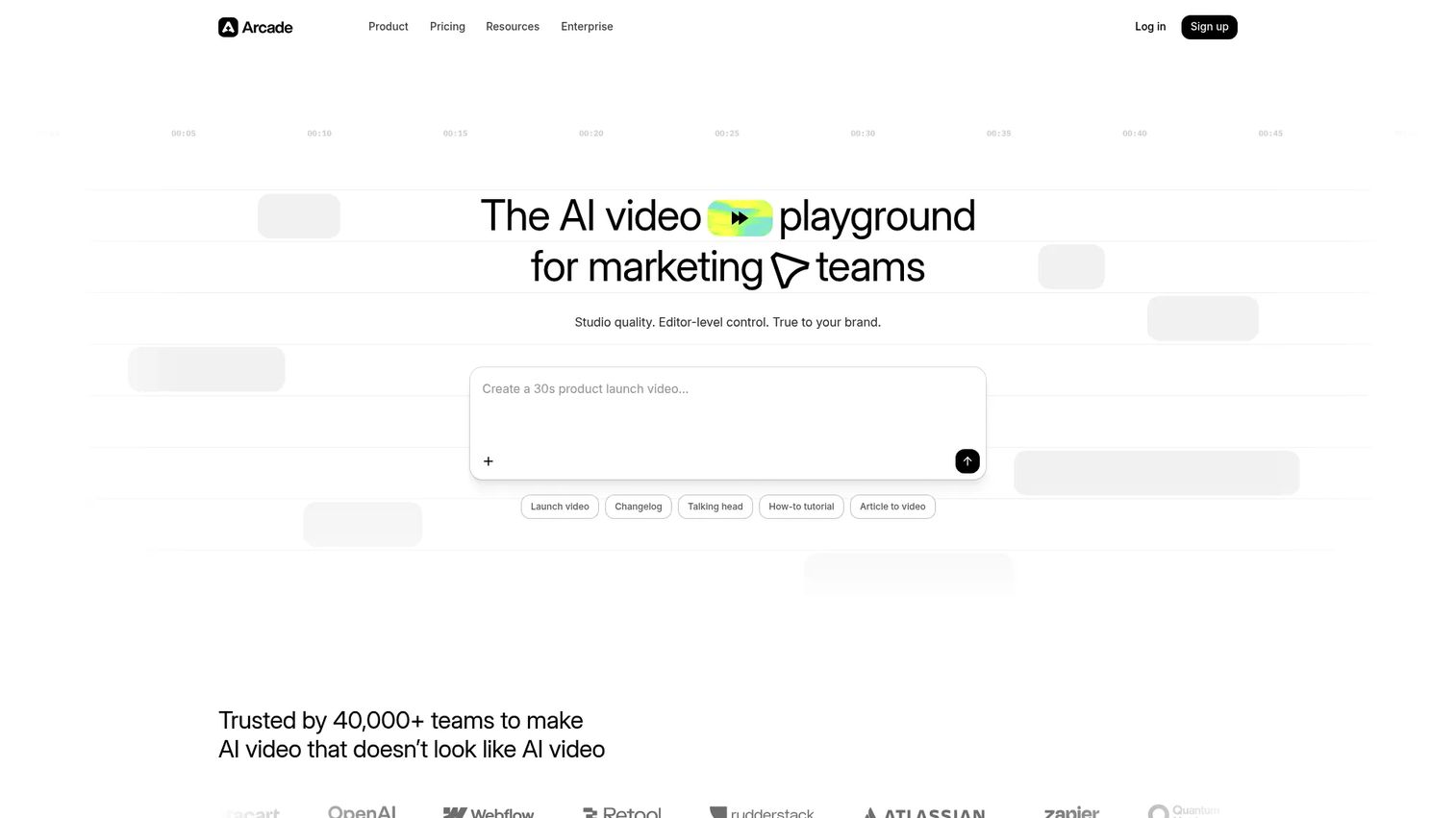
Arcade offers AI video generation alongside interactive product content. Its current positioning includes branded product videos and recording tools for launch assets, campaign creative, onboarding material, and customer education.
Best for: Agencies producing branded product videos alongside interactive content.
The important commercial distinction appears in the packaging. Arcade prices interactive demos separately from the video plans described below, so a video-production subscription should not enter the budget as though it includes every interactive capability.
Key features
- Prompt-based AI video generation
- Browser and desktop recording
- Brand Kits
- AI voiceovers and captions
- Paid exports up to 4K
The Pro video plan includes ten seats and removes the watermark. Enterprise adds multiple projects and Brand Kits, alongside SSO and a security review. For agencies managing distinct client identities, check how many branding configurations the contract actually supports.
Also review credit consumption against your revision process. Client feedback can change the production volume even when the final deliverable count remains stable.
Why choose Arcade: Consider it for a creative engagement where product videos are a major deliverable, and price the separately sold interactive product on its own.
Arcade pricing: Video Free is available; Pro costs $59/month or $49/month billed annually. Interactive demos are sold separately.
G2 rating: 4.6/5.
13. Supademo
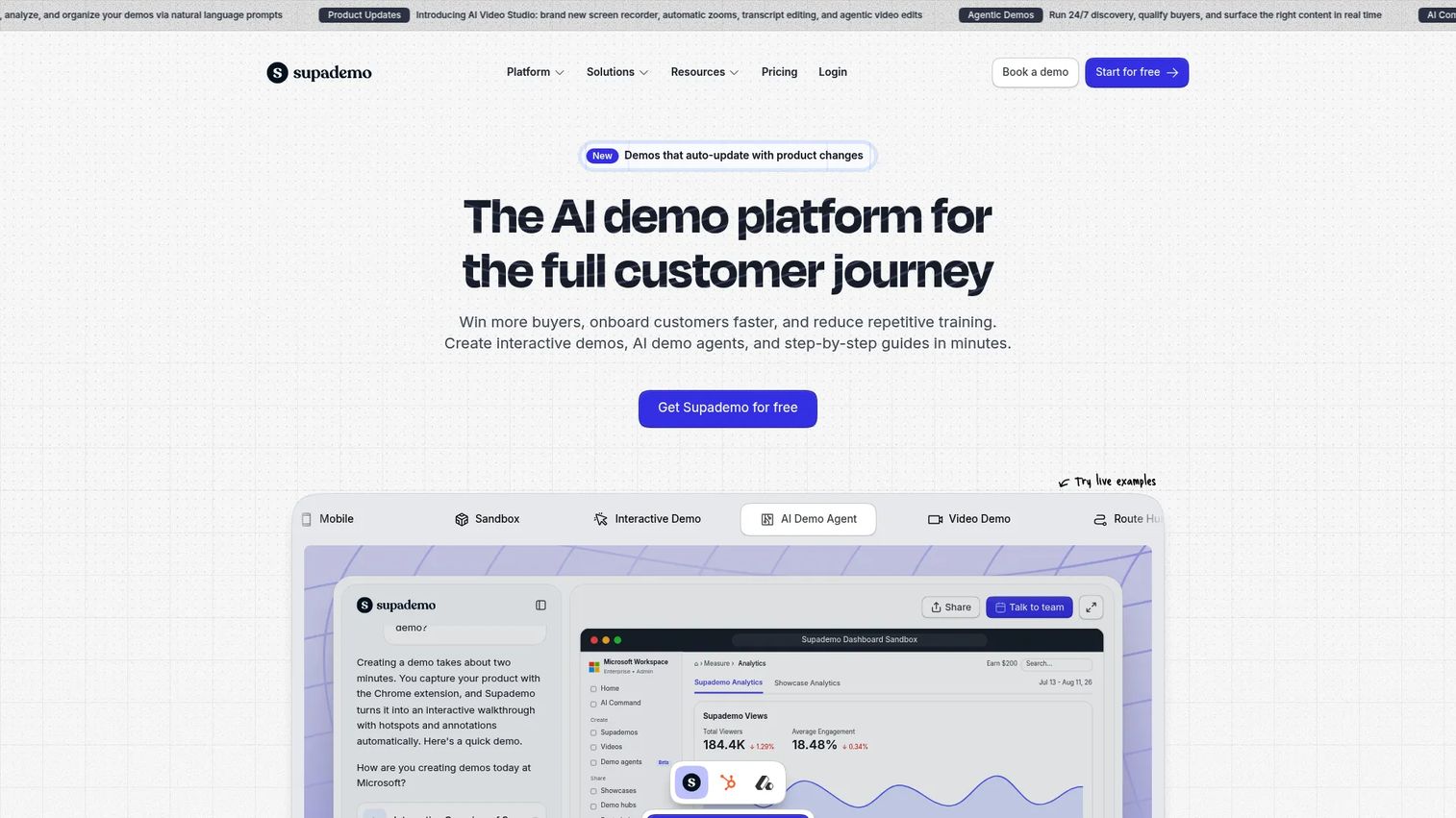
Supademo combines interactive experiences with recordings and step-by-step documentation. Its platform also includes AI agents and content hubs, which covers sales enablement, onboarding, customer support, and internal training.
Best for: Agencies producing repeatable educational assets for client teams and customers.
The agency value lies in coordinating related deliverables. A client implementation can require both an interactive explanation and written operating instructions.
Build the evaluation around a recurring support or training question. Decide which output belongs in the help center and which material the client’s team should share directly.
Key features
- Interactive and explorable experiences
- AI Demo Agents
- 4K screen and video recordings
- SOP creation
- Analytics and trackable links
Route Hub and demo hubs provide additional organization and routing capabilities; review their package availability against the client’s distribution requirements. Pricing uses creator allowances that vary across plans, so count the agency authors and client maintainers before comparing monthly totals.
A practical handover test is to ask the client to update one approved asset after a product change. Evaluate the process and permissions before finalizing your maintenance scope.
Why choose Supademo: It suits agencies delivering education across several content types, especially when documentation forms part of the contract.
Supademo pricing: Free is available; Scale costs $38/creator/month billed annually. Business starts at $199/month and Growth at $350/month, billed annually.
G2 rating: 4.7/5.
14. ScreenSpace
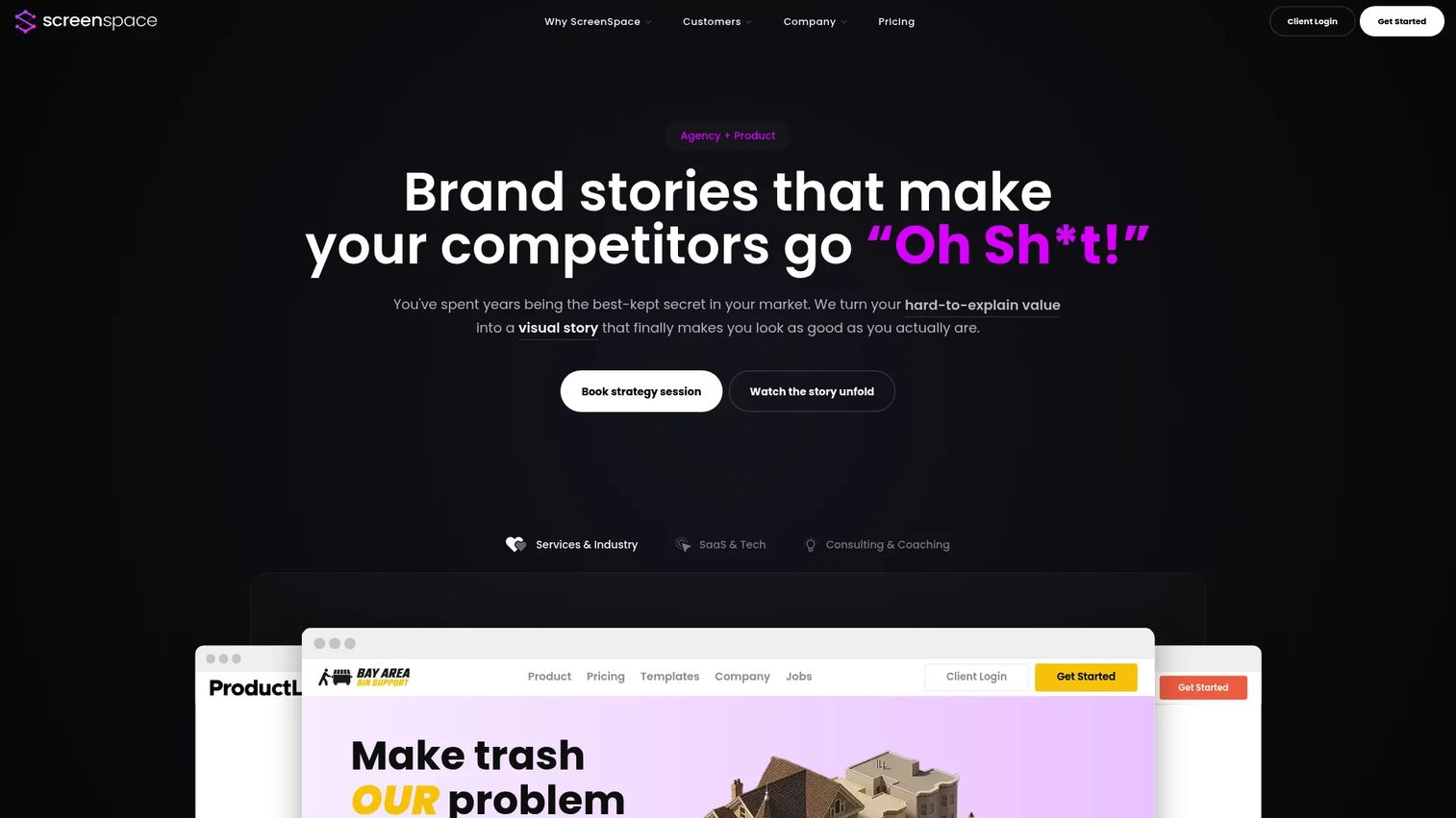
ScreenSpace combines a B2B visual storytelling agency with an interactive experience platform. Its offering includes narrative development and ongoing creative partnerships, so for another agency this is a potential production partner as much as a technology evaluation.
Best for: Agencies seeking specialized creative support for complex product narratives.
Treat the commercial model accordingly. Compare the engagement with outsourced strategy and creative production rather than a standalone software seat.
Start by identifying which work your team wants to retain. You may own campaign strategy while seeking outside help with visual explanation or interactive execution.
Key features
- Drag-and-drop story builder
- Use-case templates
- Lead capture
- Real-time engagement analytics
- Embeds, custom domains, and CRM integrations
Platform access and support are included with Visual Story and Creative Partnership engagements. For an agency partnership, clarify how review rounds and client communication work, and who presents creative direction to the client.
Discuss ownership and ongoing access before committing. Your client should understand what remains available after the initial project and what requires a continuing relationship.
Why choose ScreenSpace: Evaluate it when the agency needs narrative and creative production support alongside technology. Its service-led model distinguishes it from an authoring subscription.
ScreenSpace pricing: Narrative Foundation costs $8,000 and Visual Story costs $28,000, each one-time. Creative Partnership starts at $7,500/month, billed quarterly.
G2 rating: 4.9/5.
15. DemoEasel
DemoEasel supports repeatable demonstrations and presentation-oriented outputs. Its documented capabilities include video creation, PowerPoint content, and Keynote simulations, so evaluate it around specific presentation requirements rather than a broader marketing role.
Best for: Agencies whose client deliverables combine demonstrations with slide-based presentations.
Start with the required output format. A presentation that must work inside a client’s existing sales deck has different acceptance criteria from a website experience.
Use the trial to reproduce one approved scenario. Test the result in the environment where the client will present it, including the required operating system.
Key features
- Presenter-led demonstrations
- Video creation
- PowerPoint output
- Keynote simulations
The vendor offers a 30-day trial download for Windows and macOS, which is a practical way to assess the production workflow before committing. Review how the asset moves from your production team to the client presenter, and treat file ownership and update procedures explicitly in the statement of work.
Its G2 score comes from a small evidence base. Use a representative production test and direct vendor questions rather than treating the rating as decisive.
Why choose DemoEasel: Consider it when PowerPoint or Keynote output is a named requirement in the client brief.
DemoEasel pricing: Request a quote. A 30-day trial is available.
G2 rating: 3.5/5.
Considerations when choosing demo software for agencies
Formats one subscription covers
A campaign embed, an explorable sandbox, a mobile demo, and a presenter-led session are four different jobs, and most client relationships eventually need more than one. Count how many formats a single subscription covers before you buy a second tool for the next brief.
That count decides your stack more than any individual feature. Two subscriptions mean two renewals, two sets of permissions, and two reporting formats to reconcile for the same client.
Reuse across clients
Test a second account variant before signing, rather than judging only the first asset. Record what your team must rebuild and what it can safely retain.
Separate reusable production patterns from client-owned screens or data. Efficiency should not create confidentiality problems.
Branding and white-label needs
Specify client-specific logos, colors, copy, and domains in your requirements. Ask whether controls apply per asset, workspace, or contract.
Do not treat a branding toggle as proof of independent client administration. Document how access and ownership work.
Analytics that prove engagement
Evaluate completion, step drop-off, lead capture, and downstream conversion as separate signals. Agree with the client on which events support campaign reporting.
Check how data reaches the CRM and who handles discrepancies. Buyer engagement analytics should clarify the account review, not create another reconciliation task.
Distribution across campaigns
Test the finished asset inside its intended page or communication channel. Review the surrounding CTA and the experience on the devices your audience uses.
Include sales follow-ups, onboarding, partner education, and event delivery when evaluating reuse across the client relationship.
Security and client governance
Ask about permissions, access restrictions, data masking, and review workflows. Route enterprise requirements such as SSO through the client’s security team.
Assign an owner for release-related updates. Demo automation software still needs an accountable publishing process.
Conclusion
The best demo software for agencies should improve both client delivery and the economics behind it. Start with the work you repeat, then choose the platform that supports that process.
Guideflow is the strongest overall pick for agencies combining client pitches, campaign pages, onboarding, and customer education. Six formats, per-client branding on your own domain, reuse controls that survive a positioning change, and SSO-level governance sit in one workspace, and the engagement reporting comes with it rather than as an add-on.
Tourial deserves consideration for marketing-led content destinations. Saleo fits projects centered on native-product data personalization, while Consensus supports presales-oriented buyer education.
Other buying models need separate treatment. ScreenSpace combines services with software, and Arcade separates its video pricing from interactive-demo packaging.
Before purchasing, run a representative assignment through production and client review. Build the second variant, test the reporting handoff, and calculate the maintenance work.
Compare that result with the tasks your team already pays to complete. The right choice should make the next client delivery easier to operate and more defensible to measure.
Start your journey with Guideflow today!
FAQs
Guideflow is the overall recommendation for agencies needing reusable product experiences across pitches, campaigns, onboarding, and customer education. It covers six demo formats in one workspace, applies per-client branding on a custom domain, and reports engagement back for client reviews, starting free and scaling to enterprise governance. It also holds the highest G2 score in this comparison at 5.0/5 across 155 reviews. Agencies buying creative services or native-product data personalization should evaluate those specialist requirements separately.
Agencies use interactive product demos for client pitches, website education, sales enablement, onboarding, events, paid campaigns, and training. Reusable content helps teams adapt an approved story for another audience without repeating the entire production process. Permission still matters when adapting proprietary screens or examples between accounts. Define who owns the finished material and who maintains it after the engagement ends.
Prioritize editable capture, per-demo branding, reusable content, and engagement reporting that supports the client’s conversion goals. Evaluate distribution and integrations alongside permissions, particularly when agency staff and client employees share responsibility. A demo center can organize campaign exploration, sales enablement, onboarding, and customer education within a branded destination. Ask vendors to demonstrate the second account variant and the reporting handoff, rather than only the initial creation process.
It can replace static product-explanation sections while the deck continues to cover strategy, commercial terms, and the proposed scope. Interactive demos offer a fundamentally different engagement model for campaign education, sales follow-ups, onboarding, and training. Use the presentation to establish the business case, then provide the relevant product experience for stakeholders to explore. Keep a clear next action attached to every shared asset.
Begin with an approved core story, then adjust client-specific branding and the examples that make the workflow relevant. Review copy, CTAs, logos, colors, representative data, and visible fields before publication. For unrelated clients, reuse the production framework while keeping proprietary content separate. Maintain an approval record so account teams know which version can be distributed and which requires another review.
Yes, interactive demos can support paid acquisition alongside sales outreach, customer onboarding, and feature education. For a landing-page experiment, define the downstream event before comparing performance, whether that means a qualified form submission or account signup. Evaluate completion alongside lead quality and campaign conversion rather than treating interaction alone as success. Keep traffic source and audience composition consistent enough to interpret the results.
Demo software creates product experiences that help buyers, clients, and users understand a workflow or offering. Agency management software supports delivery operations such as project planning, time tracking, utilization, and profitability. These categories address different responsibilities, so consolidation should focus on overlapping production tasks rather than replacing unrelated operational systems. Identify which existing subscriptions or manual processes the proposed platform would remove before calculating savings.
Establish a baseline for production time and the client’s target conversion event before introducing the new workflow. Track engagement alongside qualified leads, meeting conversion, or another agreed outcome without treating every completed experience as revenue. Compare similar campaigns and account segments, then include subscription costs and maintenance hours in the calculation. Report operational savings separately from pipeline influence so the client can understand both contributions.