How to view projects as list in Canva
Here is how to view projects as list in canva
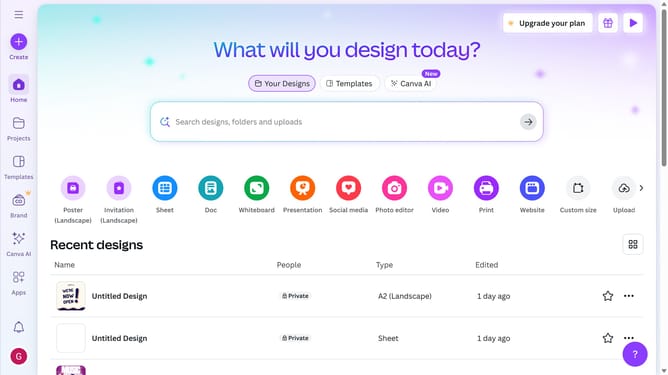
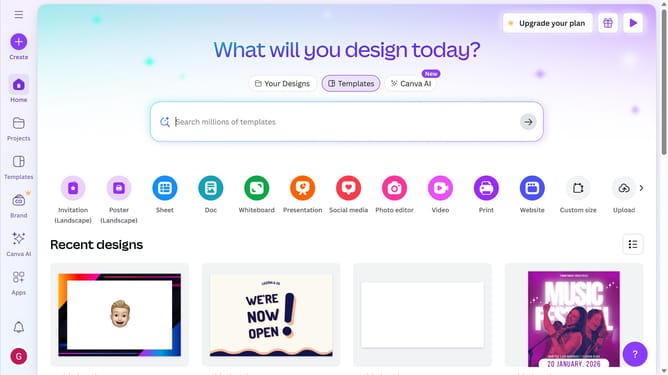
- First click on the "Projects" icon in the left sidebar
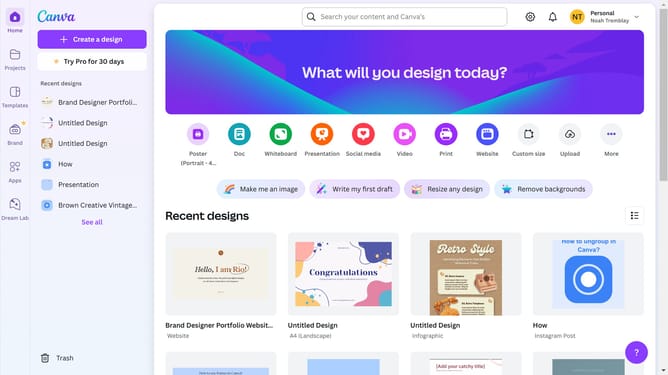
- Then click on the "View as list" button in the top-right corner of the projects page
Why should you view projects as list in Canva
Canva is a dynamic platform that empowers creativity and simplifies design for everyone.
The ability to view projects as a list in Canva offers users a streamlined way to organize and manage their creative tasks.
This feature provides a clear, concise overview of multiple projects, enabling efficient navigation and prioritization.
By facilitating easy access and quick assessment, it enhances productivity, ensuring that users can seamlessly focus on their creative endeavors.
Last update