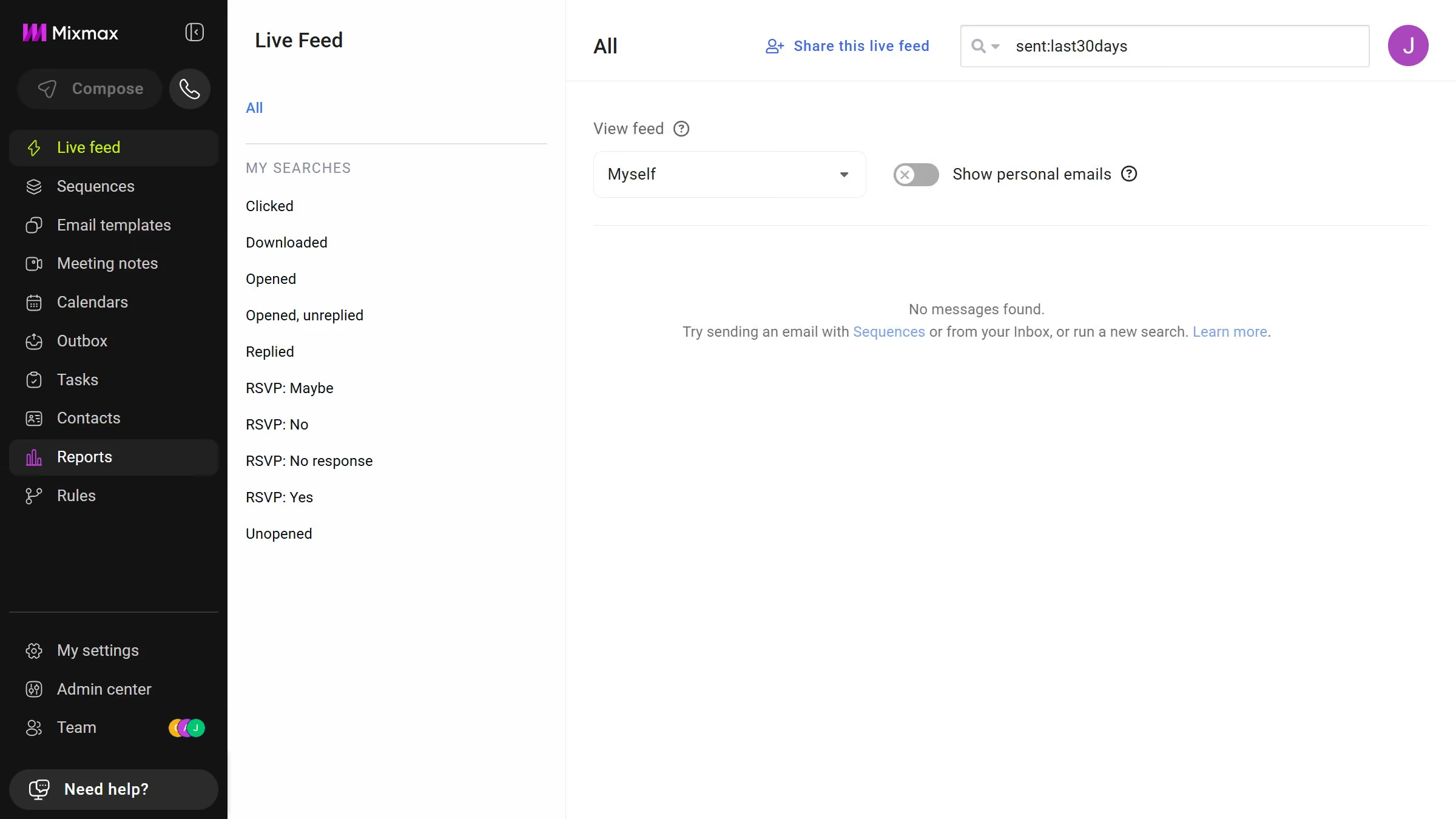
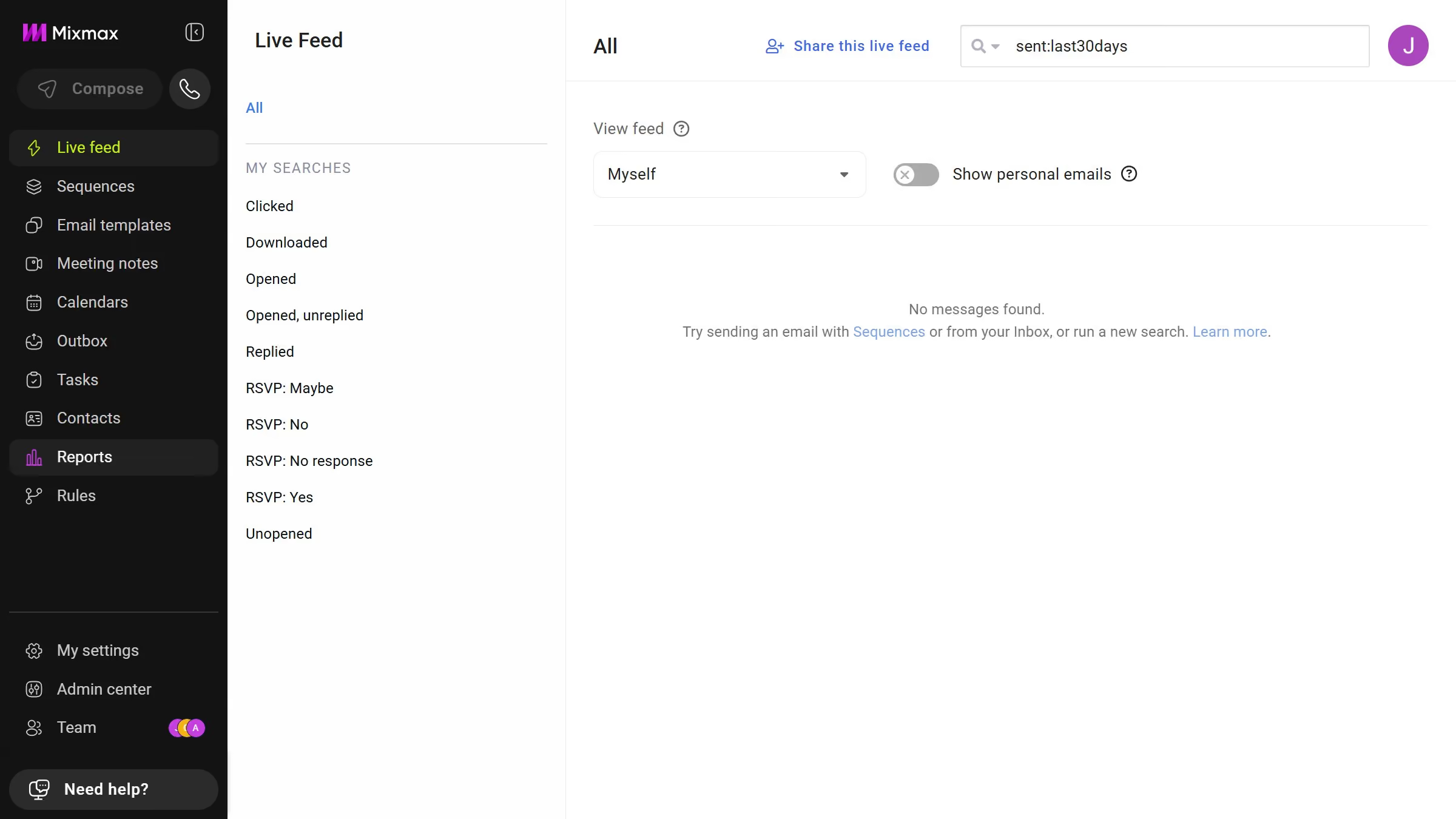
Here is how to view email templates from the last 12 months in mixmax
- First click on "Email templates" in the sidebar menu
- Next click on the "DATE RANGE" dropdown above the templates list
- Then select "Last 12 months" from the dropdown menu


Create your own interactive guide with Guideflow
Mixmax is a powerful tool designed to enhance email productivity and communication for professionals.
The ability to view email templates from the last 12 months in Mixmax offers a seamless way to access your past correspondences effortlessly. It allows you to revisit successful templates or gain insights from previous emails, ensuring consistency in communication.
This feature is invaluable for maintaining brand voice and saves time by allowing quick reuse of effective templates. Moreover, it aids in tracking email performance trends over time, contributing to strategic planning and improvement.
Why leading companies build with Guideflow