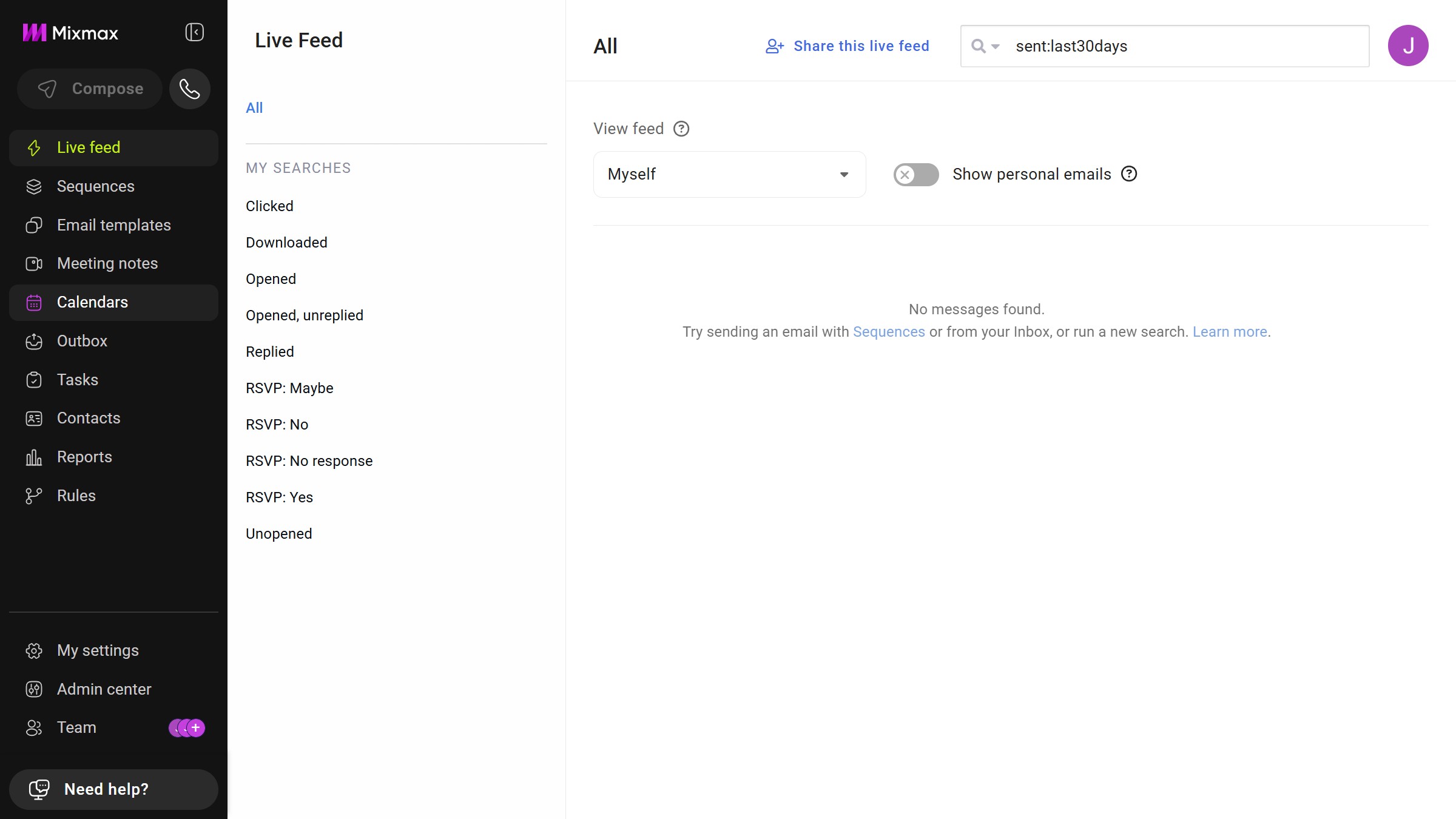
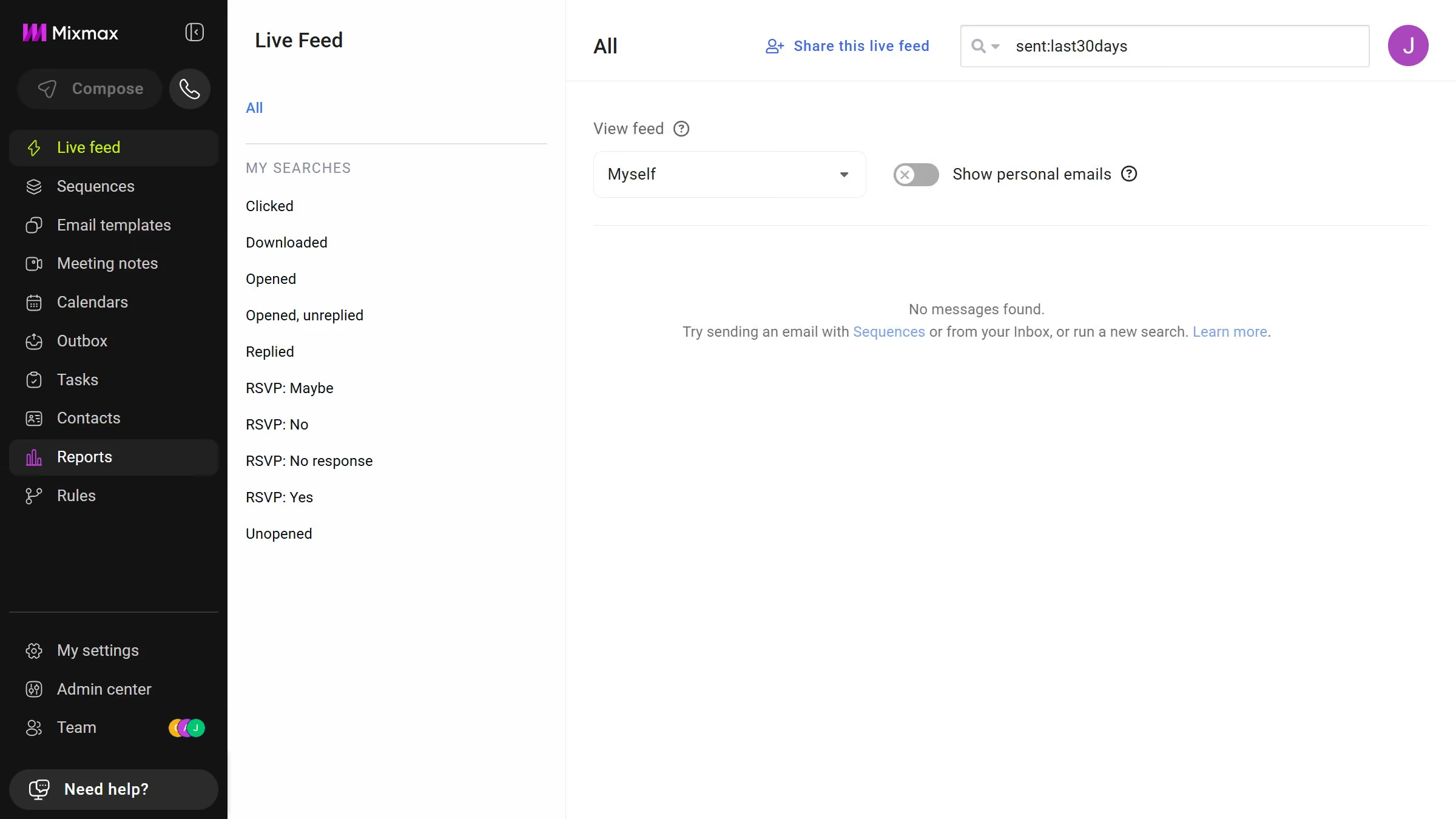
Here is how to view email templates from yesterday in mixmax
- First click on "Email templates" in the sidebar menu
- Next click on the "DATE RANGE" dropdown above the templates list
- Then select "Yesterday" from the dropdown menu


Create your own interactive guide with Guideflow
Mixmax is a powerful email tool designed to enhance productivity and streamline communication.
One of Mixmax's beneficial features is the ability to view email templates from yesterday, which allows users to easily revisit recent interactions.
This feature is particularly advantageous for maintaining consistent communication, ensuring follow-ups are timely and relevant.
By quickly accessing yesterday's templates, you can optimize your workflow, save time, and focus on crafting impactful messages.
Why leading companies build with Guideflow