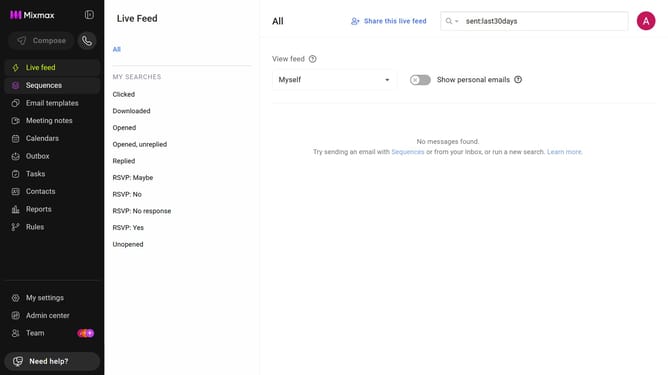
How to track when recipients click links in sequence emails in Mixmax
Here is how to track when recipients click links in sequence emails in mixmax
- First click on the "Sequences" in the left sidebar
- Next, click on the sequence you want to configure
- Click on the "Settings" tab in the sequence configuration
- Then select the "Tracking" option from the settings sidebar
- Finally, check the "Track clicks" checkbox to enable click tracking
Why should you track when recipients click links in sequence emails in Mixmax
Mixmax is an innovative tool designed to enhance email productivity and engagement.
One standout feature is its ability to track when recipients click links in sequence emails. This feature provides invaluable insight into recipient interaction and engagement patterns.
By understanding which links are clicked and when, you can refine your communication strategy, ensuring that your content resonates effectively with your audience. Leveraging this data helps optimize future email campaigns and boosts overall email success.
Last update