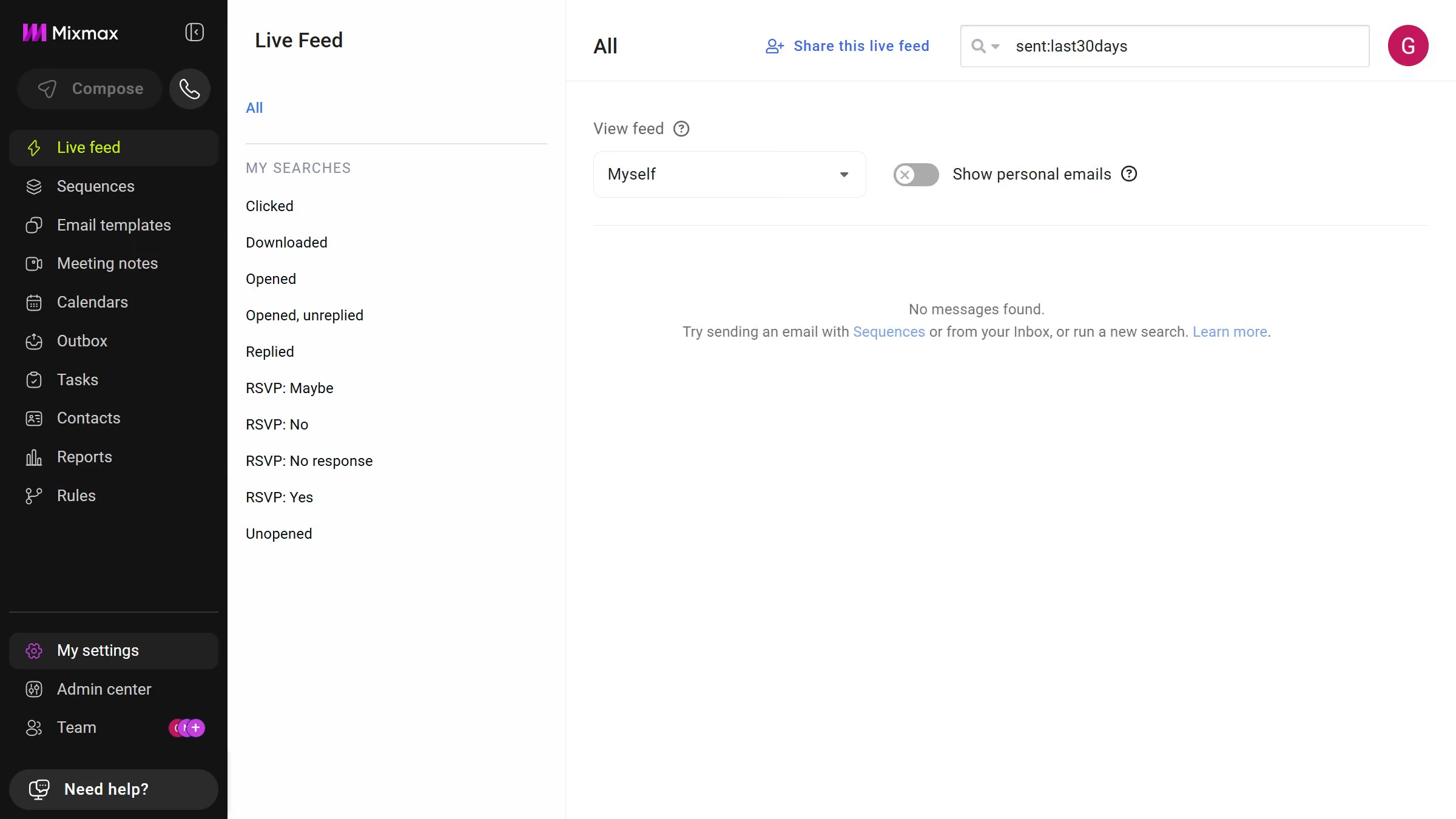
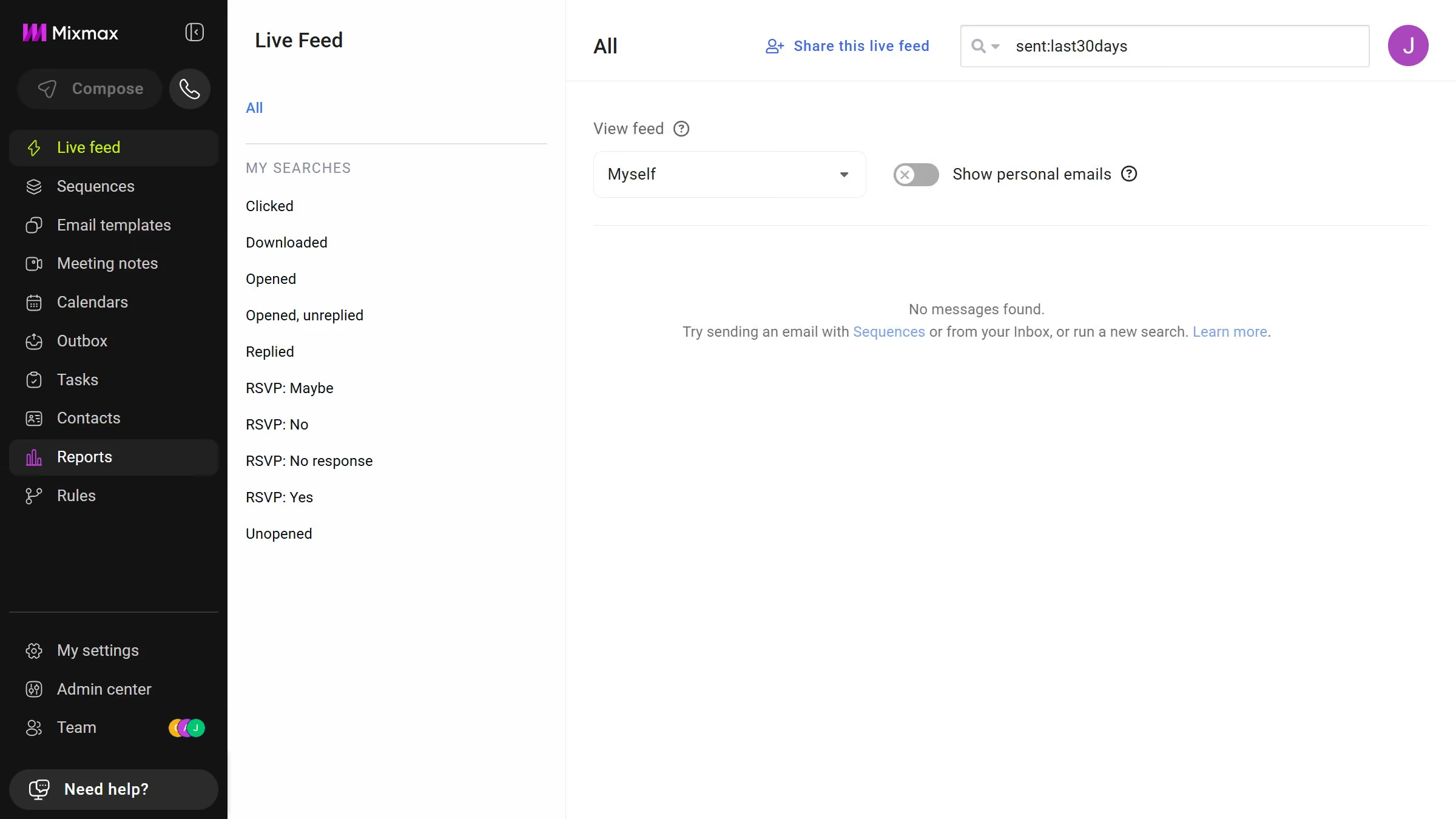
Here is how to filter sequences by folder in mixmax
- First click on "Sequences" in the sidebar menu
- Next, locate the "MY FOLDERS" section in the left sidebar
- Then, click on the folder you want to view


Create your own interactive guide with Guideflow
Mixmax is a dynamic tool designed to enhance your email productivity and communication efficiency.
An outstanding feature of Mixmax is the ability to filter sequences by folder, allowing users to organize their campaigns seamlessly. This feature leads to a more streamlined workflow, as it categorizes sequences into easily navigable folders.
By managing sequences with this feature, users can quickly access and review related communications, saving time and enhancing productivity. It's an essential component for maintaining an organized and efficient emailing process.
Why leading companies build with Guideflow