How to set sunday as the starting day of the week in your Mixmax calendar
Here is how to set sunday as the starting day of the week in your mixmax calendar
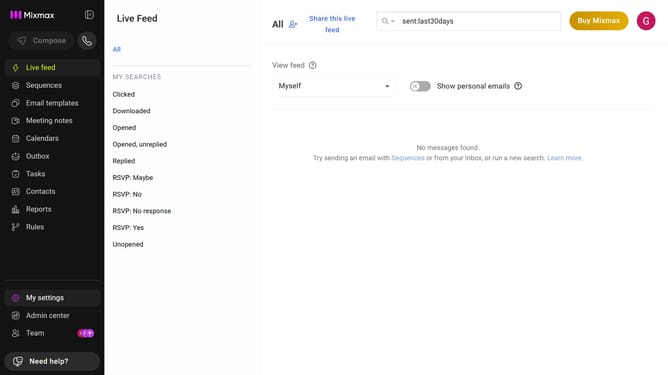
- First click on "My settings" button in the left sidebar
- Next click on the "Calendar" in the settings menu
- Then locate the "Display options" section
- Finally select "Sunday" to set it as the starting day of the week
Why should you set sunday as the starting day of the week in your Mixmax calendar
Mixmax is an innovative platform designed to supercharge your productivity by seamlessly integrating with your email and calendar.
Setting Sunday as the start of your week in the Mixmax calendar allows you to tailor your schedule to better reflect personal or regional preferences.
This customization can enhance clarity and improve your weekly planning by aligning your calendar view with the way you conceptualize your week's beginning.
Overall, this feature is a game-changer for those wanting a more intuitive calendar experience, optimizing focus and alignment with personal time management strategies.
Last update