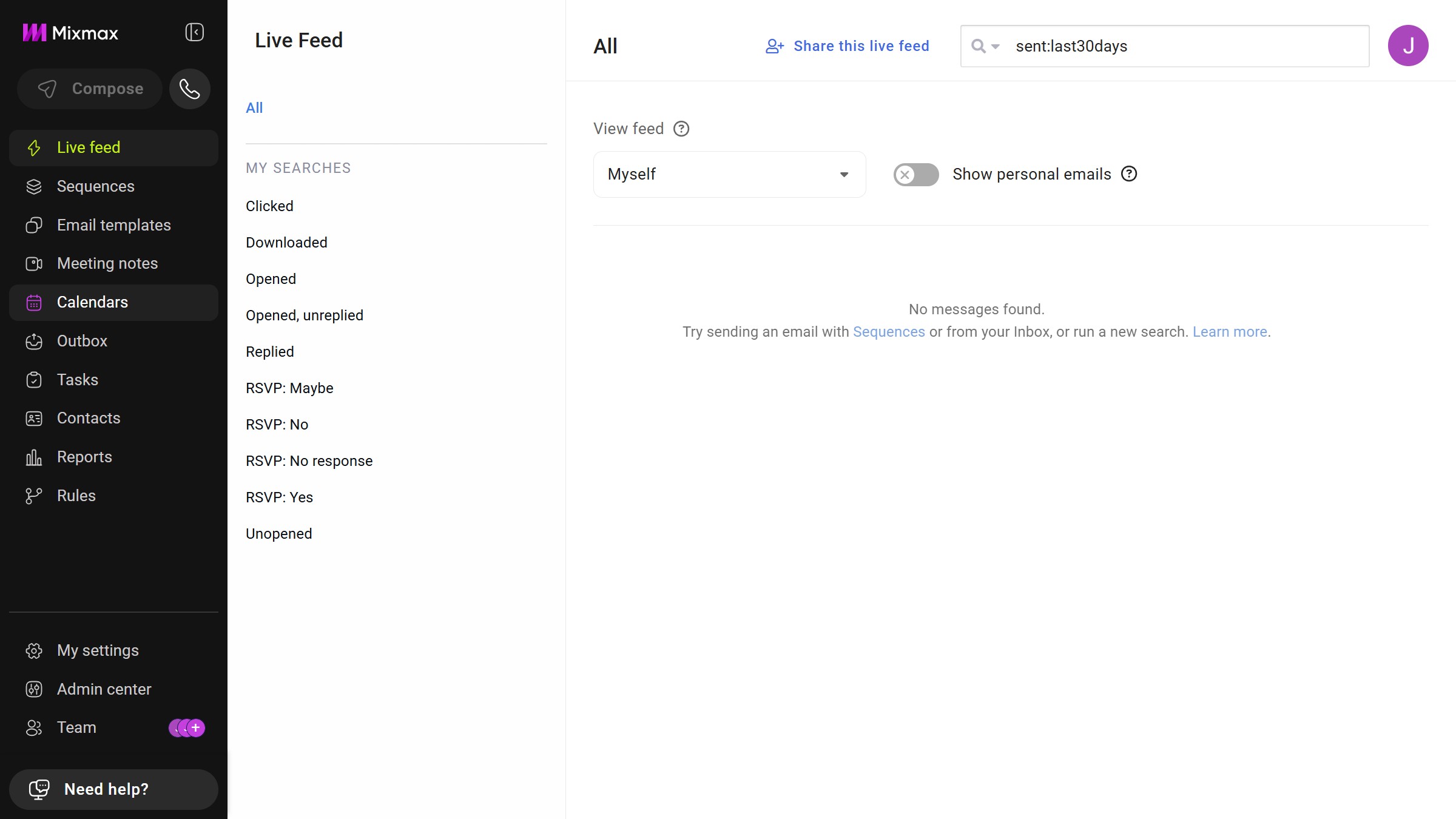
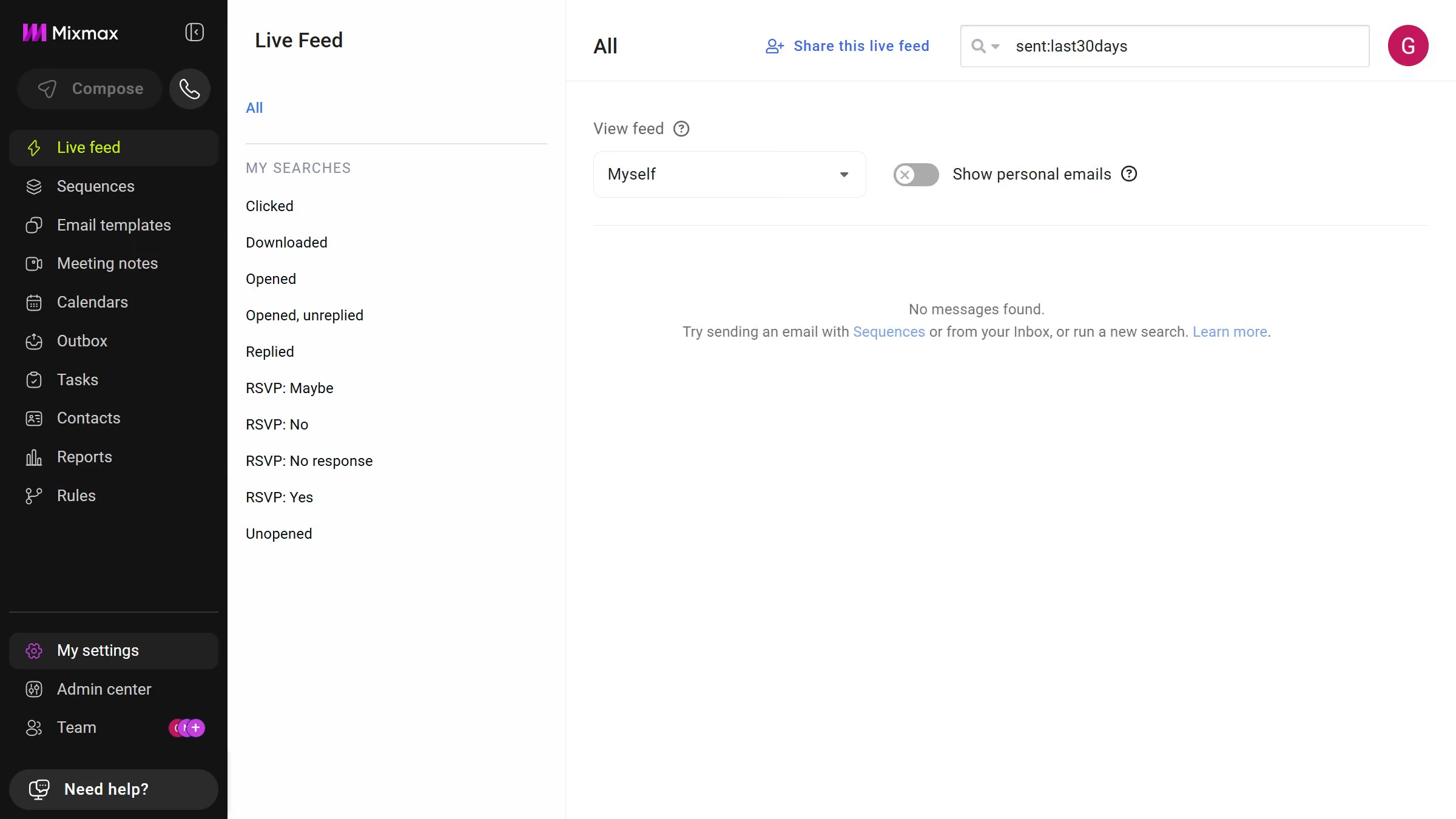
Here is how to view sequences in a specific folder in mixmax
- First click on "Sequences" in the sidebar menu
- Next, locate the "MY FOLDERS" section in the left sidebar
- Then, click on the folder you want to view


Create your own interactive guide with Guideflow
Mixmax is an intuitive tool designed to streamline your email communications and boost productivity.
Viewing sequences in a specific folder within Mixmax is a powerful feature that enhances organizational efficiency. By effortlessly navigating to the sequences you need, you can maintain focus on relevant tasks and projects.
This capability not only saves time but also allows for a more structured approach in managing your email outreach strategies. Ultimately, this streamlines workflow, ensuring smoother and more effective communication.
Why leading companies build with Guideflow