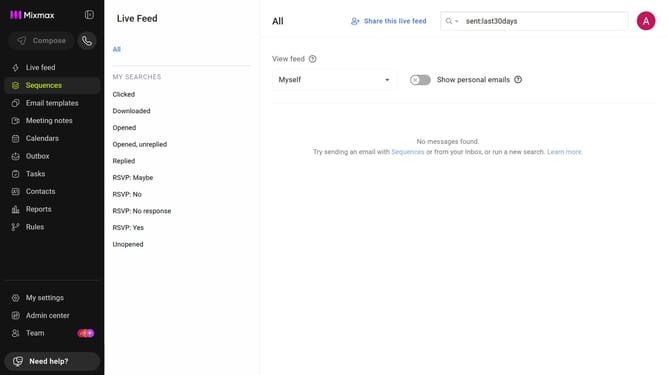
How to sync all emails to Mixmax Reports and Live Feed in Mixmax
Here is how to sync all emails to mixmax reports and live feed in mixmax
- First, click on "Admin center" in the sidebar menu
- In the sidebar, click on "Roles"
- Next, click on the "Mixmax" tab
- Then locate the "Mixmax Settings" section
- Finally, check the "Sync all emails to Mixmax Reports and Live Feed whether or not I sent them with Mixmax." checkbox
Why should you sync all emails to Mixmax Reports and Live Feed in Mixmax
Mixmax is a powerful tool designed to enhance email communication and productivity.
The feature of syncing all emails to Mixmax Reports and Live Feed streamlines tracking correspondence effortlessly. By centralizing email interactions, it provides clear insights into communication patterns.
This synchronization enhances visibility, enabling teams to optimize their workflow by analyzing real-time data and historical trends. As a result, businesses can make informed decisions, improving engagement and efficiency.
Last update