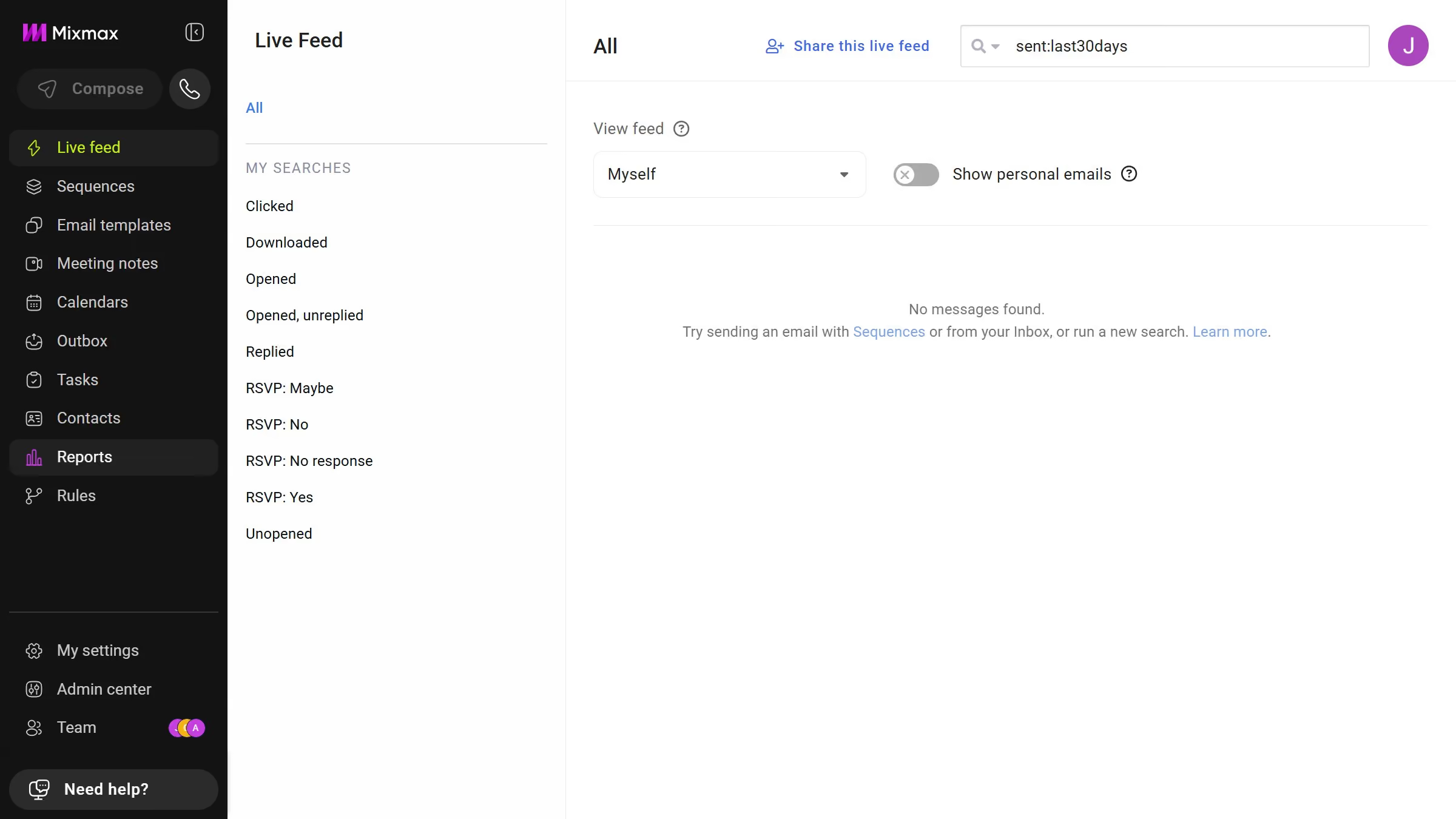
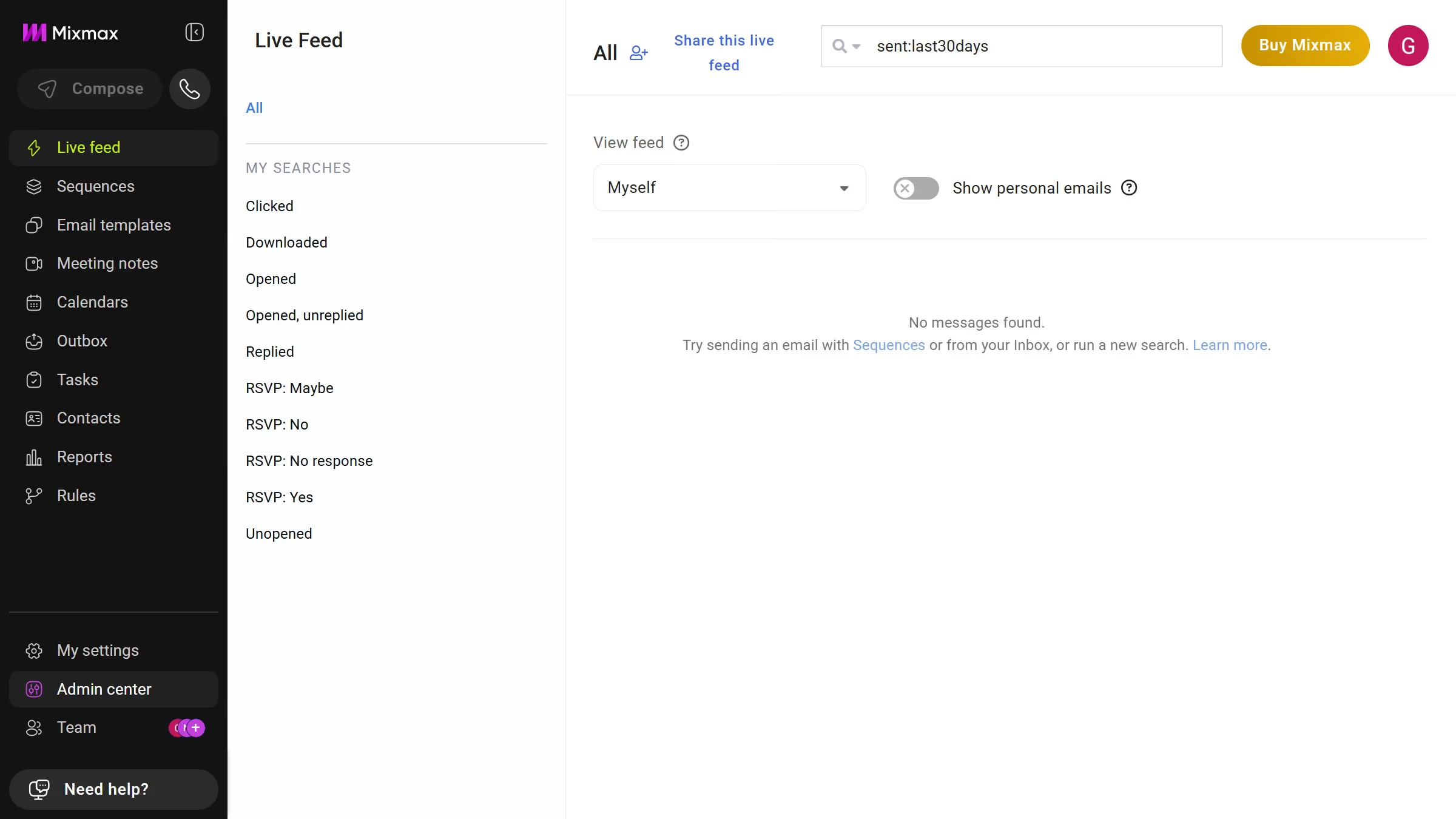
Mixmax is a dynamic tool designed to enhance productivity and streamline communication.
Inviting a team to a sequence in Mixmax fosters collaborative efficiency by enabling shared access to email sequences. This feature centralizes the workflow, allowing team members to seamlessly organize and monitor email interactions. The shared sequences ensure that everyone is aligned with messaging, which enhances consistency and precision in communications.
By utilizing this feature, teams can collaborate more effectively, ensuring that each member is in sync with ongoing sequences. This improves coordination and ensures everyone is on the same page, boosting overall team performance.