How to disable the daily meeting limit in Mixmax
Here is how to disable the daily meeting limit in mixmax
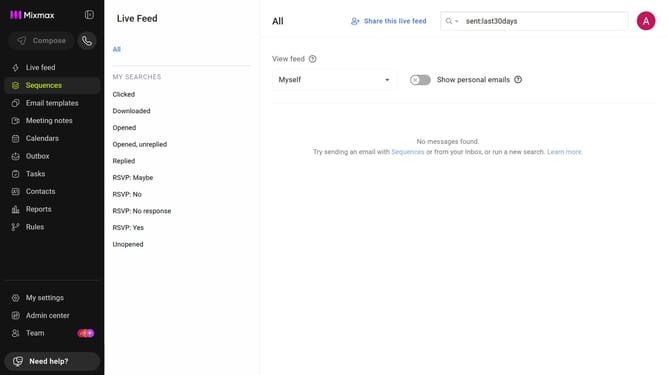
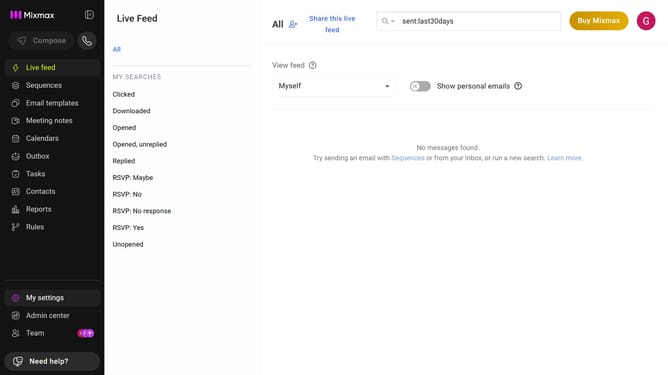
- First click on "My settings" in the sidebar menu
- Next click on "Calendar" in the left settings menu
- Then locate the "Calendar" section
- Finally, toggle off "Enable daily maximum meetings" to remove the limit on the number of meetings per day
Why should you disable the daily meeting limit in Mixmax
Mixmax is a powerful tool designed to streamline and enhance your email and scheduling productivity.
Disabling the daily meeting limit in Mixmax can free up your calendar, allowing for additional flexibility in managing your time.
This feature benefits professionals who wish to maximize their scheduling capacity, tailoring their day according to dynamic requirements.
By adjusting your settings, you open up possibilities for spontaneous engagements and ensure that crucial meetings fit seamlessly into your schedule.
Last update