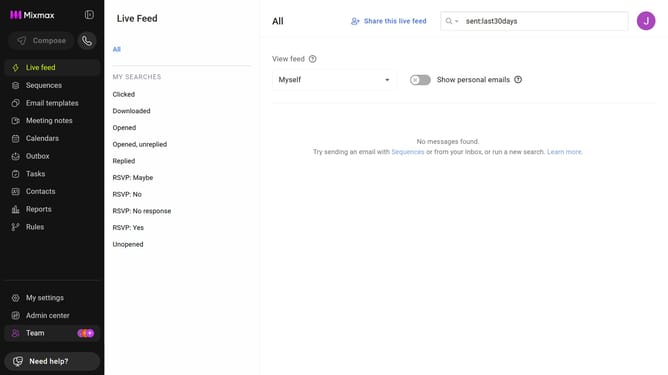
How to filter reports for this month in Mixmax
Here is how to filter reports for this month in mixmax
- First click on "Reports" in the sidebar menu
- Next click on the "Dashboard" tab in the left corner
- Then, click on the "DATE RANGE" dropdown at the top of the page
- Finally, select "This month" from the date range options
Why should you filter reports for this month in Mixmax
Mixmax is a versatile platform designed to streamline productivity and enhance communication efficiency.
Filtering reports for this month in Mixmax is a feature that empowers users with timely insights and precise data analysis. By narrowing down your reports to the current month, you can easily monitor your progress, make informed decisions, and stay aligned with your monthly goals.
This feature is incredibly beneficial for maintaining focus and ensuring that your strategies are on track, enabling a dynamic workflow and fostering greater organizational success.
Last update