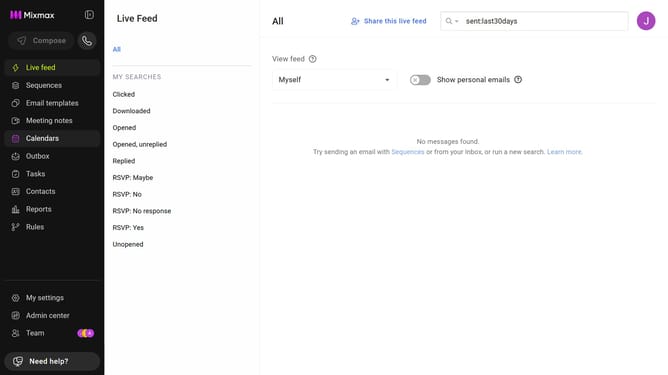
How to hide sent email data in Mixmax Reports
Here is how to hide sent email data in mixmax reports
- First click on "Reports" in the sidebar menu
- Next, click on the "Dashboard" tab
- After that, scroll down to the "Email Analysis" chart
- Locate the "Sent" checkbox below the chart
- Then uncheck the "Sent" option
Why should you hide sent email data in Mixmax Reports
Mixmax is an innovative email enhancement tool designed to boost productivity and streamline communication.
A notable feature in Mixmax is the ability to hide sent email data in reports, providing users the flexibility to maintain privacy and focus only on the most relevant interactions.
This feature is particularly beneficial for teams dealing with sensitive information, as it enables them to protect their email insights while still gaining valuable overall data analytics.
Ultimately, hiding sent email data in Mixmax Reports ensures a streamlined report, highlighting only crucial email metrics desired for analysis.
Last update